
Text to speech reading
Speechify can read PDFs, documents, web pages, emails, and other text aloud with natural-sounding voices so users can listen instead of reading on screen.

Speechify is a text-to-speech and voice typing assistant that reads books, PDFs, web pages, and more aloud, with dictation, summaries, and voice workflows. Free and premium plans available.
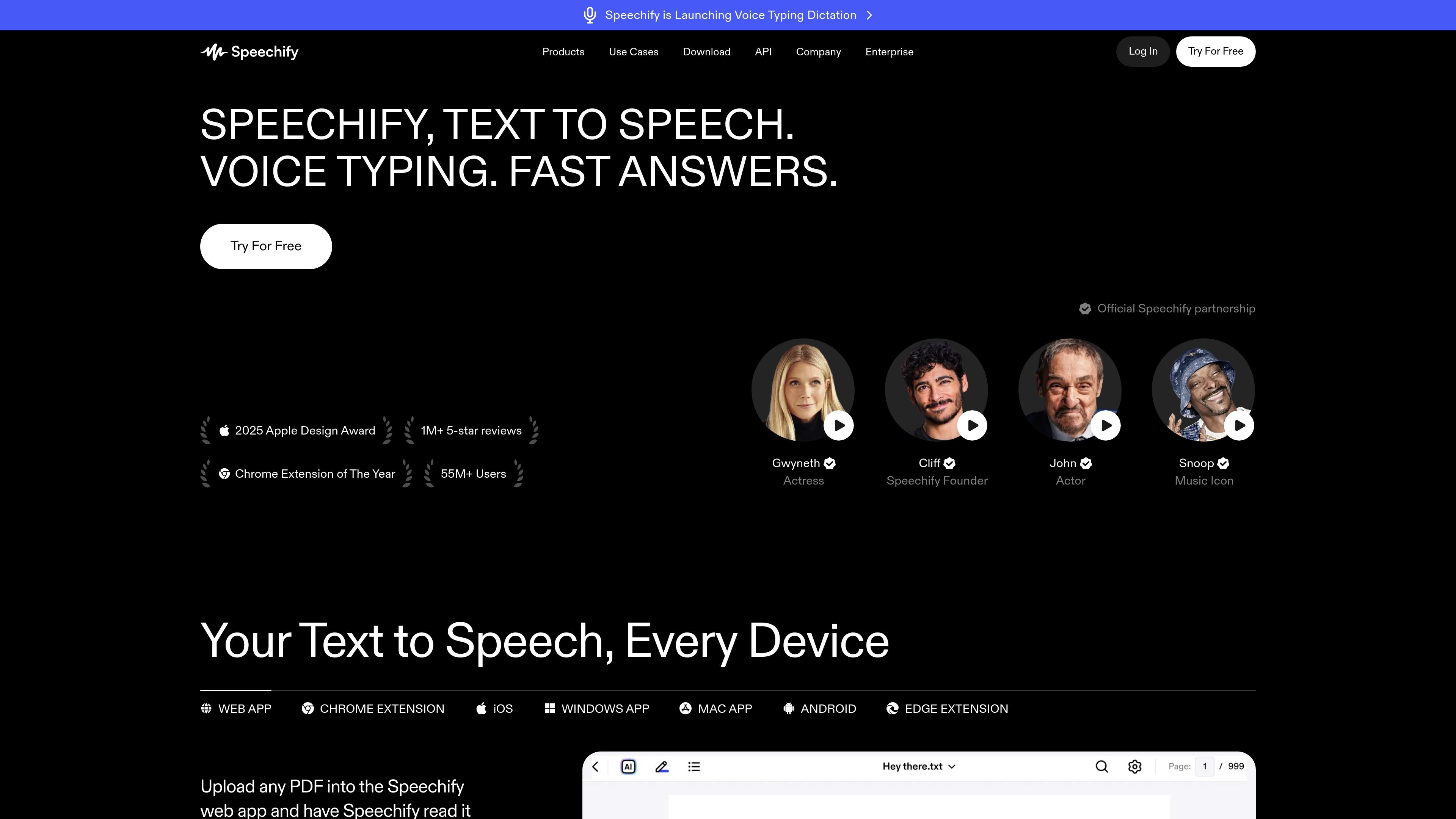
Speechify is a text-to-speech and voice typing product that turns written content into audio and lets users dictate text in place of typing. The site positions it as a voice AI assistant for reading, writing, summarizing, and answering questions across web, desktop, and mobile workflows.
At its core, Speechify is built for people who want to listen to books, PDFs, web pages, and other documents, or speak their thoughts into apps such as Gmail, Google Docs, Slack, and Notes. The product pages also describe related workflows such as scan-and-listen, AI summaries, AI podcasts, and meeting notes, with free and premium tiers available depending on the features needed.
Speechify can read PDFs, documents, web pages, emails, and other text aloud with natural-sounding voices so users can listen instead of reading on screen.
Voice typing lets users dictate into apps and websites, with Speechify cleaning up punctuation and minor mistakes as they speak.
The product supports listening speed control, with the free plan shown at up to 1.5x and premium advertising speeds up to 5x depending on context.
Speechify can summarize what you are reading and answer questions about the content, which the site presents as part of its Voice AI Assistant workflow.
The platform includes scan-and-listen workflows for snapping a photo and reading it aloud, plus support for turning documents into podcasts.
Premium pricing materials mention integrations with Google Drive, Dropbox, and Microsoft OneDrive, alongside use across browser and desktop environments.
Listen to books, PDFs, articles, and web pages when you would rather hear content than read on screen. This is the main fit for long-form reading and multitasking.
Dictate emails, drafts, notes, and messages into desktop or mobile apps when typing is slow or inconvenient. Speechify is presented as working inside common apps rather than a separate writing space.
Turn highlighted text or a document into a summary or ask questions about what you are reading to get a quicker grasp of the material. This supports study, review, and rapid research workflows.
Create spoken versions of documents or short descriptions as AI podcasts, which can be useful for listening to material in a more audio-first format.
Capture spoken notes or meeting points and use the product’s note-taking and meeting-summary workflows to keep a cleaner record of conversations.
Speechify is designed to be installed as an app or browser extension, then used by pressing play or starting dictation. The pricing and product pages describe it as working across devices and browsers, including web, Chrome, iOS, Windows, macOS, Android, and Edge.
Yes. The source materials describe Speechify as a voice AI assistant that can read text aloud, support voice typing, summarize content, create AI podcasts, and answer questions about what you are reading.
Speechify Voice Typing is described as working in apps and websites where you can use a keyboard, including Gmail, Google Docs, Notion, Slack, ChatGPT, Word, and email. The Chrome extension and desktop apps also support reading aloud and dictation workflows.
The pricing page shows a free plan with text-to-speech features and a premium plan with additional capabilities such as more voices, faster playback, summaries, voice typing, AI podcasts, and integrations. The exact fit depends on whether you only need basic reading or also want the broader assistant features.
Speechify’s FAQ describes the service as available for personal use and also mentions API and SDK use for enterprise, but the source does not provide detailed team or deployment limits here.
Los datos de tráfico son solo como referencia.
| mar | 7359760 |
|---|---|
| abr | 6901811 |
| may | 6684005 |