
Infinite canvas workspace
Work on an infinite canvas where notes, PDFs, images, videos, docs, and other materials can sit together in one workspace.

Scrintal is a visual note-taking and research workspace for organizing ideas, sources, and writing on an infinite canvas. It is aimed at researchers, students, and professionals who want linked notes and real-time collaboration.
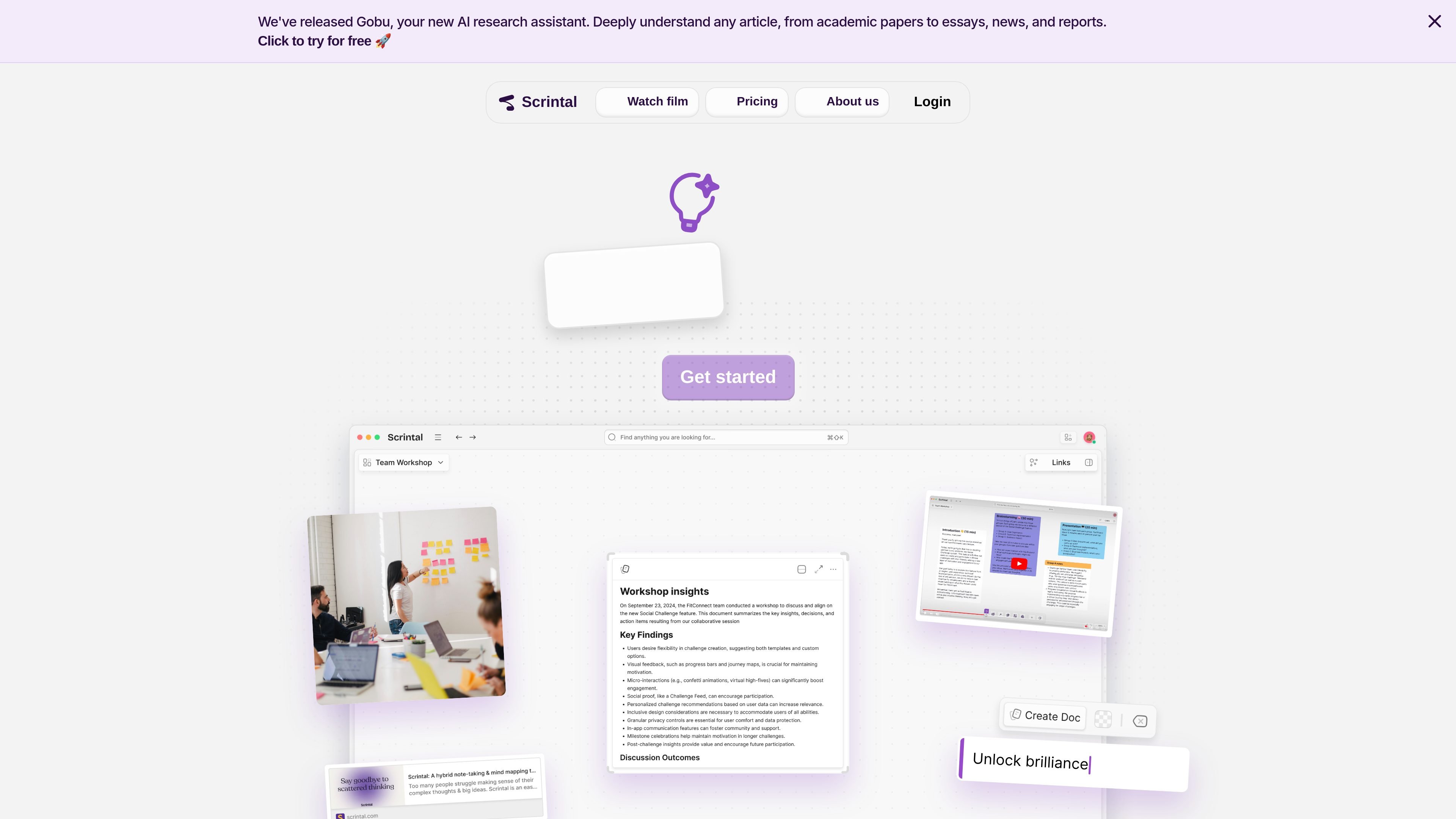
Scrintal is a visual note-taking and research workspace built around docs, boards, and an infinite canvas. It is designed to help people capture ideas, organize sources, and make connections between notes instead of keeping information in separate linear documents.
The site positions the product for researchers, students, and professionals who want to think visually, study or write from collected materials, and collaborate with others in real time. Public pages also highlight Gobu, an AI research assistant for understanding articles and supporting study workflows.
Work on an infinite canvas where notes, PDFs, images, videos, docs, and other materials can sit together in one workspace.
Create docs and boards, then turn blocks into docs with a click when you want to move from ideas to more structured writing.
Connect ideas with arrows and bi-directional links so relationships between concepts stay visible as your notes grow.
Store unlimited docs, boards, and file uploads on the paid plan, according to the pricing page.
Collaborate with friends or colleagues in real time, with the paid plan also listing priority support and community calls.
Use the AI Assistant and Gobu, the AI research assistant, to help streamline article understanding, summarization, and other repetitive research work.
Collect PDFs, notes, images, and videos in one canvas, then connect related ideas with arrows and links while you review source material.
Build an essay outline from scattered ideas, turn blocks into docs, and move from rough notes to a more organized writing draft.
Use the canvas to brainstorm freely before pulling ideas into a structured plan or project outline.
Organize a personal or professional knowledge base where concepts can be nested, linked, and revisited over time.
Invite teammates to work in the same space when a shared board or document needs live input and discussion.
Scrintal is a visual note-taking and research tool that combines docs, boards, arrows, and bi-directional links on an infinite canvas. It is presented as useful for students, researchers, and professionals who want to organize ideas visually.
The source shows desktop downloads for macOS and Windows, and the product pages reference an infinite canvas and real-time collaboration. The public materials do not provide a complete platform matrix beyond that.
Yes. The home page says teams can collaborate in real time, and the pricing page lists real-time collaboration in the paid plan.
The home page includes a feature description for an AI Assistant that streamlines repetitive work, and the pricing page announces Gobu, an AI research assistant for understanding articles and studying. The pages do not spell out every capability in detail.
The site lists support for importing archives or Markdown files and also mentions export as a user question in the FAQ area, but it does not provide full step-by-step details on the public pages shown.