
Automatic distribution
RSS.com can send new episodes to major listening apps and directories, including Spotify, Apple Podcasts, Amazon Music, and YouTube Podcasts, so you do not need to publish separately to each platform.

RSS.com is a podcast hosting platform to publish, distribute, and monetize shows from one dashboard. Free start, auto distribution, analytics, and team tools.
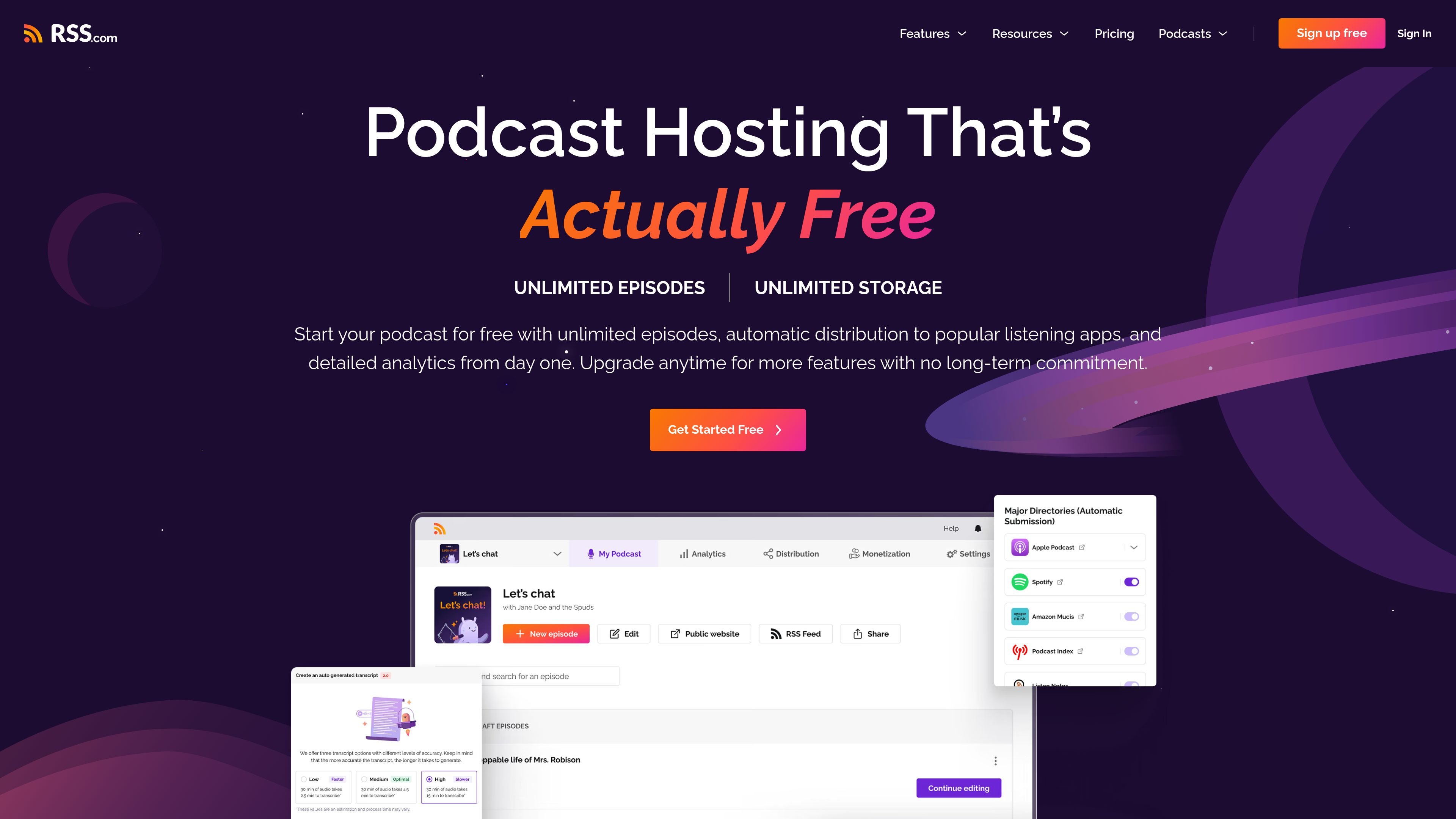
RSS.com is a podcast hosting platform for creators who want to publish, distribute, and monetize a show from one place. The site emphasizes unlimited episodes, automatic distribution to major listening apps, analytics, and a free starting option.
The product is designed for individual podcasters, teams, and podcast networks. Its plan pages show free and paid tiers, with features that include a public RSS feed, episode scheduling, transcripts, embeddable players, collaboration tools, and support for monetization through ads, subscriptions, donations, and affiliate programs.
RSS.com can send new episodes to major listening apps and directories, including Spotify, Apple Podcasts, Amazon Music, and YouTube Podcasts, so you do not need to publish separately to each platform.
Cross-platform and real-time reporting helps you review subscribers, audience trends, and episode performance after you start publishing.
You can publish ads dynamically, add Apple Podcasts subscriptions, enable listener donations, and use Value 4 Value or affiliate programs to create multiple monetization paths.
The platform includes AI-generated transcripts on paid plans and support for adding transcripts to episodes, which can help make shows easier to search and reuse.
RSS.com provides a public RSS feed, embeddable podcast players, a site for your podcast, social sharing, and episode scheduling from the hosting dashboard.
Higher-tier plans add collaboration features such as team member seats, an unbranded embedded player, API access, and unbranded YouTube videos for larger publishing workflows.
Use RSS.com to launch a first podcast without needing technical hosting setup. The platform provides a free entry point, automatic distribution, a public RSS feed, and basic analytics to help a new show get started quickly.
Publish episodes once and let RSS.com push them to major listening apps. This fits creators who want to reduce manual submission work and keep new releases synchronized across platforms.
Use the monetization features when you want to earn from a show through ads, subscriptions, listener donations, Value 4 Value, or affiliate offers. The source also notes dynamic ad insertion with as few as 10 downloads.
Choose the higher-tier plans if you need multiple team seats, an unbranded embedded player, API access, or unbranded YouTube videos for a larger publishing operation.
Move an existing podcast to RSS.com if you want to switch hosting providers. The site says the transfer is fast and that your show remains available during the move so followers do not miss new episodes.
Yes. The pricing page says you can start for free with no credit card required, and it also notes that you can try the features for free before choosing a paid plan.
RSS.com says it supports easy distribution to major podcast directories such as Spotify, Apple Podcasts, Amazon Music, and YouTube Podcasts, and that new episodes are automatically updated across connected platforms.
The source pages describe analytics as cross-platform or real-time reporting that helps you track performance, see audience insights, and identify trends as you publish episodes.
Yes. The pricing page lists team member seats on the Podcast Networks plan, and the features pages describe collaboration tools for managing a show with others.
The source says you can move an existing podcast to RSS.com and keep the show available during transfer, with a promotion offering 6 months free for switching.