
Single-image video creation
Upload a single product image and turn it into a short reveal video by selecting from preset effects.
Reveals is a browser-based tool for turning one image into animated reveal videos for products, logos, and YouTube intros with preset effects.
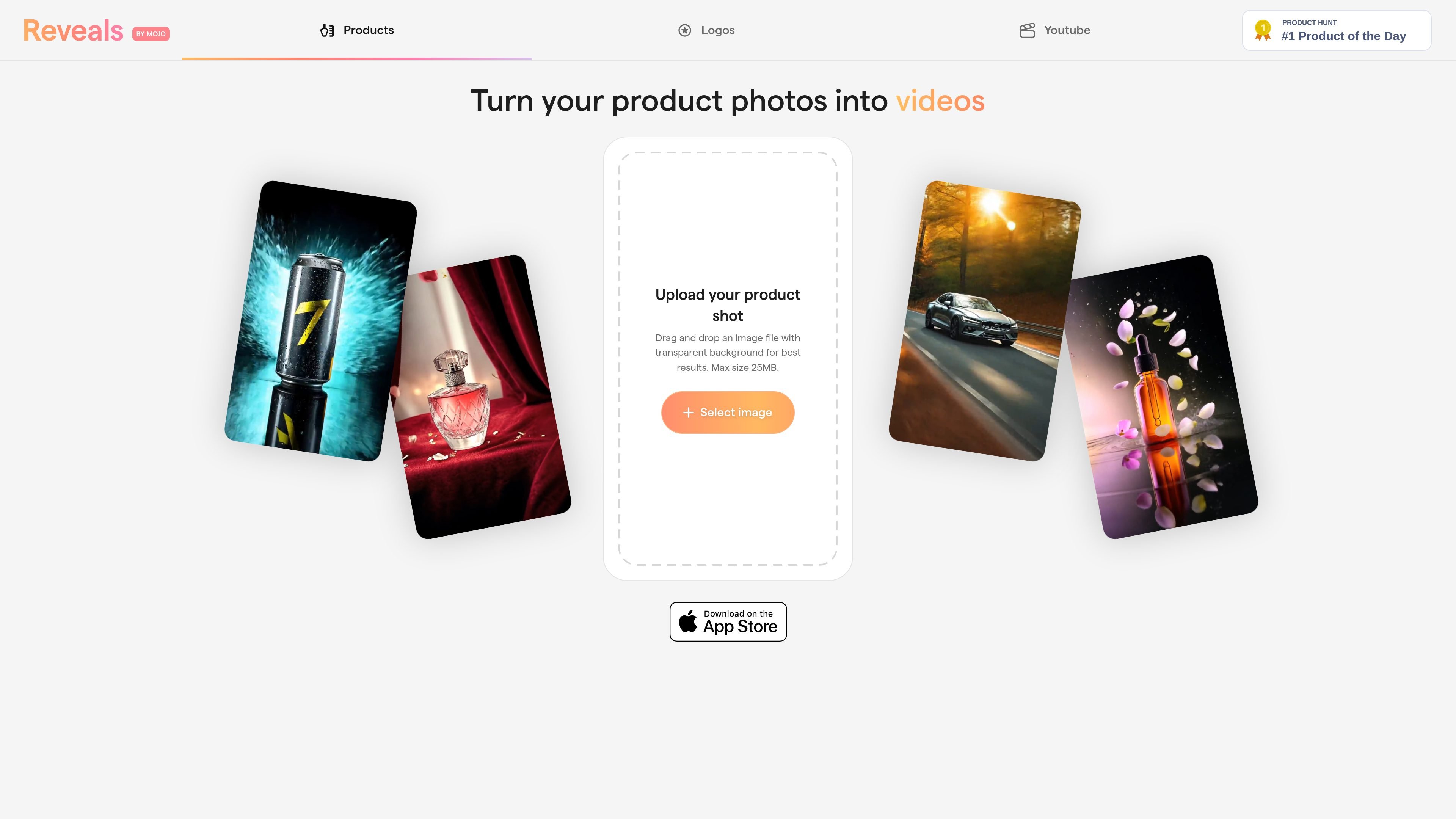
Reveals is a browser-based creative tool for turning a single image into a short animated reveal. The homepage positions it around product photos, while the related pages show the same workflow applied to logos and YouTube intros.
The core process is simple: upload a product shot, logo, or channel artwork, choose a preset effect, and generate a video. The site highlights effects such as smoke, glitter, lightning, and neon lights, and recommends transparent-background images for best results.
Upload a single product image and turn it into a short reveal video by selecting from preset effects.
Apply visual effects such as smoke, glitter, lightning, or neon lights using preset-based workflows.
Use transparent-background uploads for best results, according to the on-page guidance.
Work entirely in the browser, with the site describing the tool as browser-based on the related pages.
Export finished videos after choosing a preset, with the logo page explicitly mentioning video export.
Adapt the same workflow for product shots, logos, or YouTube channel artwork depending on the page and use case.
Create a short reveal clip from a product photo to present an item with a more animated opening than a static image provides.
Animate a brand logo with preset effects for an intro, bumper, or brand sting.
Turn channel artwork or a logo into a YouTube intro asset using the same preset-driven workflow.
Produce quick visual variations for social posts or promotional clips when you already have a single strong source image.
The site shows a browser-based workflow: upload a product shot or logo, choose a preset, and export a video. The homepage and related pages emphasize transparent-background images as the best starting point.
The visible pages describe uploads of a product image, logo, or channel artwork, depending on the page. They do not list broader format support or editing tools beyond selecting a preset effect.
The site presents product reveals, logo animations, and YouTube intros as related outputs. The specific visual effects mentioned include smoke, glitter, lightning, neon lights, and similar presets.
The pages say the tool runs in the browser, so there is no desktop installation shown in the source text. The source does not document team accounts, collaboration, or export settings.