
AI background removal
Remove image backgrounds and export transparent PNG cutouts for product photos, portraits, logos, food, and other design assets.

RemoveLayer is a web-based AI image editing platform for removing backgrounds, objects, text, and other unwanted elements from images. It is aimed at ecommerce, design, marketing, and content workflows that need clean, reusable visuals.
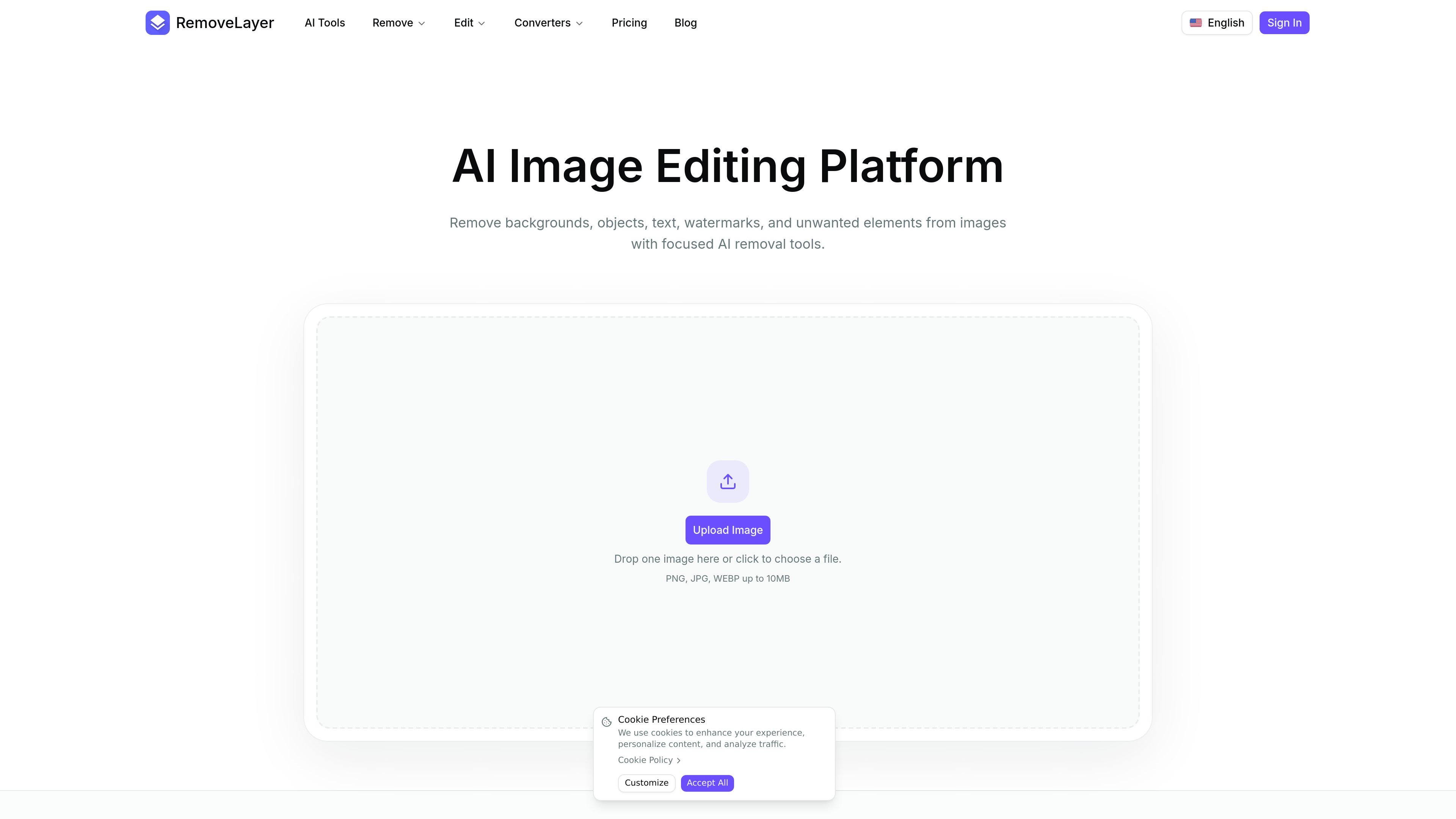
RemoveLayer is an AI image editing platform focused on removing specific unwanted elements from photos instead of offering broad general-purpose editing. Its main tools handle background removal, object cleanup, and text removal, with each workflow designed to produce a cleaner image that is easier to reuse in ecommerce, design, marketing, and content production.
The site presents RemoveLayer as a web-based upload-and-process workflow. Users upload PNG, JPG, or WEBP images, choose a removal task, review the result, and download a cleaned cutout or edited image. Product-specific pages show common uses such as Amazon listing photos, Shopify storefront images, product photography, portraits, logos, and other business visuals.
Pricing is organized around subscriptions and credits. The pricing page lists monthly plans with annual billing options, generated-image storage retention, email support, and commercial use rights for generated outputs.
Remove image backgrounds and export transparent PNG cutouts for product photos, portraits, logos, food, and other design assets.
Paint over unwanted objects, props, people, marks, or watermarks and clean the selected area while keeping the surrounding scene intact.
Remove visible text, captions, signs, labels, subtitles, and overlay text while preserving the rest of the image.
The site shows dedicated workflows for Amazon product photos, Shopify product images, product photography, portrait cleanup, and logo cutouts.
The upload area accepts PNG, JPG, and WEBP files up to 10 MB and lets users start from a simple image-drop interface.
Pricing pages describe monthly plans, annual billing options, storage retention windows, email support, and commercial use rights for outputs.
Prepare transparent product cutouts for product detail pages, catalogs, ads, and other ecommerce assets where the subject needs to stand out clearly.
Create Amazon-ready product images by removing the existing background and checking edge quality before export.
Make Shopify product photos look consistent across storefront grids, collections, and hero images by removing distracting backgrounds.
Remove portrait backgrounds for profile pictures, team pages, slide covers, thumbnails, and other personal or business graphics.
Erase objects, text overlays, labels, captions, and subtitles from photos when you need a cleaner image for reuse or layout work.
RemoveLayer is designed for image cleanup workflows such as background removal, object erasing, and text cleanup. The home page and product-specific pages show upload-and-remove flows for product photos, portraits, logos, Amazon listings, and Shopify store images.
The site shows PNG, JPG, and WEBP uploads up to 10 MB in the main upload area. The core workflow is to upload an image, remove the unwanted layer, review the result, and download a clean cutout or cleaned image.
Yes. The pricing page says commercial use rights are included for generated outputs, with plans describing use for product pages, ads, client work, social content, and business materials.
The pricing page says subscriptions include access to support, and the FAQ section mentions email support. It also presents subscription plans alongside a credits-based option, so pricing is available as both ongoing plans and one-time credit purchases.
The source pages do not describe a dedicated desktop app or browser extension. The product appears to be an online image editing workflow accessed through the website.