
React-based video composition
Build video templates with React components, using code instead of a timeline-only editor. The fundamentals docs describe a video as images over time, driven by a frame number and React rendering.

Remotion is a programmatic video creation tool with React components and render workflows. Build reusable video templates, preview them, and render locally, on servers, or serverlessly.
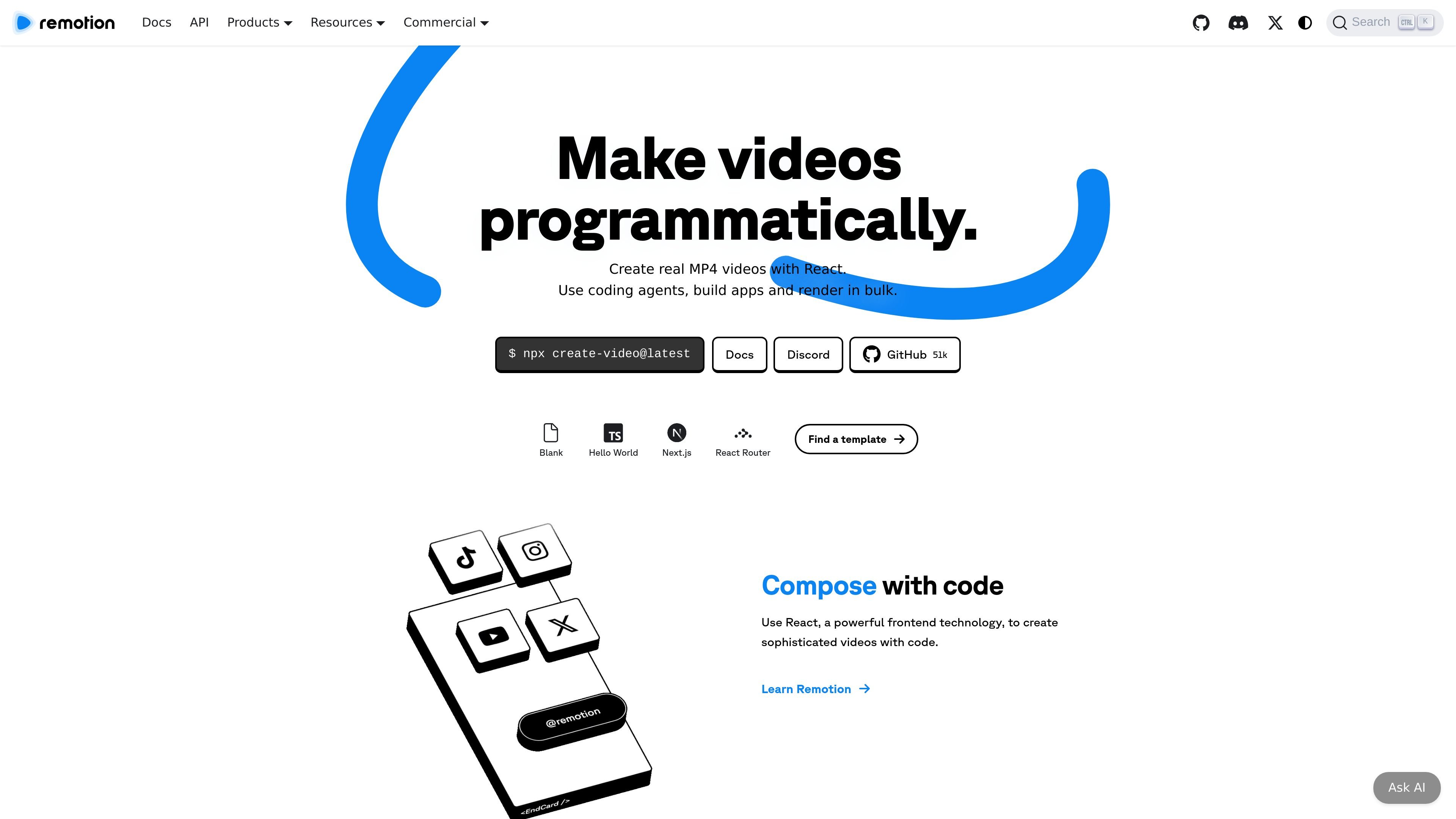
Remotion is a developer tool for making videos programmatically with React. It starts from a blank canvas and a frame number, letting you build video compositions as React components and then render them into files such as MP4.
The product is designed for reusable video templates, app-driven editing, and automation workflows. It can be used to preview compositions interactively, expose configurable props to external interfaces, and render locally, on infrastructure you control, or through serverless options.
Build video templates with React components, using code instead of a timeline-only editor. The fundamentals docs describe a video as images over time, driven by a frame number and React rendering.
Use Remotion Studio to design a reusable composition, then expose props such as text, images, colors, timing, and layouts for editors or automations.
Parameterize videos by passing data into compositions, which makes the same template usable for different outputs, generated variations, and app-driven edits.
Preview work in the Remotion Player and render videos as MP4 or other formats, including image sequences, GIFs, audio-only exports, still images, and transparent videos where supported.
Render locally, on a server, serverlessly, through the CLI, with SSR, via AWS Lambda, GitHub Actions, or Cloud Run.
Use the `create-video` starter flow and Agent Skills to scaffold a project with templates, Tailwind CSS, and the basic commands needed to start building.
Build reusable video templates in Remotion Studio, then expose the editable parts as props so the same composition can generate many variants.
Create productized video tools or internal workflows that accept data from an app interface and turn it into rendered videos automatically.
Preview compositions in the Player before rendering, which helps teams check motion, layout, and timing before exporting files.
Render videos through CLI, SSR, Lambda, GitHub Actions, or Cloud Run when you need local builds, CI jobs, or serverless execution.
Use the starter flow and docs to spin up a first project quickly, especially when working with coding agents or a scaffolded local setup.
Yes. The homepage says Remotion can render videos locally, on a server, or serverlessly, and the docs also describe rendering from the CLI, Remotion Studio, SSR, AWS Lambda, GitHub Actions, and Cloud Run.
The docs say you need at least Node 16 or Bun 1.0.3. Remotion also requires macOS 15 or later, and Linux distros need libc 2.35 or later plus additional packages; Alpine Linux and nixOS are unsupported.
Remotion is built around React components and video metadata. The fundamentals docs describe a composition as the combination of a React component and video metadata, registered in `src/Root.tsx`.
The homepage presents a Free License for individuals and companies of up to 3 people, a Company License for 4+ people, and a separate Enterprise License option. The site also lists product offerings for creators and automators.