
Inline formatting widget
A floating toolbar appears when you select text in supported social editors, letting you apply formatting without leaving the post composer.

Post Formatter is a Chrome extension for formatting social posts in place with Unicode styles, previews, drafts, and optional AI proofreading. No sign-up needed.
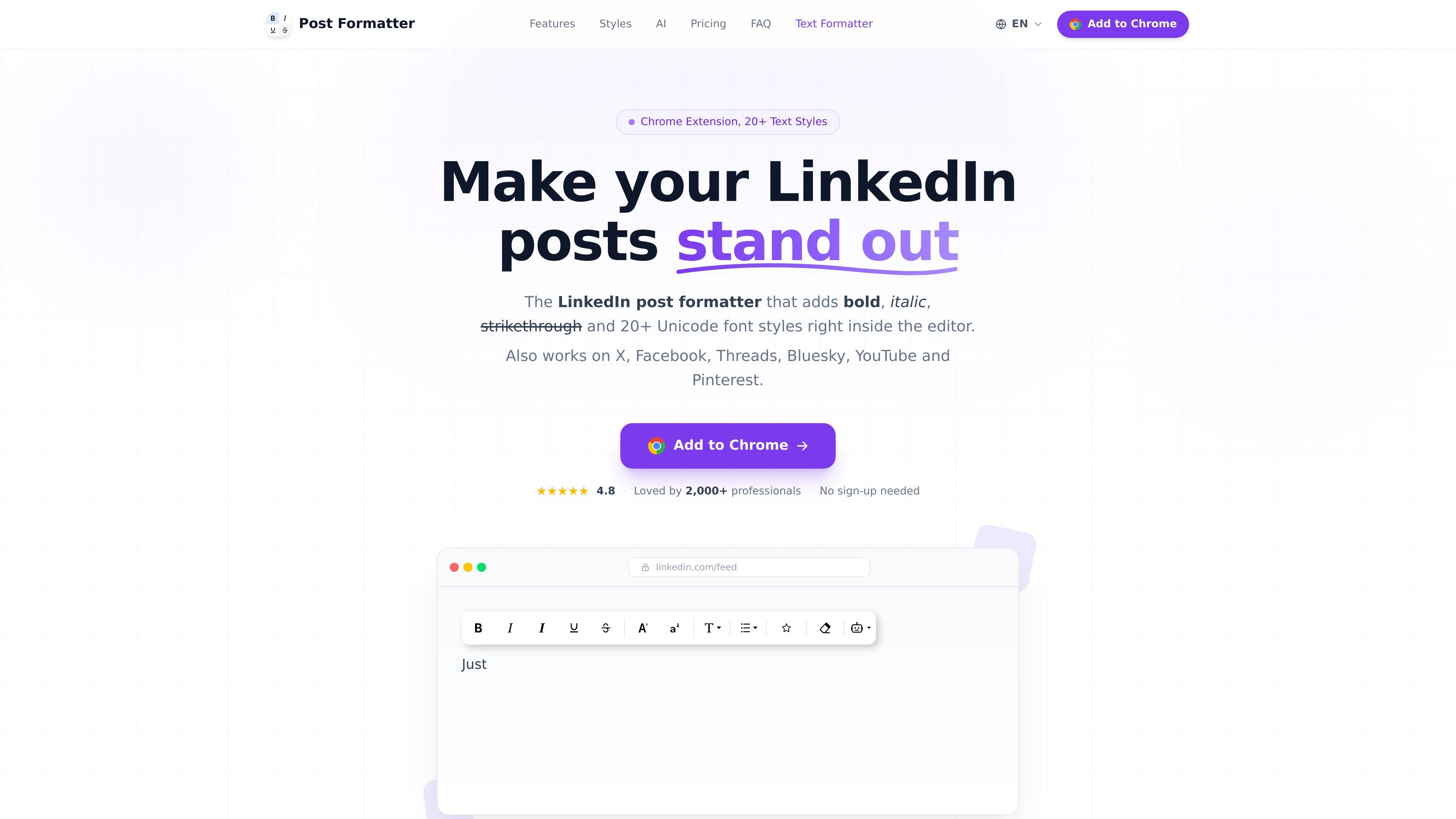
Post Formatter is a Chrome extension for formatting social posts directly inside the editor. It focuses on LinkedIn but also works on X, Facebook, Threads, Bluesky, YouTube, and Pinterest, using Unicode text styles that render across platforms.
The extension combines text formatting, live preview, drafts, Smart Paste, and optional AI proofreading in one workflow. It is positioned as a browser-based helper for people who want more control over how posts look before publishing, without relying on sign-up for the core formatting tools.
A floating toolbar appears when you select text in supported social editors, letting you apply formatting without leaving the post composer.
Adds Unicode-based text styles such as bold, italic, strikethrough, underline, monospace, script, fraktur, double-struck, bubble, square, small caps, wide text, and more.
Supports bullets, numbered, lettered, and emoji lists, plus a symbol library with search and recent items for quick reuse.
Shows a per-platform preview for LinkedIn, X, Threads, Facebook, and Bluesky, with dark mode rendering and layout details.
Converts formatting from Google Docs, Word, Notion, and Markdown into Unicode equivalents so pasted text keeps its structure.
Provides AI proofreading and auto-styling in the editor using the user's own OpenRouter API key on Pro.
Useful for people who want bold, italic, underline, or other Unicode styles in a LinkedIn post without switching to another editor.
Helpful when repurposing a draft from Google Docs, Word, Notion, or Markdown and wanting the pasted formatting to survive as Unicode text.
Suited to writers who want to check how a post will render on different networks before publishing, especially when text includes lists or styled phrases.
Useful for people who save multiple post ideas and want folders, tags, and ready status to organize them before publishing.
Helpful for users who want inline grammar and style checks and are willing to connect their own OpenRouter key for AI-assisted editing.
Yes. The core formatting tools are free forever with no sign-up. The free tier includes bold, italic, bold italic, strikethrough, underline, and case changes on all supported platforms.
The browser extension is installed from the Chrome Web Store, then you can start formatting inside supported social editors. The homepage describes a simple flow: install, select text, choose a style, and publish.
Post Formatter supports LinkedIn, X, Facebook, Threads, Bluesky, YouTube, and Pinterest. The site also says the extension works in Chrome, Edge, and Brave.
Pro includes AI proofreading and auto-style features, live LinkedIn preview, multi-platform previews, Smart Paste, drafts, and premium Unicode styles. The pricing page says monthly, yearly, and lifetime plans all unlock the same Pro toolkit.
The privacy policy says saved drafts, folders, tags, settings, and the current editor text are stored locally on your device. Drafts are not uploaded to the company's servers.