
Multi-input transcription workflow
Turn a YouTube URL, an RSS feed episode, or an uploaded file into show notes, transcripts, summaries, chapters, timestamps, and speaker-distinguished transcripts.
Podnotes is an AI repurposing tool that turns podcasts, recordings, audio files, and YouTube videos into transcripts, summaries, blogs, and social content.
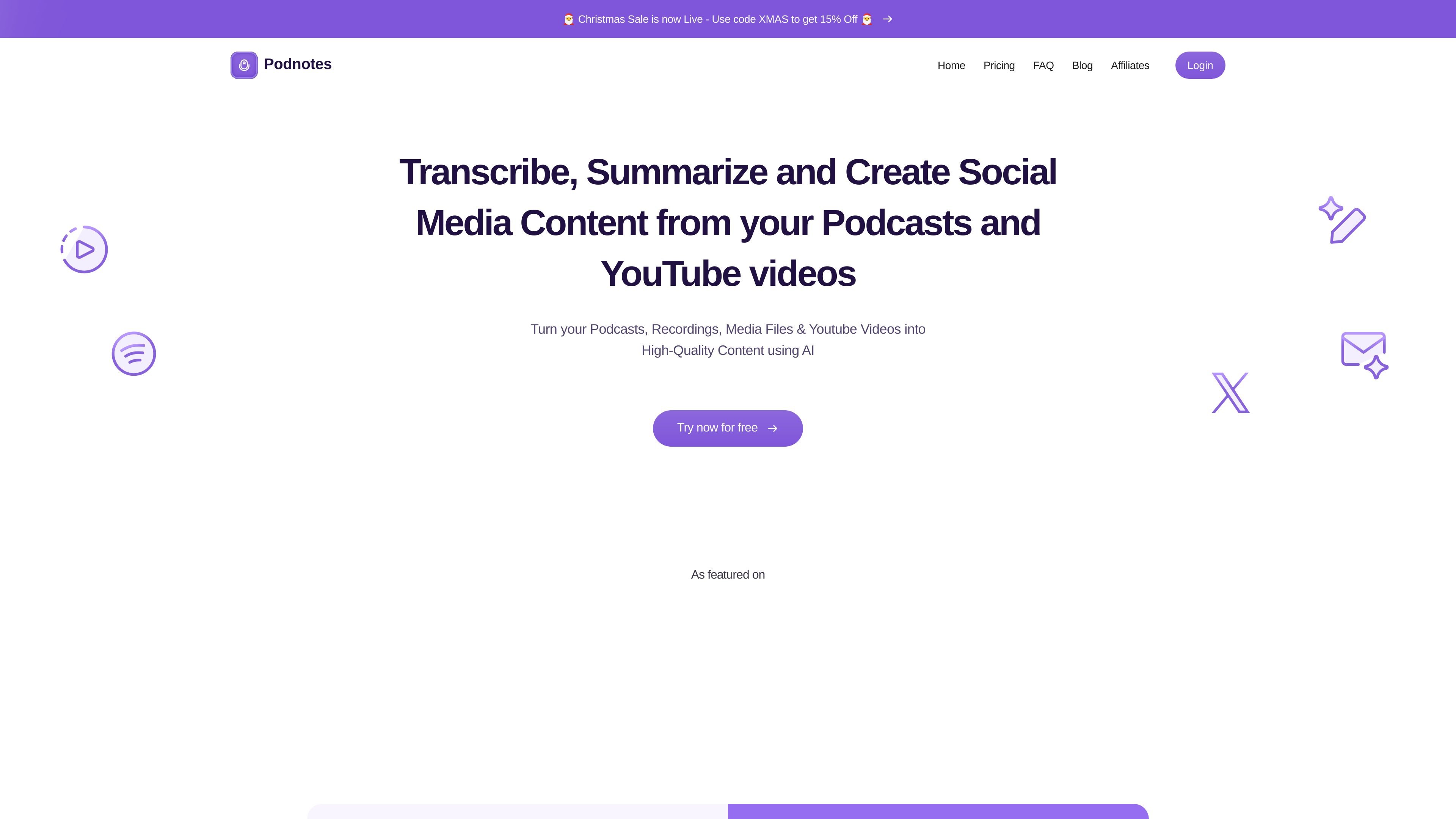
Podnotes is an AI tool for repurposing podcasts, recordings, media files, and YouTube videos into written and social content. The site positions it around turning source audio or video into transcripts, summaries, blogs, social posts, audiograms, and other assets.
Its workflow starts with a YouTube URL, an RSS feed episode, or an uploaded media file. From there, Podnotes generates items such as show notes, timestamps, chapters, speaker-distinguished transcripts, and downstream content for creators, podcasters, ghostwriters, and agencies.
Turn a YouTube URL, an RSS feed episode, or an uploaded file into show notes, transcripts, summaries, chapters, timestamps, and speaker-distinguished transcripts.
Generate repurposed content such as tweets, LinkedIn posts, newsletters, SEO blog posts, Instagram captions, and other custom content assets from the same source material.
Support 19+ languages for both input and output so teams can work in the language their audience prefers.
Organize podcasts into folders and tags to keep source material and generated content easier to manage.
Chat with all podcasts or a single podcast for reference and retrieval within the app.
Use a style library with 100+ prompts and customize output styles for different content needs.
Convert a podcast episode into transcripts, show notes, chapters, and timestamps, then reuse the material for publishing and indexing.
Turn YouTube videos or recordings into blog posts, newsletters, LinkedIn posts, and social captions without rewriting the source from scratch.
Use the app as a drafting tool for agencies or ghostwriters who need content in a client’s style and voice.
Organize a back catalog into folders and tags, then use Magic Chat to reference episodes while creating new content.
Create multilingual outputs for audiences that prefer a different language than the original recording.
Podnotes can accept a YouTube URL, an RSS feed episode, or uploaded media files. The site also lists free tools for transcripts, summaries, blogs, titles, YouTube-to-content, audio-to-content, media-file-to-content, and RSS-feed summaries.
The site says Podnotes supports 19+ languages for both inputs and outputs.
The pricing page shows a free plan with 50 minutes of transcription to try the app, and paid plans that include monthly transcription minutes, unlimited summaries and content, and unlimited audiograms.
The site lists integrations with tools such as Notion and webhooks, but it does not provide a full integrations catalog on the pages reviewed.
The product pages do not state a hard audio-length limit in the extracted text. They do say uploaded audio files can be unlimited in size on the pricing page.