
Prompt-based photo editing
Edit, enhance, recolor, or restyle images with text prompts, including cleanup tasks like object removal and generative fill.

Pincel is a browser-based AI tool suite for commercial-ready images, video, and audio. 50+ tools, 20 free credits, no install.
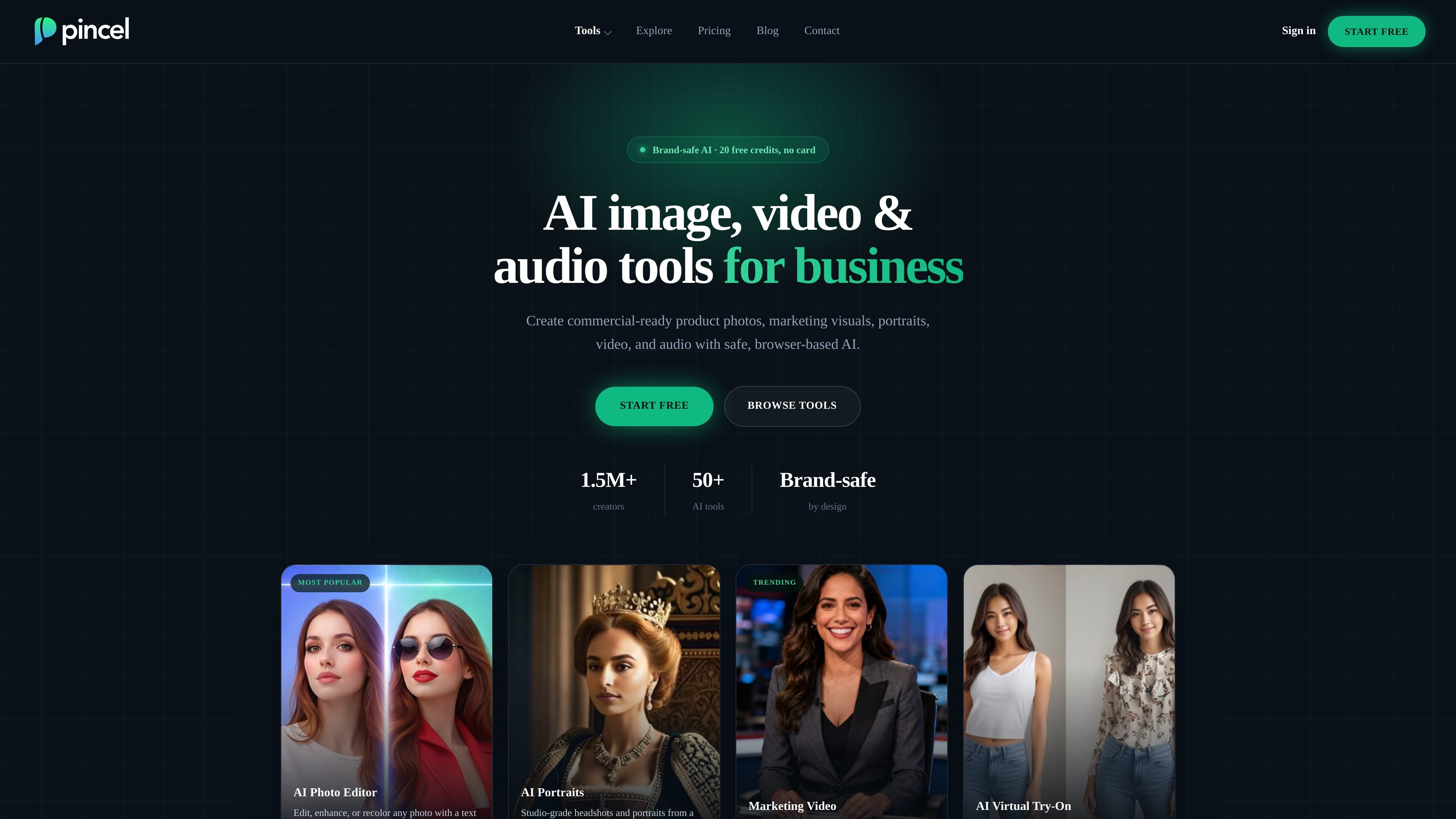
Pincel is a browser-based suite of AI tools for image, video, and audio creation aimed at business use. Its homepage positions the product around commercial-ready visuals for product photos, marketing materials, portraits, and short videos, with no software installation required.
The site says Pincel includes 50+ tools and a brand-safe content policy. Users can start with 20 free credits, then move to paid plans or buy additional credits as needed. The pricing page also says unused credits carry over while a plan is active.
Edit, enhance, recolor, or restyle images with text prompts, including cleanup tasks like object removal and generative fill.
Create studio-style portraits and headshots from a single selfie, plus related face and expression tools.
Turn still images or text into short marketing videos, including image-to-video and text-to-video workflows.
Build product photos, background replacements, relighting, and cleanup for storefronts and marketplaces.
Generate and edit visuals for ads, social posts, banners, and other brand content across the browser-based toolkit.
Create voiceovers, music, and sound effects with audio tools such as text to speech and voice changer.
Create product photos, background replacements, relit images, and marketplace-ready visuals without a studio setup.
Produce campaign assets, social posts, banners, and ad variations while keeping visuals on-brand.
Generate headshots, portraits, facial edits, and styling variations from a selfie or existing image.
Animate still images into short videos for ads, social clips, and storytelling content.
Handle cleanup, object removal, generative fill, upscaling, colorization, and other image-finish tasks.
Pincel is a browser-based suite of AI tools for creating and editing commercial-ready images, video, and audio. The site highlights product photos, marketing visuals, portraits, and short-form video workflows.
Yes. The site says Pincel is brand-safe by design, with an enforced content policy and commercial-use-friendly outputs.
No install is required. The tools run in your browser after you sign up and start creating.
Yes. The pricing page says every account gets 20 free credits with no credit card required.
The pricing page says Pincel uses Stripe for payments, and the video tool page notes that generations can be charged even if a request is blocked by content moderation.