
Text input and file upload
Paste text directly into the editor or upload .doc, .docx, .pdf, or .txt files from local storage to start a paraphrase without manual retyping.

Paraphrase Online is a free web-based paraphrasing tool for rewriting text, essays and articles. Paste text or upload files, and choose from multiple modes.
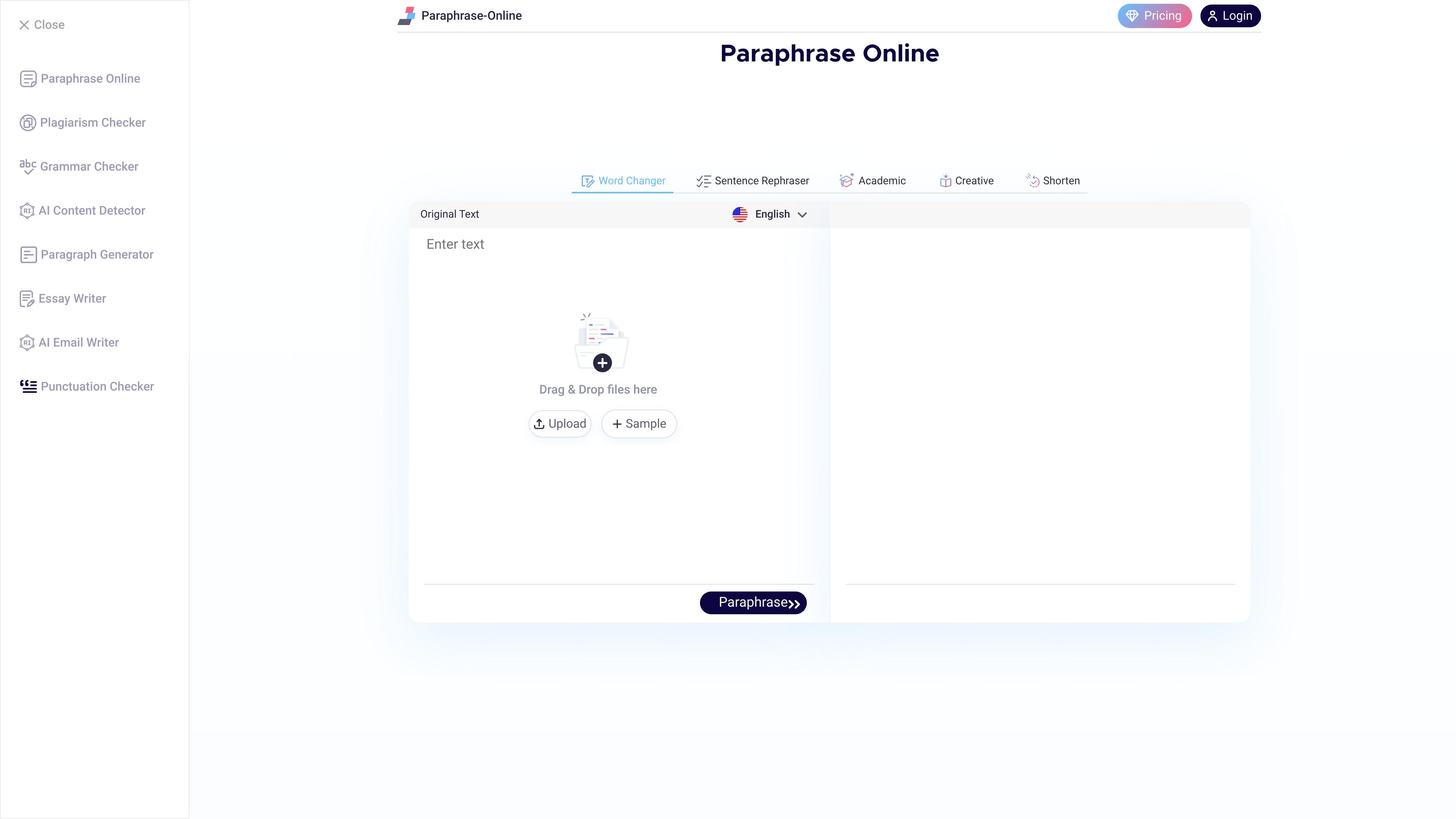
Paraphrase Online is a web-based paraphrasing tool for rewording sentences, paragraphs, essays, assignments, and articles. It is positioned as a free online tool for students, writers, bloggers, and other users who need to change wording while keeping the original meaning.
The core workflow is straightforward: enter text or upload a supported file, choose a paraphrasing mode, and generate revised output that can be copied or downloaded. The site also presents the tool as useful for avoiding plagiarism, improving readability, and adjusting tone or length depending on the selected mode.
Paste text directly into the editor or upload .doc, .docx, .pdf, or .txt files from local storage to start a paraphrase without manual retyping.
Choose from five modes—Word Changer, Sentence Rephraser, Academic, Creative, and Shorten—to change wording, style, or length based on the task.
Select from a broad language list shown on the site, including English, Spanish, Indonesian, Portuguese, Vietnamese, Turkish, Russian, Polish, Malay, Japanese, Italian, Dutch, Danish, Swedish, Romanian, Ukrainian, Filipino, and South African options.
Use copy and download controls after processing to move the paraphrased text into another document or workflow.
Apply the same site for adjacent writing tasks, including grammar checking and plagiarism checking, through linked tools on the domain.
Students can rephrase essays, assignments, and research papers to adjust wording while keeping the intended meaning intact.
Bloggers and web writers can rewrite articles or posts to create fresh phrasing from existing draft material.
Teachers can turn notes or study material on the same topic into alternative wording for classroom use.
Researchers can use the Shorten mode to condense and paraphrase longer text, including literature reviews or source-heavy drafts.
Business users can reword emails, reports, and similar documents for clearer communication or a different tone.
Yes. The homepage describes Paraphrase Online as a free paraphrasing tool, and the grammar checker and plagiarism checker pages also present free access with no registration required for the grammar checker.
The homepage says you can paste text or upload files in .doc, .docx, .pdf, or .txt format, then choose a paraphrasing mode and click Paraphrase.
The homepage lists five paraphrasing modes: Word Changer, Sentence Rephraser, Academic, Creative, and Shorten.
The homepage supports English plus multiple other languages, and the paraphrasing interface shows language options such as Spanish, Indonesian, Portuguese, Vietnamese, Turkish, Russian, Polish, Malay, Japanese, Italian, Dutch, Danish, Swedish, Romanian, Ukrainian, Filipino, and South African.
The homepage says paraphrased output can be copied or downloaded, and the plagiarism checker page includes a downloadable report.