
Invoice generation
Create invoices with business details, client information, line items, tax, discounts, notes, and a unique invoice number, then download a print-ready PDF or print it directly.

Ohillo is a browser-based set of free tools for creating invoices, receipts, QR codes, barcodes, and related business documents. It helps freelancers, small businesses, and other users generate polished files without sign-up, watermarks, or uploaded document data.
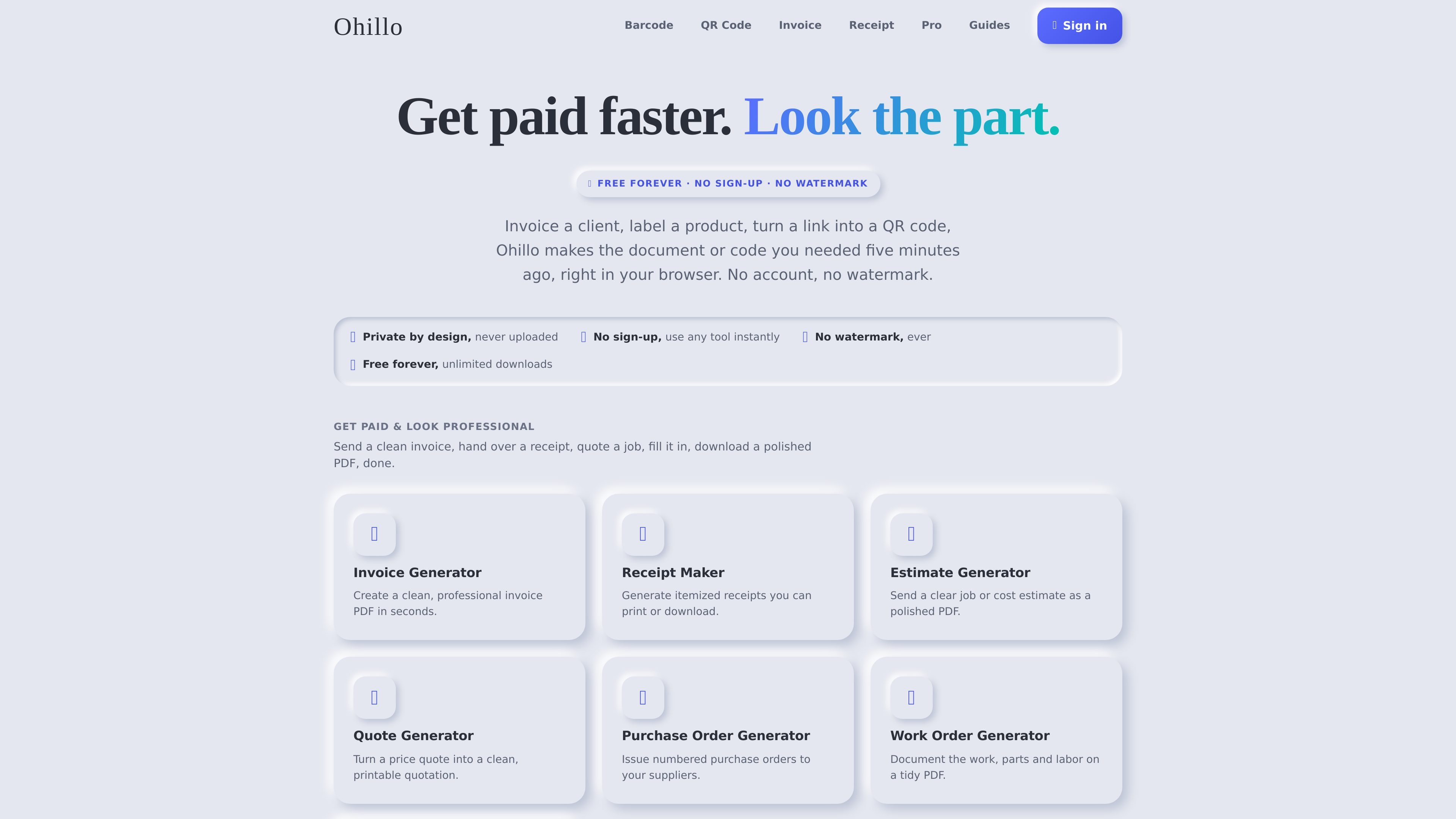
Ohillo is a browser-based set of free document and code generators for invoices, receipts, QR codes, barcodes, and related business templates. The core tools are available without an account, and the site says free downloads have no watermark and run privately in the browser.
It is aimed at people who need to create a clean business document or scannable code quickly: send an invoice, print a receipt, label a product, generate a QR code, or produce other simple office documents without opening design software or spreadsheets. Pro adds features such as dynamic QR codes, bulk generation, recurring invoices, saved documents, and an API.
Create invoices with business details, client information, line items, tax, discounts, notes, and a unique invoice number, then download a print-ready PDF or print it directly.
Make itemized receipts for sales, rent, deposits, and other payments, with receipt numbers, payment methods, tax, and optional footer text.
Generate QR codes and barcodes from links, text, product data, or common barcode formats, then download PNG or SVG files.
Choose sizes, colors, and error-correction levels for QR codes, and upload a logo for supported tools or Pro QR options.
Keep files private by generating them in the browser without sign-up, with no watermark on free downloads and no uploaded document data.
Upgrade to Pro for dynamic QR codes, bulk QR and barcode generation, recurring invoices, saved documents, and API access.
Prepare a professional invoice for a client, add line items, tax, discounts, and payment terms, then download a PDF you can email or print.
Create a receipt for a sale, rent payment, deposit, or personal transaction, including item lines, receipt number, and payment method.
Generate a QR code for a link, text, Wi-Fi login, or contact info, then export it as PNG or SVG for print or digital use.
Make a barcode in a common format such as UPC, EAN, or Code 128 for product labels or internal inventory use.
Use Pro when you need recurring invoices, saved documents across devices, bulk exports, or an API for automated workflows.
Yes. The free tools on Ohillo can be used without an account, with unlimited downloads and no watermark on the files.
The invoice generator creates a print-ready PDF, and the receipt maker can print directly or download a PDF. The QR code generator downloads PNG or SVG files.
Yes. The invoice generator supports a logo upload, and the receipt maker also allows a logo at the top of the document. The QR code generator lets you adjust size and colors before downloading.
The invoice and receipt tools run in the browser, and the site says your data is not uploaded. The QR code generator is also browser-based and produces static QR codes unless you use Pro features such as dynamic codes.
Ohillo Pro adds dynamic QR codes, bulk generation, an API, recurring invoices, and saved documents. The free tools stay free and do not require Pro.