
Prompt-to-design workflow
Turns a prompt into AI HTML landing pages, remix templates, and reusable DESIGN.md files that can guide later edits.

Neuform is an AI HTML landing page builder that turns prompts into landing pages, remix templates, and reusable DESIGN.md files for teams.
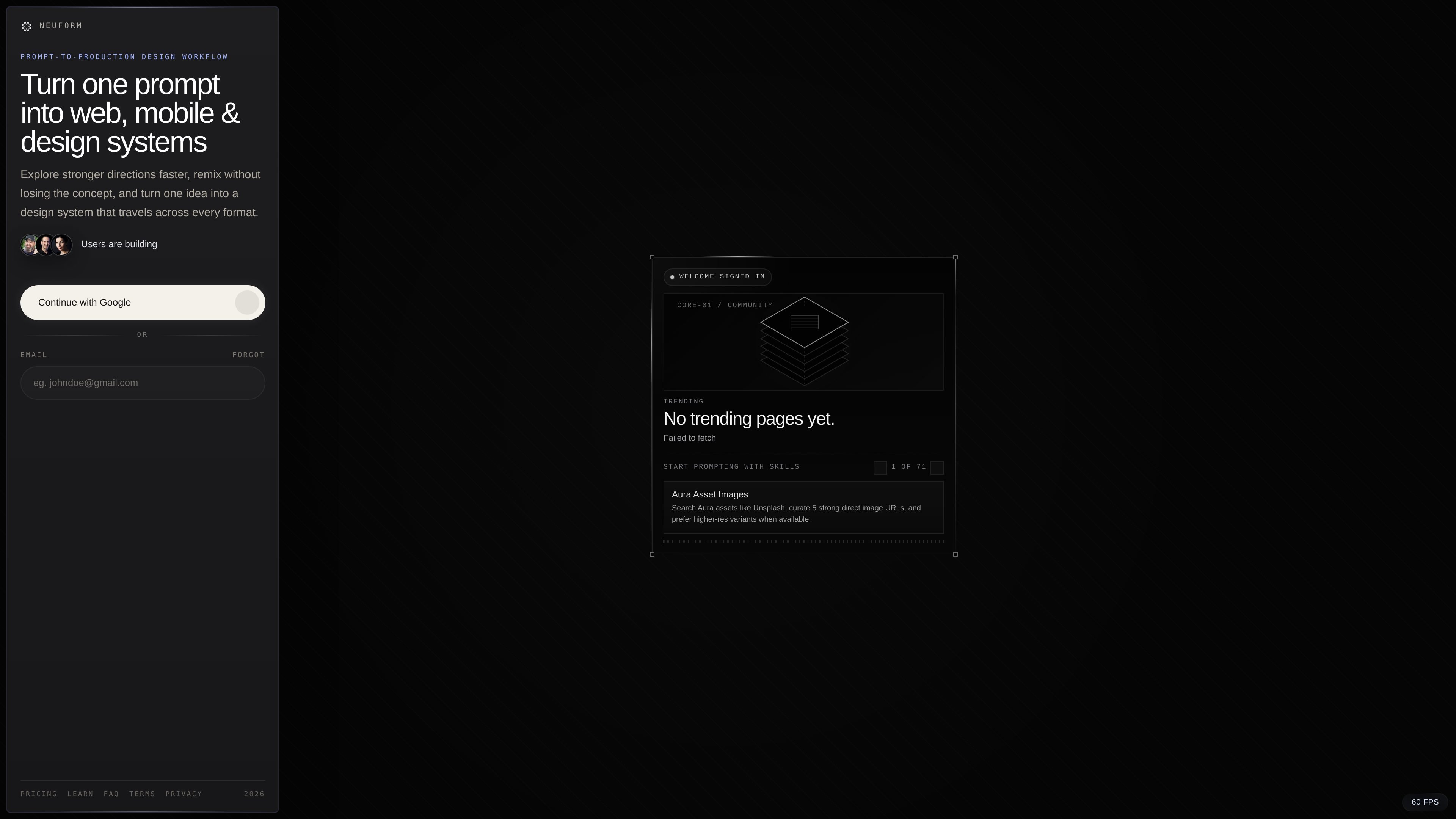
Neuform is an AI HTML landing page builder that turns prompts into landing pages, remix templates, and reusable DESIGN.md files. The product is positioned around prompt-to-production design workflows, where a first pass can become a repeatable source of truth for later edits.
The site frames Neuform as useful for landing pages, app screens, motion directions, social systems, and broader design-system exploration. Its Learn content emphasizes that DESIGN.md helps preserve product intent, visual rules, interaction patterns, and constraints so teams can refine a direction without losing the original structure.
Turns a prompt into AI HTML landing pages, remix templates, and reusable DESIGN.md files that can guide later edits.
Supports prompt remix and Quick remix so you can generate variations, refine direction, and iterate without restarting from scratch.
Uses DESIGN.md as a source of truth for preserving intent, visual rules, interaction patterns, and constraints across AI edits.
Covers landing pages, app screens, motion directions, social systems, and broader design-language exploration.
Offers public browsing plus private workspaces for saved projects and billing-managed plans after sign-in.
Includes Google sign-in and email magic links for fast access from public browsing into a remix flow.
Create a landing page from a concrete prompt, then use remix tools to iterate on structure and tone until the page feels ready for further production work.
Move from a reference or screenshot into a polished UI direction while capturing reusable DESIGN.md rules that keep the result repeatable.
Build a reusable design system from a strong page direction so later AI edits preserve hierarchy, pacing, and visual rules.
Generate related campaign pages, social concepts, and motion directions that share a common design language without copying the same layout everywhere.
Use the pricing tiers and private workspace flow to handle heavier remix sessions, reviews, and multiple active projects across a team or agency.
Yes. The public home, pricing, FAQ, and Learn pages can be viewed without signing in. Account creation is required when you want to remix, save work, or manage a private workspace.
Signing in unlocks prompt remix, Quick remix, saved projects, billing-managed plans, and a private creative workspace. Public browsing and inspiration remain available without a session.
Neuform supports Google sign-in and email magic links.
Use Quick remix for structured variants and use Remix with Prompt when you want tighter art direction, constraints, or feedback tied to a reference.
Free lets you browse the library and set up your account. Prompt generation starts with a 3-day Pro, Max, or Ultra trial that includes 20 prompts.