
AI architectural and interior rendering
Upload SketchUp, Archicad, Revit, or other CAD and 3D model exports, then generate a photorealistic render with optional text guidance.

MyArchitectAI is a browser-based AI rendering tool for architects, interior designers, and furniture designers. Turn CAD exports, sketches, and reference images into renders, edits, enhancements, and animations.
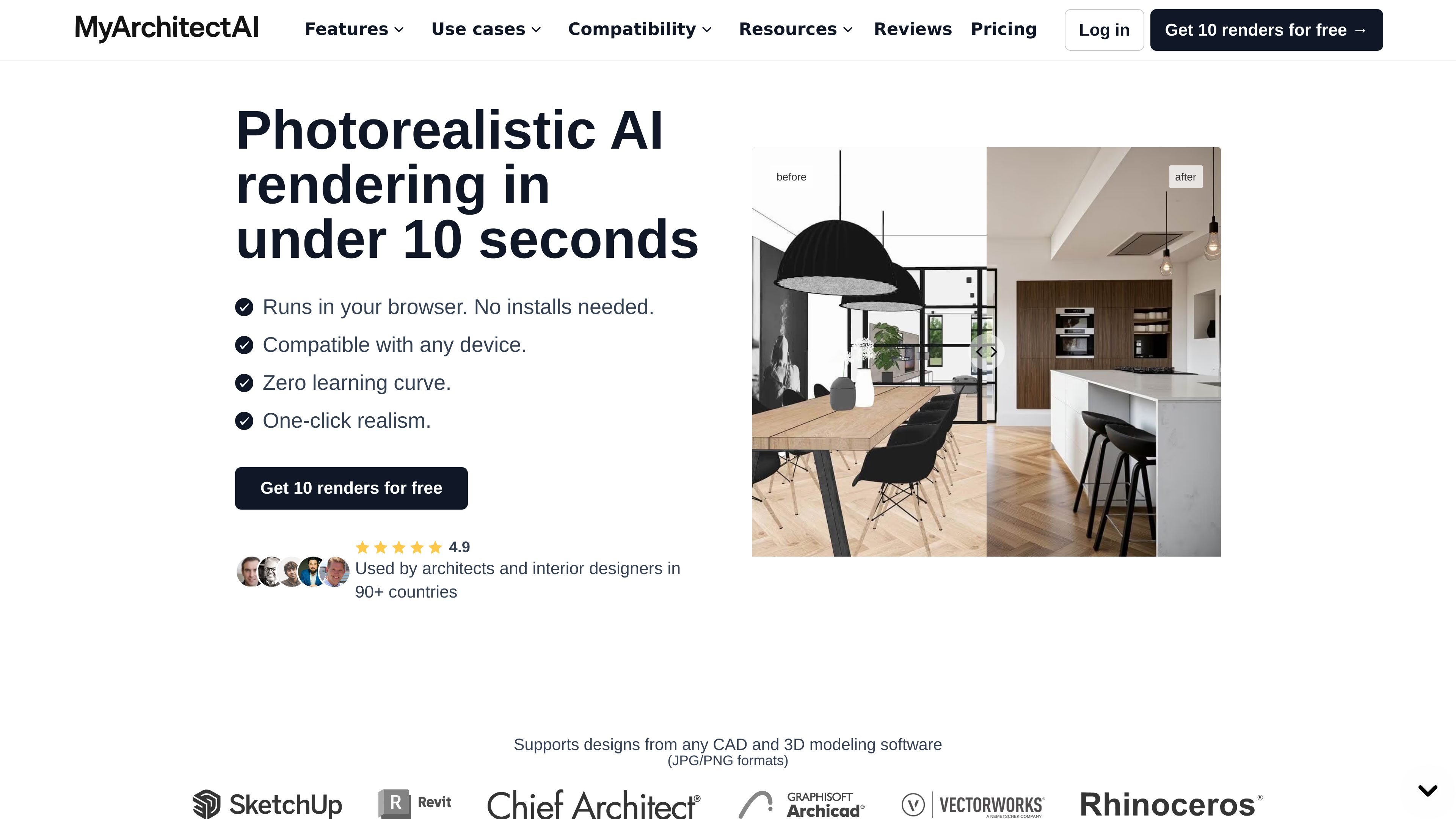
MyArchitectAI is a browser-based AI rendering tool for architectural, interior, and furniture visualization. It helps users turn CAD exports, 3D models, sketches, and reference images into photorealistic renders, edited variations, enhanced images, and short animations.
The site positions the product as a fast workflow for designers who want to generate presentation-ready visuals without installing desktop software or relying on expensive local hardware. It supports rendering from design files, selective edits to existing renders, image enhancement, and animation output from still images.
Upload SketchUp, Archicad, Revit, or other CAD and 3D model exports, then generate a photorealistic render with optional text guidance.
Use style transfer to blend a reference image or preset style onto a sketch, line drawing, or rough concept while keeping the geometry unchanged.
Edit an existing render by changing materials, adding or removing objects, and refining specific areas without starting over in Photoshop.
Post-process low-resolution renders to reduce noise, improve textures and colors, and make people and scene details look more realistic.
Turn a still render into an MP4 animation using camera presets such as orbit, dolly, pan, or flythrough, or by describing camera motion in words.
Work in the browser with cloud rendering, which the site says removes the need for local installation or expensive GPUs.
Create presentation-ready exterior or interior visuals from SketchUp, Archicad, Revit, or other design exports when you want a realistic image quickly.
Upload a furniture concept and generate a realistic render for client review or iteration without using a separate desktop renderer.
Use style transfer to test different visual directions from a sketch or line drawing by blending in a reference image or preset style.
Revise an existing render by changing finishes, adjusting lighting, or removing unwanted elements while keeping the rest of the image intact.
Convert a still render into a short animation for client presentations or social media sharing using preset camera motions or custom motion prompts.
Yes. The pricing page says premium plans include unlimited use of the core features, and the site notes that experimental tools may have limits.
No. The site says MyArchitectAI runs in your browser, so there are no system requirements and no installation step.
MyArchitectAI supports JPEG, PNG, and WEBP for render editing and animation workflows. The site also says it accepts CAD exports, line drawings, and hand sketches for design input, except for floor plans.
The site says most users can create good-looking renders in minutes. It also describes rendering as happening on the company’s GPUs, which means the process does not load your computer the way traditional local renderers do.
The site says uploaded designs and generated renders stay private, and that premium plans include a commercial usage license. The pricing page also mentions a full commercial license for the Pro plan.