
Interactive video elements
Add buttons, hotspots, questions, drawings, images, text, transcripts, end CTAs, and more directly into a video so viewers can act while they watch.

Mindstamp is an interactive video platform for adding buttons, questions, hotspots, branching, and lead capture to videos. It supports training, marketing, sales, and monetized video workflows.
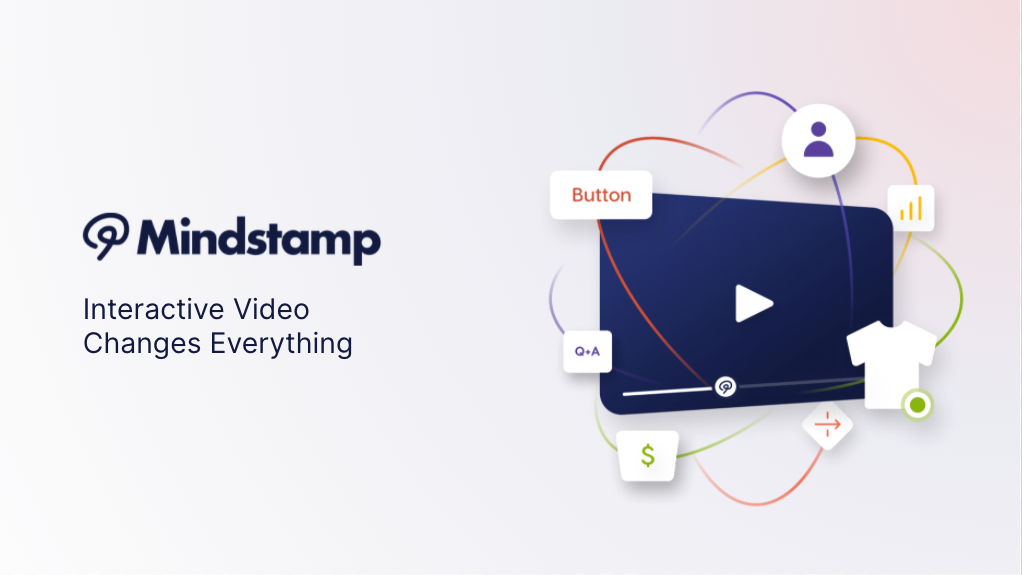
Mindstamp is an interactive video platform that lets teams add buttons, questions, hotspots, drawings, lead capture, branching, and other interactive elements to existing videos. The product is designed to turn passive viewing into actions, responses, and measurable engagement.
The site positions Mindstamp for training, learning, marketing, sales, feedback collection, and content monetization. It supports interactive workflows such as lead capture, product quizzes, calendar booking, video paywalls, and branching experiences, with pricing tiers for self-service use and an Enterprise path for custom procurement needs.
Add buttons, hotspots, questions, drawings, images, text, transcripts, end CTAs, and more directly into a video so viewers can act while they watch.
Use video branching, conditional logic, and precision timing to route viewers through different paths or reveal content at specific moments.
Capture contact information, send instant lead alerts, and connect interactions to follow-up workflows for sales or marketing use.
Search video content across chapters, transcripts, and interactions, and create playlists or groups to organize multiple videos.
Customize branding with colors, fonts, logos, share URLs, custom domains, and custom landing pages on supported plans.
Connect video activity to reporting, webhooks, JavaScript events, and supported integrations such as Google Analytics, Shopify, WooCommerce, Zapier, and HubSpot.
Design choose-your-own-path videos for onboarding, product education, or scenario-based learning where viewer choices change the next step.
Use in-video questions, quizzes, and drawings to check understanding during lessons or compliance training.
Capture names, email addresses, and other contact details before or during playback, then route the data into marketing or sales follow-up.
Promote products with interactive demos, open links to checkout pages, and use a paywall or shoppable workflow when content needs to drive purchases.
Organize multiple interactive videos into playlists or groups for teams, clients, or classes that need structured access to related content.
Yes. The pricing page says Mindstamp offers a 7 day free trial.
Yes. The pricing page says interactive videos require an active subscription to remain viewable.
Mindstamp presents self-service Basic, Core, and Pro plans, plus an Enterprise option for custom needs and procurement-related requests.
The pricing page shows a support and procurement distinction: Basic, Core, and Pro are self-service, while Enterprise is the path for security questionnaires, vendor onboarding forms, NDAs, or MSAs.