
Prompt-to-App Building
Generate a first working version from a plain-language prompt, then keep refining it through chat until it matches your needs.

Meku is an AI web app and site builder for developers and makers who want to create, customize, deploy, and host websites or full-stack apps from prompts. It includes a free plan and paid tiers with exports, custom domains, collaboration features, and developer-oriented integrations.
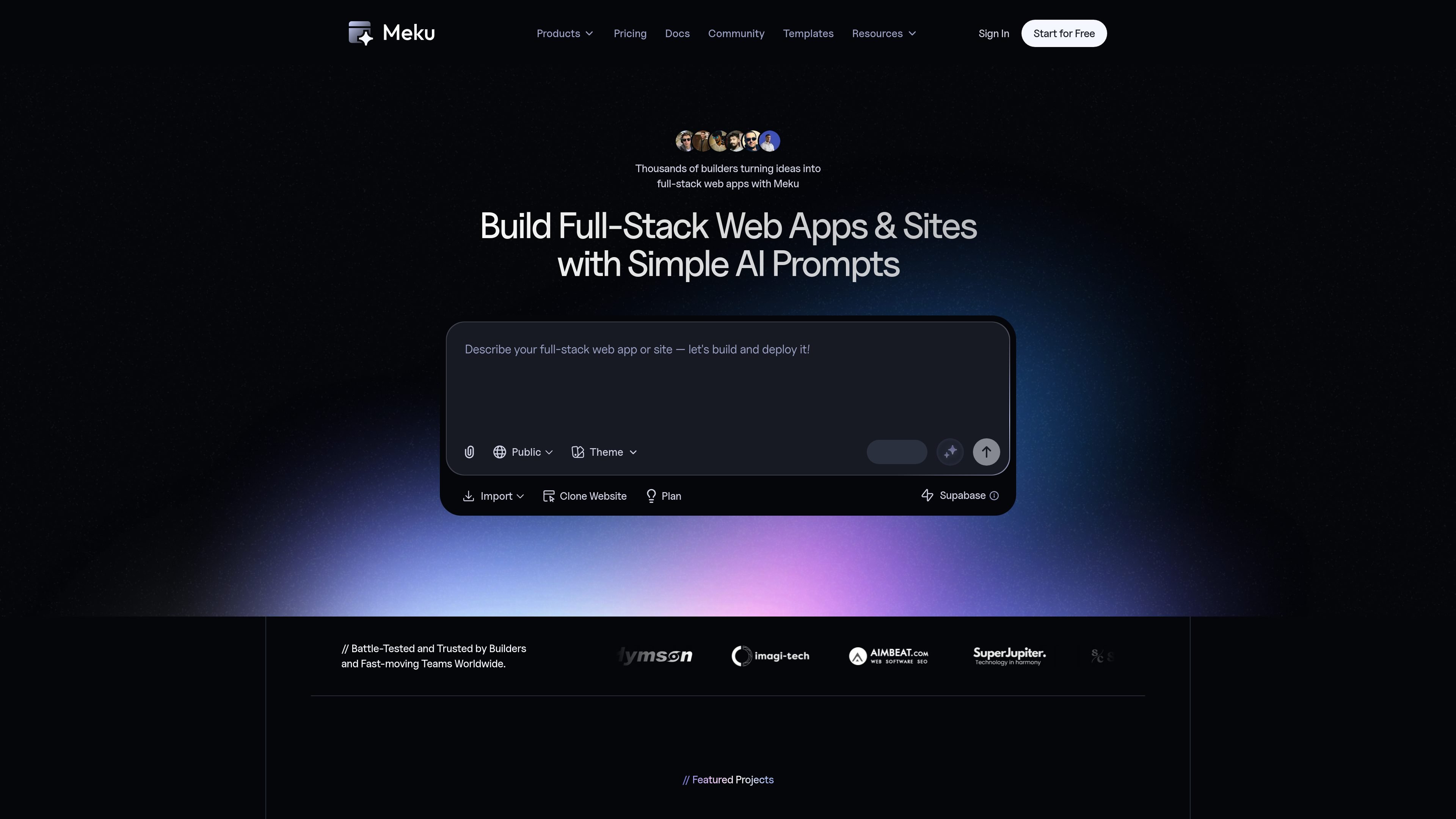
Meku is an AI web app and site builder for developers and makers who want to create websites and full-stack web apps from simple prompts. The site positions the product as a way to generate, customize, deploy, and host projects in one workflow.
The product pages describe a prompt-first builder that produces a first version quickly, then lets you refine the app through chat, reference files and styles, and connect services such as GitHub and Supabase. The result is intended to be production-ready, with support for custom domains, SSL, and export options on paid plans.
Generate a first working version from a plain-language prompt, then keep refining it through chat until it matches your needs.
Deploy sites and apps with SSL, hosting, and custom domains from the same product, so you can move from draft to live output without separate setup.
Build landing pages, SaaS dashboards, e-commerce stores, and other full-stack projects with frontend, assets, UI components, auth, database, APIs, and real-time features.
Connect GitHub and Supabase, and import Figma frames, to extend projects and fit them into existing workflows.
Use live previews, real-time refinements, undo/redo, and instant updates to iterate on projects directly inside the builder.
Share work in a collaborative workspace with team members, private projects, and multi-workspace support on paid plans.
Create a landing page, marketing site, or campaign page from a short prompt, then polish the layout and copy in chat before publishing.
Generate a SaaS app, dashboard, or internal tool with app structure, UI components, auth, database, and APIs as part of the build.
Import or reference existing design work and iterate on the interface without starting from scratch, which is useful when a team already has a Figma direction.
Connect GitHub or Supabase to fit the builder into an existing development stack and keep ownership of the code and backend services.
Use paid-plan collaboration features such as private projects, team workspaces, and support when multiple people need to review or ship the same project.
Meku turns prompts into web apps and websites. The product pages describe it as an AI web app and site builder for creating, customizing, deploying, and hosting projects, including full-stack apps.
The pricing page says projects can be exported on the Starter, Pro, Growth, Team, or Enterprise plans, while the Free plan does not support project exports.
Yes. Meku says you can connect a custom domain on supported plans, and the home page describes one-click deployment with hosting and SSL.
The home page describes a workflow of entering an idea, getting a first version, refining it in chat, and then deploying. It also mentions GitHub, Supabase, and Figma-related capabilities.
The pricing page explains that Meku uses credits to manage AI usage and states that 1 credit equals 1,000 AI API tokens.