
Voice-triggered dictation
Begin dictation with a phrase like “Hey Megaphone.” The app transcribes speech while you keep writing in the app you already use, without switching to a separate chat window.

Megaphone is a free, private, open source Mac dictation app for live transcription, cleanup, and inline rewriting at the cursor.
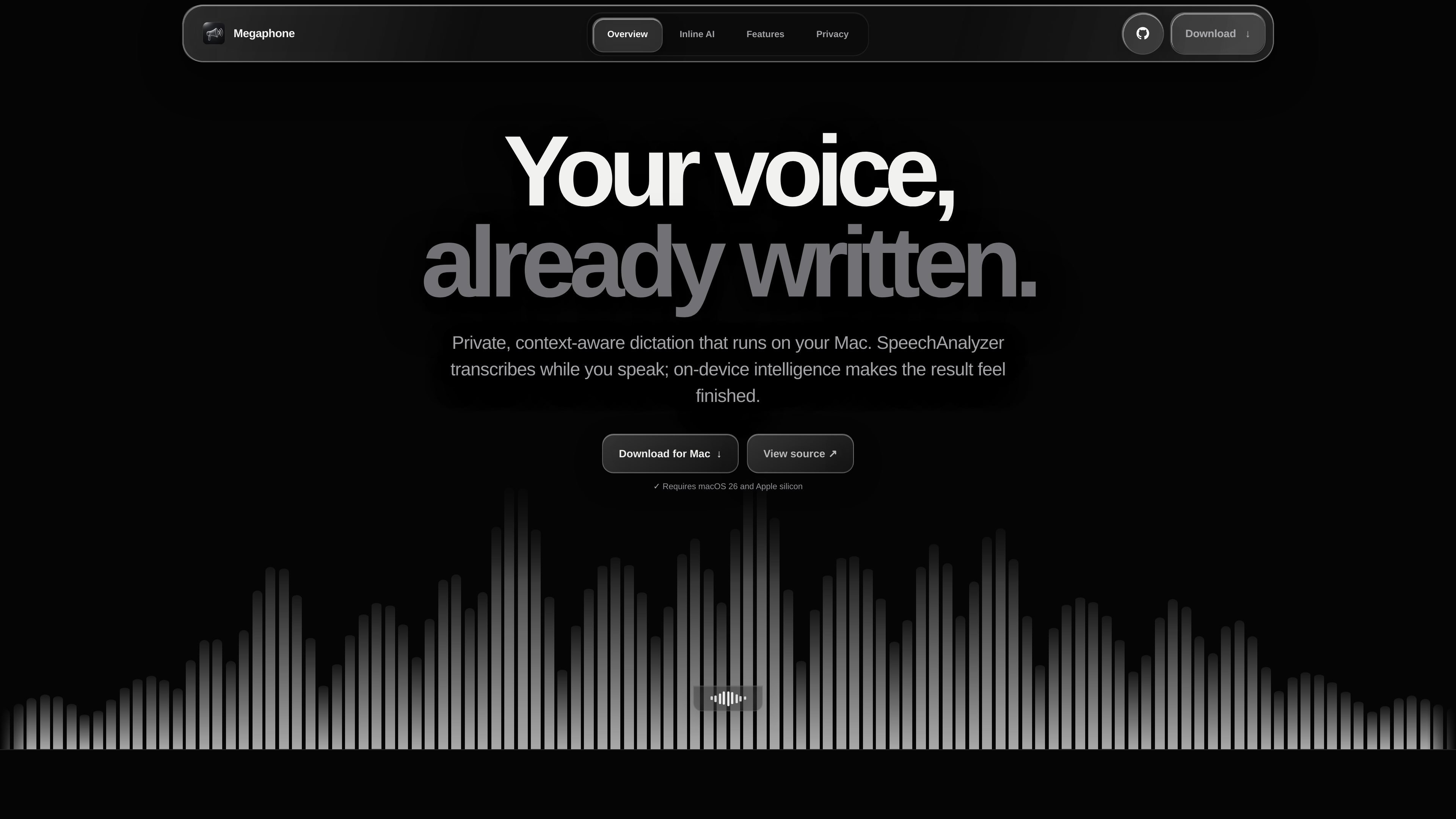
Megaphone is a Mac dictation app for fast live transcription, cleanup, and context-aware writing. It is presented as free, private, and open source, with the main workflow designed to keep you in the app you already use.
The site shows a dictation flow that starts with “Hey Megaphone,” then uses Apple’s on-device Foundation Models to rewrite text directly at the cursor. Supporting features include Smart Cleanup, a personal Dictionary, Screen Awareness, automatic language detection, and import/export for dictionary entries.
Begin dictation with a phrase like “Hey Megaphone.” The app transcribes speech while you keep writing in the app you already use, without switching to a separate chat window.
The app uses Apple’s on-device Foundation Model for rewrite and cleanup actions, and the site emphasizes that these happen at the cursor instead of in a separate AI interface.
Smart Cleanup removes filler words and can apply different cleanup modes, including Smart, Basic, and Exact, so the output can be adjusted for how much correction you want.
Dictionary lets you store names, acronyms, products, and technical terms so transcription and cleanup keep them spelled consistently. The page also shows import and export for private dictionary data.
Screen Awareness reads the active application and window title locally and uses that context to adapt tone, spelling, and formatting for the current app.
Megaphone shows automatic language detection and local Memory that can learn preferred wording over time, including recurring spelling choices and tone preferences.
Capture spoken notes or draft text while staying in the current Mac app, then let Megaphone place the result at the cursor.
Clean up speech into a shorter, clearer version by removing filler words and applying a preferred cleanup mode.
Keep names, acronyms, and technical terms spelled correctly across dictation sessions by storing them in the personal Dictionary.
Adjust tone and formatting based on the current app, such as making writing more concise in Slack or more formal in Mail.
Maintain private vocabulary on one Mac and move it to another using the Dictionary import and export buttons.
Megaphone is a Mac dictation app that turns spoken input into text at the cursor, with cleanup and rewrite actions that run on device.
The page states that Megaphone is free and open source. A separate pricing page was not available in the collected sources, so no plan details or limits can be confirmed.
Megaphone uses Apple’s on-device Foundation Models and is described as running on your Mac, with no API key or cloud request required for the core rewrite flow.
The source shows Megaphone using the active app and window as local hints for tone, spelling, and technical formatting, including examples in Mail, Slack, and Terminal-like text.
The homepage shows features such as Dictionary, Smart Cleanup, Screen Awareness, automatic language detection, Memory, and Inline AI. It also shows import and export for Dictionary data.