
Multiple capture methods
Save content by pasting a URL, forwarding a message to the WhatsApp or Telegram bot, using the Chrome extension, or sharing from iOS and Android.

MarkIt is an AI-powered workspace for saving links, screenshots, posts, notes, and documents in one searchable library with semantic search and OCR.
MarkIt is an AI-powered capture workspace for saving links, screenshots, posts, documents, notes, and forwarded messages into one searchable library. The product is built around the idea that people save useful things across many apps, then lose track of them later.
The main workflow is simple: send something from WhatsApp, Instagram, TikTok, Chrome, Telegram, or another app, and MarkIt organizes it automatically. It categorizes the item, adds tags and a summary, applies OCR when needed, and makes the save searchable in natural language from the app or web interface.
The site positions MarkIt as a free product for getting organized without manual folders or tagging. Pricing information shows a free plan with AI features included, while a Pro tier is in early access and available free for two months to invite-code users.
Save content by pasting a URL, forwarding a message to the WhatsApp or Telegram bot, using the Chrome extension, or sharing from iOS and Android.
MarkIt reads the saved item, assigns it to a category, adds tags, and creates a summary so each capture is organized without manual filing.
Search by meaning rather than exact wording, or ask the WhatsApp/Telegram bot in plain language to find a save.
OCR makes text inside screenshots and images searchable, which is useful for posts, recipes, lists, and other image-first content.
Set reminders by email, WhatsApp, Telegram, or calendar, and use shared spaces for items saved by groups or households.
The service says data is encrypted, users can request a full export, and there is no ads-based model shown on the site.
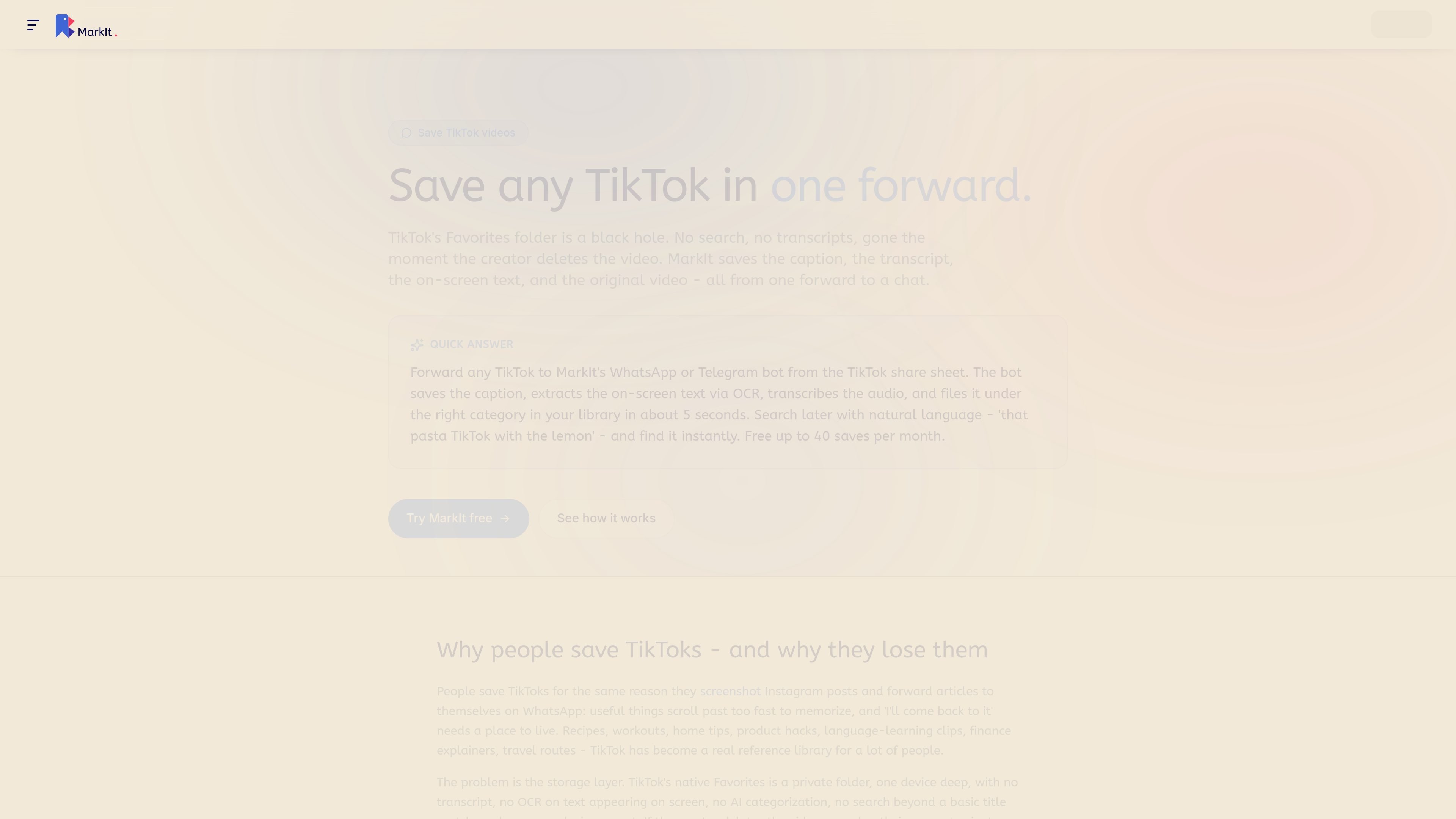
Save social posts, reels, and videos from Instagram or TikTok, then search later by topic, caption details, or text found inside the image.
Forward links, messages, or short notes to the bot when you do not want to break your flow or switch apps.
Keep screenshots, recipes, lists, and quote images searchable by letting OCR extract the text inside them.
Use Shared Spaces for apartment hunting, project research, family references, or other collections that more than one person needs to contribute to.
Set reminders on saved items so links and notes come back by email, WhatsApp, Telegram, or calendar at the right time.
MarkIt is designed to replace scattered saving habits such as bookmarking links, sending posts to yourself, keeping screenshots in camera rolls, and storing notes across multiple apps. It centralizes saved items into one searchable library.
You can start from the web app, but faster capture options include the Chrome extension, iOS and Android share sheets, and WhatsApp or Telegram bots. The site says no install is required to begin.
MarkIt saves links, screenshots, posts, documents, notes, and forwarded messages. It also reads text inside images with OCR and adds AI categorization, tags, summaries, and semantic search.
Yes. Shared Spaces let multiple people save into the same library. Each member also keeps a personal library, and items in a Space are visible to all members.
The free plan includes 40 captures per month, full AI categorization, semantic search, OCR, all capture methods, and one shared space you own with two members. The pricing page says Pro is in early access and currently free to anyone who redeems an invite code.
Los datos de tráfico son solo como referencia.
| jun | 0 |
|---|---|
| jul | 0 |
| ago | 0 |
Las analíticas de tráfico aún no están disponibles.
Las analíticas de tráfico aún no están disponibles.