
Browser interaction automation
Lyto can open tabs, fill forms, scroll pages, click elements, and interact with DOM content on webpages directly in Chrome.
Lyto AI Chrome extension automates browser tasks, from opening tabs and filling forms to research, while keeping context across Chrome tabs.
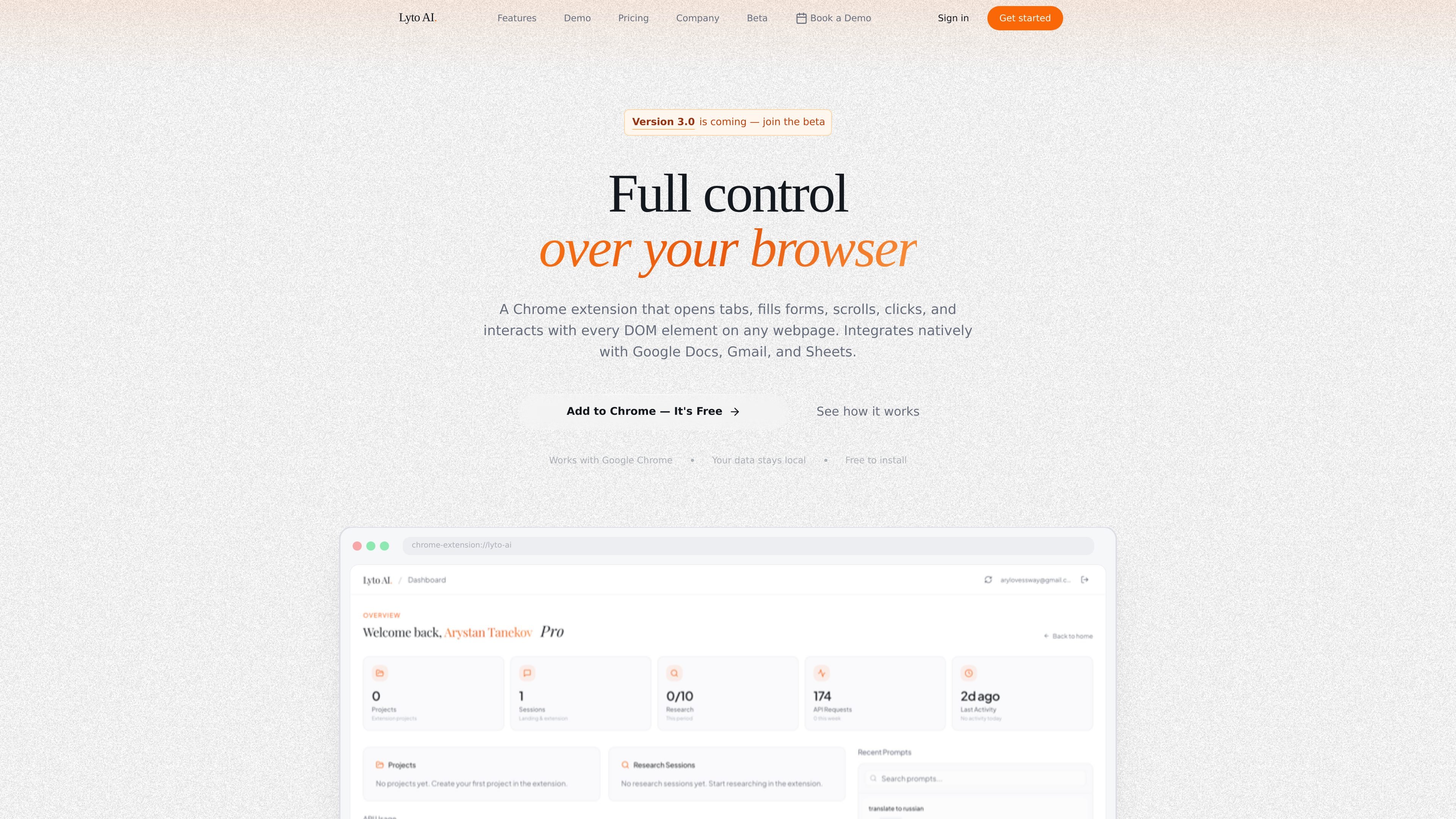
Lyto is an AI browser assistant available as a Chrome extension. It is designed to work inside the browser itself, handling tasks such as opening tabs, filling out forms, scrolling, clicking, researching, and moving between webpages without forcing users to copy information into a separate app.
The product is aimed at people who spend a lot of time doing repetitive browser work. The site positions Lyto as useful for research, document and spreadsheet workflows, email handling, daily planning, and other browser-based tasks where keeping context across tabs matters.
Lyto can open tabs, fill forms, scroll pages, click elements, and interact with DOM content on webpages directly in Chrome.
The homepage says Lyto keeps context across tabs and tools, so users do not have to restart tasks or re-enter the same information repeatedly.
Lyto is shown generating Google Docs and Google Sheets outputs from raw data, including tables, graphs, and report-style documents.
The product page highlights research workflows such as pulling information from websites, comparing sources, and finding practical answers like cheaper flights.
Lyto is integrated with Google Docs, Gmail, and Sheets, and the site also references WhatsApp, Telegram, GitHub, Slack, Figma, and Google Calendar in specific workflows.
The beta page says Lyto 3.0 is expanding to iPhone, Android, and a native Mac client, with early access available to beta members.
Use Lyto to gather information from multiple webpages, compare sources, and pull together a concise answer without manually switching between tabs.
Turn raw data into usable documents or spreadsheets, such as a Google Sheets table with graphs or a Google Doc report.
Handle repetitive email and communication tasks in Gmail, or use the mobile messaging examples shown on the site to send completed outputs back to a contact.
Let Lyto manage routine browser work like opening the right pages, filling out forms, and moving through a workflow step by step.
Use the context-memory behavior to continue work across many tabs without re-explaining the task each time you switch.
Lyto is presented as a Chrome extension. The homepage says it works with Google Chrome and can be added to Chrome for free.
The site says Lyto handles browser actions such as opening tabs, filling forms, scrolling, clicking, researching topics, and interacting with DOM elements on webpages.
The company page says Lyto keeps your data in your browser and does not collect, store, or train on browsing activity.
The homepage shows examples including Google Docs, Gmail, Sheets, Google Calendar, GitHub, Figma, Slack, WhatsApp, and Telegram. The beta page also mentions upcoming mobile apps and a native Mac client.