
Pre-recorded live streaming
Schedule or broadcast previously recorded videos as live streams, including support for multistreaming to multiple destinations from one dashboard.

LiveReacting is a browser-based live streaming platform for interactive broadcasts, pre-recorded video and multistreaming to major platforms.
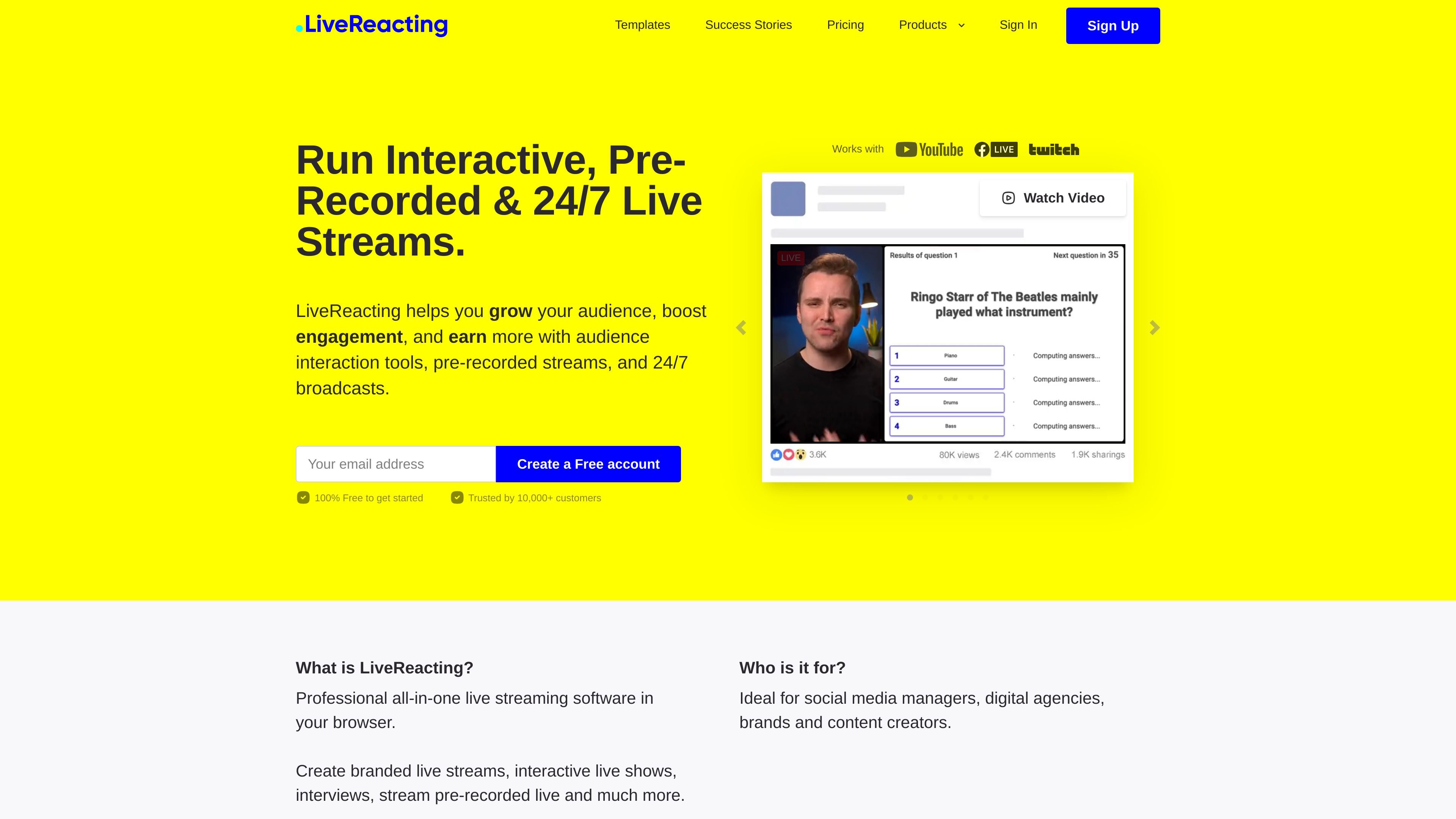
LiveReacting is a browser-based live streaming platform for creating interactive broadcasts, pre-recorded live streams, and 24/7 streams. It is built to help teams add audience interaction tools such as polls, trivia, countdowns, and displayed comments directly into a live video.
The product is positioned for social media managers, digital agencies, brands, and content creators who want to publish branded streams to platforms such as Facebook, YouTube, Twitch, Instagram, TikTok, and other RTMP or protocol-based destinations. The pricing page also shows plan options for higher-quality output, a free plan with limited features, and custom plans for teams that need API access, custom integrations, or HLS and SRT support.
Schedule or broadcast previously recorded videos as live streams, including support for multistreaming to multiple destinations from one dashboard.
Add live countdowns, polls, interactive games, quizzes, and displayed comments to increase audience participation during a broadcast.
Customize streams with logos, images, music, videos, texts, colors, backgrounds, and templates so the broadcast matches your brand.
Stream to Facebook, YouTube, Twitch, Instagram, TikTok, RTMP destinations, and HLS or SRT endpoints on supported plans.
Use a browser-based studio to build and publish streams without local software setup, or connect with existing tools such as OBS, vMix, StreamYard, and Restream.
Access programmatic stream control, custom integrations, and custom limits through a custom plan for teams with specific infrastructure needs.
Use pre-recorded uploads to run scheduled broadcasts that look live, helping teams publish content without hosting in real time.
Run trivia, quizzes, polls, and giveaways that collect responses through chat comments and display results in the stream.
Create branded streams for campaigns, launches, or recurring programming with templates and visual customization.
Publish to multiple destinations at once when you need the same stream on Facebook, YouTube, Twitch, or other supported outputs.
Use a browser studio or connect existing software when your team already works in OBS, vMix, StreamYard, or Restream.
LiveReacting can be used with a free plan that has limited features. The pricing page also says you can pause or cancel your account anytime from your profile page or through live chat.
The pricing page says LiveReacting supports 4K and 60 FPS on most paid plans as upgrades, and the FAQ notes those options can be selected through the quality and FPS toggles.
Yes. The pricing page says the API lets you create, edit, and manage live streams programmatically, and the FAQ says it can control stream parameters and manage destinations.
Yes. The pricing page states that custom plans can support HLS and SRT destinations with both pull and push options available.
The trivia page says users can interact through comments, and the platform can monitor those comments and display results in real time inside the broadcast.