
Multilingual grammar and spell check
Checks writing in multiple languages, including English, French, German, Spanish, Portuguese, Italian, and Polish, and automatically detects the language of pasted or typed text.

Linguix is a grammar checker and AI writing app that helps individuals and teams improve text on websites, in browsers, and in business workflows. It supports multilingual correction, rewriting, shortcuts, and style guides across free and paid plans.
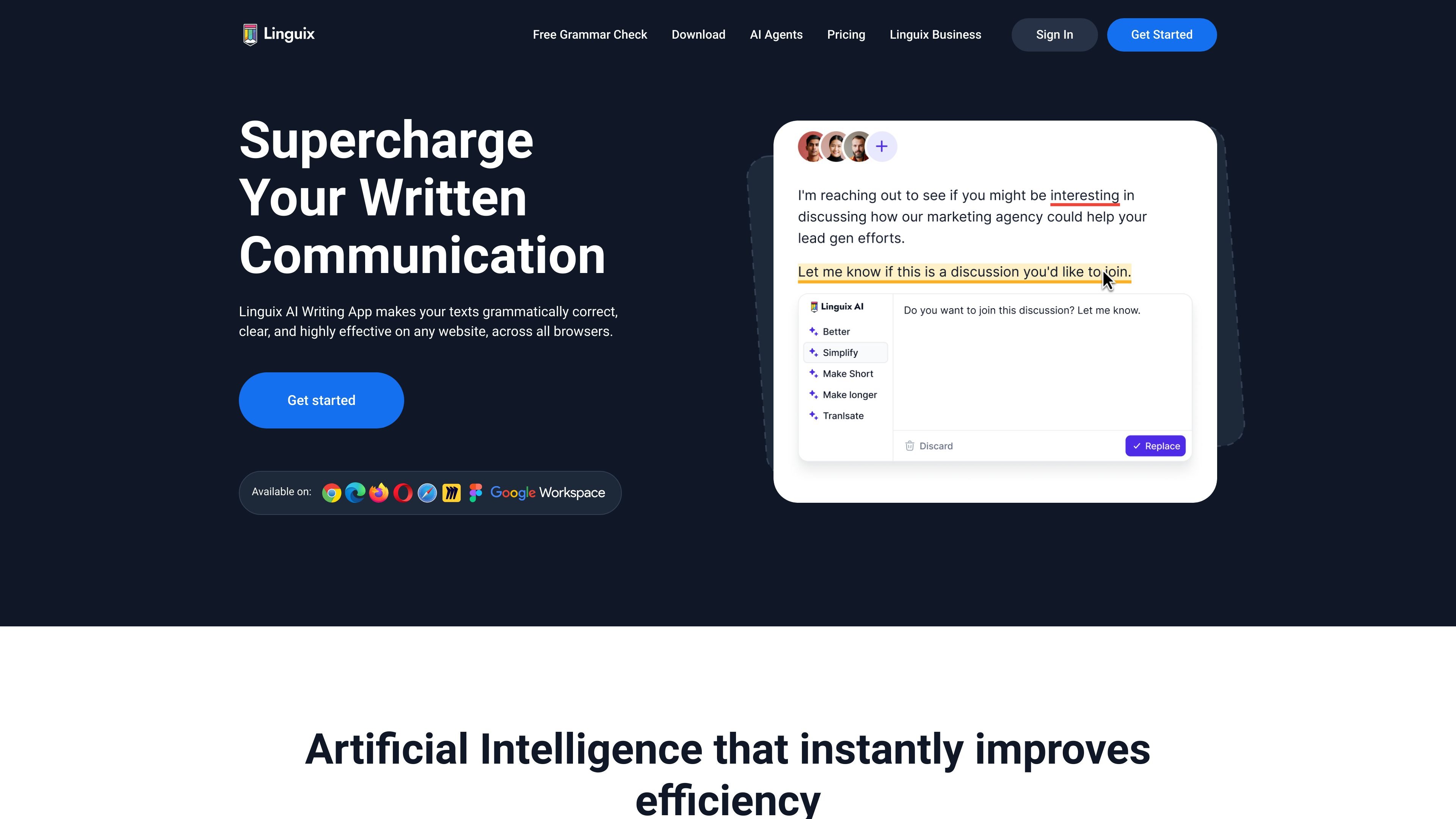
Linguix is a grammar checker and AI writing app for improving messages, documents, and papers on websites, in browsers, and through team workflows. The product pages describe it as a writing assistant that helps users correct grammar, refine phrasing, and make text clearer before it is sent or published.
The available sources show both individual and business offerings. The free and Pro experiences focus on writing corrections, paraphrasing, shortcuts, and AI-assisted editing, while Linguix Business adds centralized billing, team accounts, style guides, statistics, monitoring, and business-tool integrations.
Checks writing in multiple languages, including English, French, German, Spanish, Portuguese, Italian, and Polish, and automatically detects the language of pasted or typed text.
Uses AI-based suggestions to improve grammar, punctuation, and style so drafts read more clearly before they are sent or published.
Rewrites whole sentences in the browser extension or web editor to improve clarity, shorten text, or expand messages without changing the original intent.
Scores content by factors such as sentence length, vocabulary complexity, and passive voice so teams can review writing quality consistently.
Lets users create one-word shortcuts that expand into longer text snippets, reducing repeated typing on common messages and templates.
Applies style guides and team controls to keep names, titles, and other corporate wording consistent across communications.
Use the browser extension to catch grammar and punctuation issues while writing emails, documents, or web-based drafts, then apply fixes without leaving the page.
Rewrite sentences to make copy shorter, clearer, or better aligned with the intended tone before sending sales messages, support replies, or internal updates.
Create reusable shortcuts for repeated phrases, greetings, and templates so teams can speed up high-volume writing tasks.
Apply team style guides and monitor writing activity when you need consistency across company names, event titles, roles, and customer-facing copy.
Review content scores and writing reports to compare quality across team members and identify patterns that may need editing or coaching.
Linguix can be used through its browser extension, which checks writing in places such as Gmail and Google Docs and also works on many other websites. The site also mentions web editor and business tools for team workflows.
The source material shows a free version and paid Pro and Business plans. Pro is described for a single user, while Business is positioned for teams of at least two people.
Linguix supports grammar and spell checking, punctuation suggestions, paraphrasing, AI writing, content scoring, shortcuts, and style guides. The Chrome Web Store listing also mentions text humanizing, inline translations, and ChatGPT/OpenAI-based features.
Business accounts include centralized billing, individual accounts, statistics and monitoring, team shortcuts, style guides, and integrations with business tools. The team page also says it starts at 2 seats.
The pricing page says that if you downgrade, you can still review premium corrections or paraphrased sentences, but you will not be able to apply them instantly until you resubscribe.