
AI image enhancement
Enhance image clarity, recover detail, and fix color in photos that need a cleaner result without manual retouching.

Let's Enhance is a web-based AI image tool for upscaling, enhancing, and restoring photos, with free credits, paid plans, and watermark-free downloads.
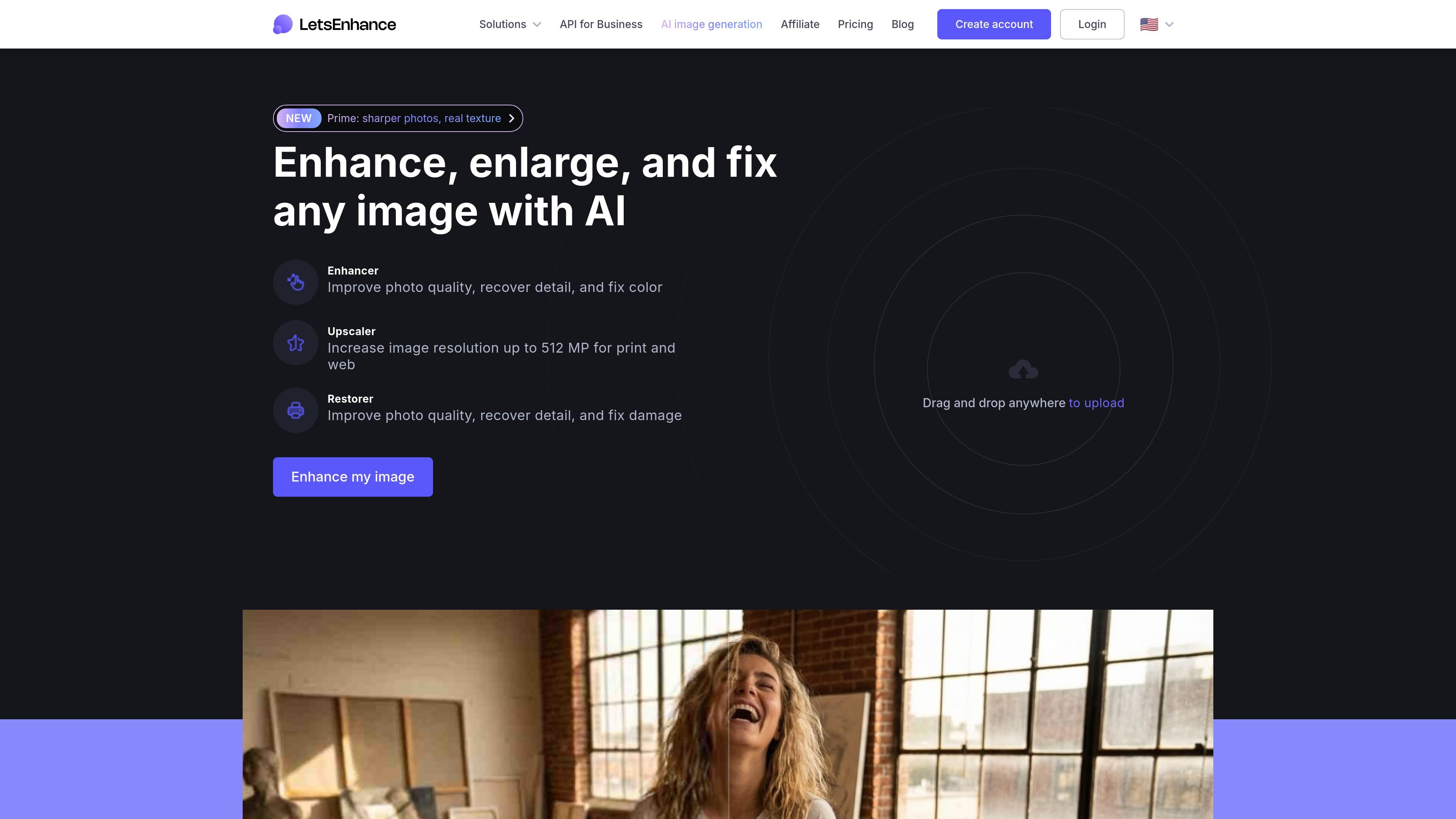
Let's Enhance is an AI image app for improving photos and enlarging them online. Its main tools focus on upscaling, enhancement, and restoration, with the homepage also pointing to generator and editor capabilities plus API access.
The product is designed for people who need cleaner, larger images without manual retouching. The upscaler page emphasizes enlarging photos to 4K, 8K, and up to 512 MP, while the pricing page shows a credit-based model with a free starting tier, monthly subscriptions, and pay-as-you-go bundles.
Enhance image clarity, recover detail, and fix color in photos that need a cleaner result without manual retouching.
Upscale images for print or web, with the upscaler page describing enlargement up to 4K, 8K, and beyond, and up to 512 MP on the site.
Process images through a browser-based workflow with drag-and-drop upload and online editing tools.
Start with free credits and move to paid subscriptions or pay-as-you-go bundles when you need more processing.
Handle related image tasks such as background removal and AI art generation on higher plans.
Use the service through an API as well as the online product, according to the site’s main description.
Increase the size of small or compressed photos for web pages, posters, or canvas output when you need more resolution than the original file provides.
Improve older or lower-quality photos by recovering detail and adjusting color, especially when the source image looks soft or damaged.
Restore old family or archive images and use the dedicated restoration tools for damaged or faded material.
Start with free credits to test the workflow, then move to a subscription or bundle when your image volume or output size grows.
Use the browser app for single-image tasks or the API for product workflows that need automated image processing.
The site offers a free starting tier with 10 free credits upon signup and no credit card required. Paid subscriptions and pay-as-you-go bundles remove watermarks and unlock higher limits.
You upload an image, choose a tool such as enhancer, upscaler, or restorer, and process it online. The site also indicates drag-and-drop upload and API access, but the public pricing page focuses on the web workflow.
The pricing page states that input images can be up to 64 megapixels or 50 MB on all paid plans. Output limits depend on plan, with personal plans supporting up to 256 megapixels and business plans up to 500 megapixels; the upscaler page also describes enlarging images up to 512 MP.
The pricing page says subscriptions support monthly credit rollover, and unused credits accumulate only on personal plans. Business plans do not accumulate unused credits.
The pricing page lists credit cards and PayPal as supported payment methods, and notes that you can cancel or change plans from the pricing page.