
AI image generation
Generate images from text prompts, with support for image prompts, style transfer, and control over composition.

Krea is an AI creative suite for generating, editing, enhancing, and managing images, video, and 3D assets. It supports individual creators, teams, and enterprises with a free entry point and tiered paid plans.
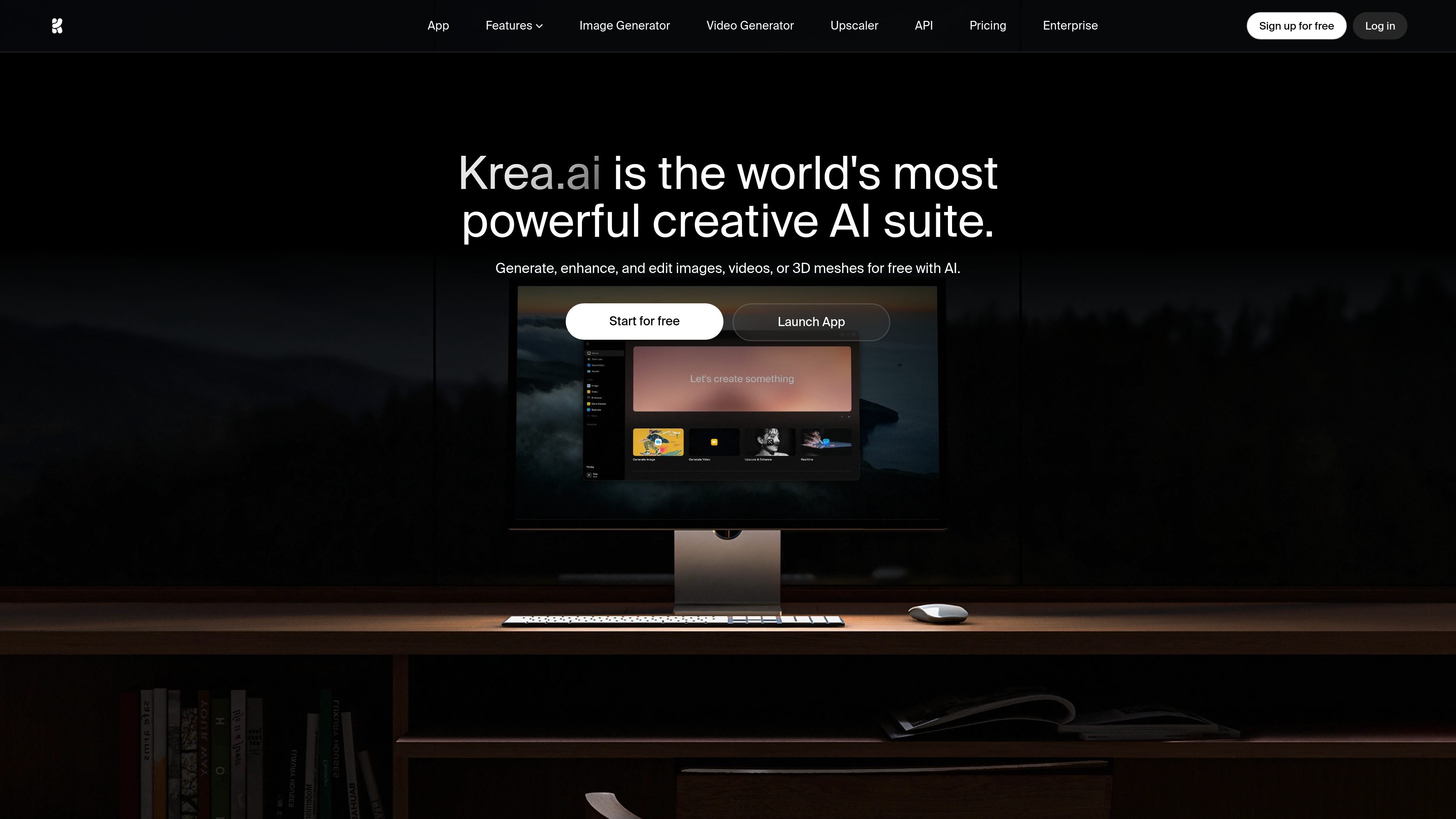
Krea is an AI creative suite for generating, editing, enhancing, and managing images, video, and 3D assets. The site positions it as a single workspace for creative AI workflows rather than a one-purpose generator.
Its product pages highlight text-to-image, realtime image generation, video generation, upscaling, generative editing, and LoRA fine-tuning, with separate areas for image, video, and 3D tasks. Pricing pages also show plan tiers for individuals, teams, and enterprises, including a free entry point and paid plans with broader model access and collaboration features.
Generate images from text prompts, with support for image prompts, style transfer, and control over composition.
Improve image quality with upscaling and enhancement tools, including higher-resolution outputs and blur reduction.
Create video from text or images, extend clips, and maintain character consistency across generations.
Generate and edit 3D assets, including text-to-3D and image-to-3D workflows.
Fine-tune models with your own images or videos to teach Krea a specific face, product, or visual style.
Use workflow and asset-management tools such as Nodes, Apps, and an asset manager to organize creative production.
Turn prompts into images using text-to-image generation, then refine composition or style with image prompts and transfer tools.
Improve low-resolution or blurry visuals with upscaling and enhancement tools for cleaner outputs.
Create or extend clips from text and images, or keep a character consistent across generated video scenes.
Generate 3D objects from text or images when a project needs quick asset exploration rather than manual modeling from scratch.
Train a custom LoRA on your own visual data to reproduce a face, product, or style on demand.
Yes. Krea’s pricing page includes a Free plan with daily credits and access to Krea 2, plus paid plans for individual users, teams, and enterprises.
Krea is built around creative workflows for images, video, and 3D, and the site highlights generation, editing, enhancement, upscaling, and fine-tuning in one suite.
The site emphasizes a simple interface, real-time tools, and workflow options such as Nodes and Apps on higher plans, alongside team-oriented features like collaboration and permissions.
Krea provides access to multiple models across image and video workflows, including its own Krea 2 image model and third-party video models shown on the product pages.
The source mentions model access, compute units, and plan-based limits, so the exact tools and quotas available depend on the plan you choose.