
AI Autocomplete
JotBot's autocomplete picks up from where you left off when you hit writer's block, helping you continue a draft inside the document.
JotBot is an AI writing assistant for drafting, research, and editing in one document workflow, with style matching, citations, autocomplete, and chat.
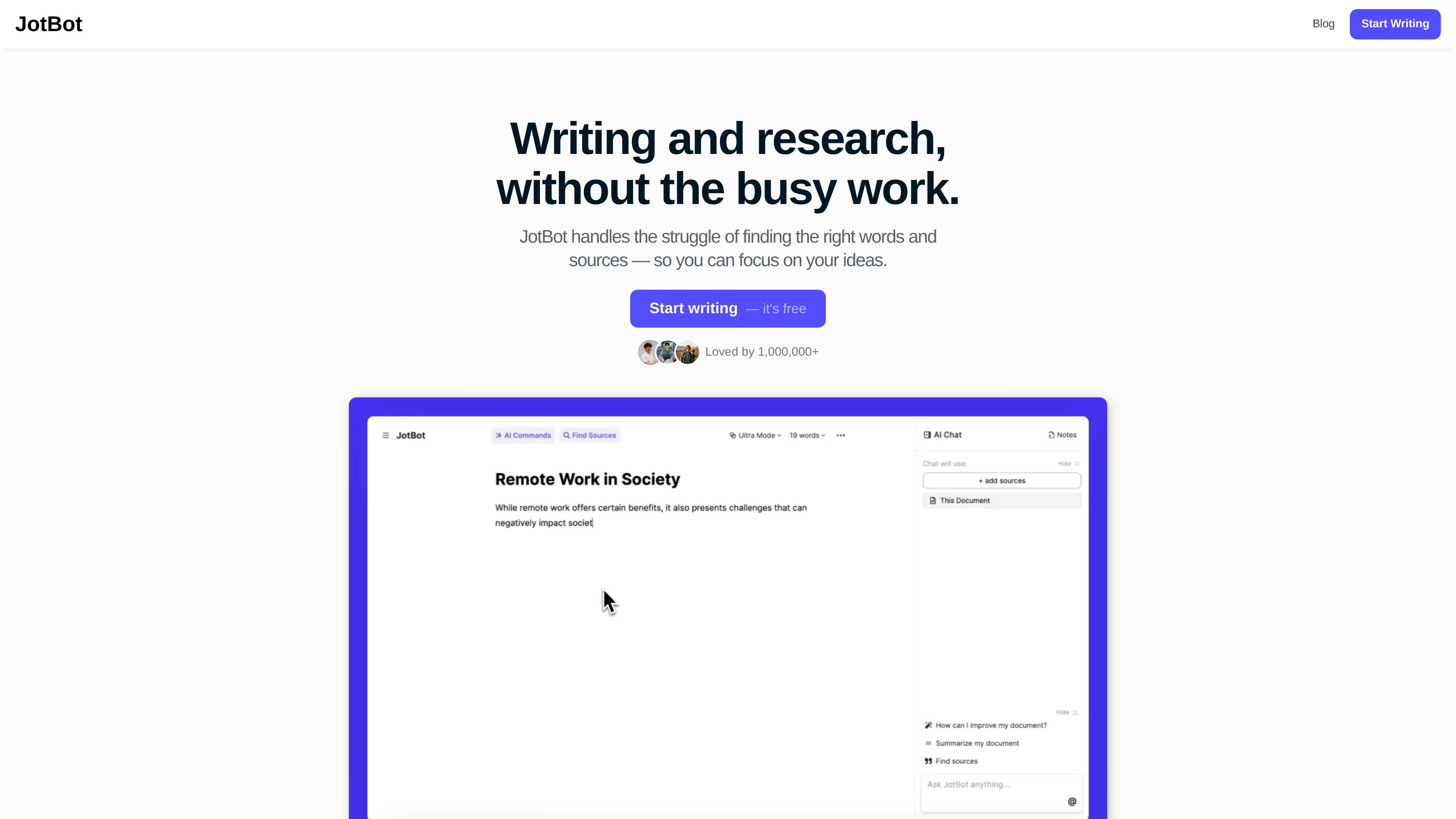
JotBot is an AI writing assistant built to help people draft, research, and edit inside a document workflow. The site positions it as a personal document assistant that reduces the busy work of finding words and sources.
Its core promise is style-aware writing: JotBot can analyze previous essays or other writing samples and generate text that sounds like the user. It also includes source-finding, citation, autocomplete, and in-document chat features for research-heavy writing tasks.
The product is aimed at essays, papers, reports, and general writing support. The site says it is used by students, writers, teams, and researchers, and it emphasizes working alongside the user rather than replacing the writing process.
The public site highlights a free starting point, but the pricing page itself is unavailable, so the exact pricing model is not documented in the collected sources.
JotBot's autocomplete picks up from where you left off when you hit writer's block, helping you continue a draft inside the document.
The source finder searches for articles and research papers relevant to your writing, so you can gather support without leaving the document.
The draft generator analyzes your writing style and creates drafts that mirror the way you write, based on uploaded previous essays or other writing samples.
You can chat with JotBot inside the document to ask for research help, writing support, summaries, or editing guidance.
JotBot accepts direct AI commands for rewriting or generating text in place, which keeps revisions inside the same writing workflow.
The source chat feature lets you ask questions about PDFs, websites, or text so you can clarify source material before using it in your writing.
Upload earlier essays or other writing samples, then use JotBot to generate a draft that matches your voice before refining it in the editor.
Search for supporting articles and research papers, then generate citations and work with the sources directly in the document.
Continue a section when you get stuck by letting autocomplete carry the sentence forward and then revising the result with AI commands.
Ask questions about PDFs, websites, or text to clarify source material before quoting or summarizing it in your own paper.
Use the document chat and editing tools to polish wording, restructure sections, and make revisions without leaving the writing environment.
JotBot scans your previous essays and uses that writing as a style reference, so the generated draft is intended to sound like you rather than a generic AI output.
The source pages show JotBot working for essays, research papers, reports, and document editing. It is presented as a general writing assistant rather than a subject-specific tool, but the site does not list every supported topic.
The source pages repeatedly describe free starting points such as "Start writing — it's free" and "Find Sources - It's Free," but the pricing page itself returns a 404 and does not provide plan details.
JotBot can find sources, help you understand them in document chat, and generate citations in styles including APA and MLA.