
Personalized profile
Create a profile so responses can reflect your preferences and writing context across sessions.

Jetwriter AI is an AI writing assistant for Chrome, desktop, mobile, and web. Write, edit, translate, and summarize content on pages or in supported apps.
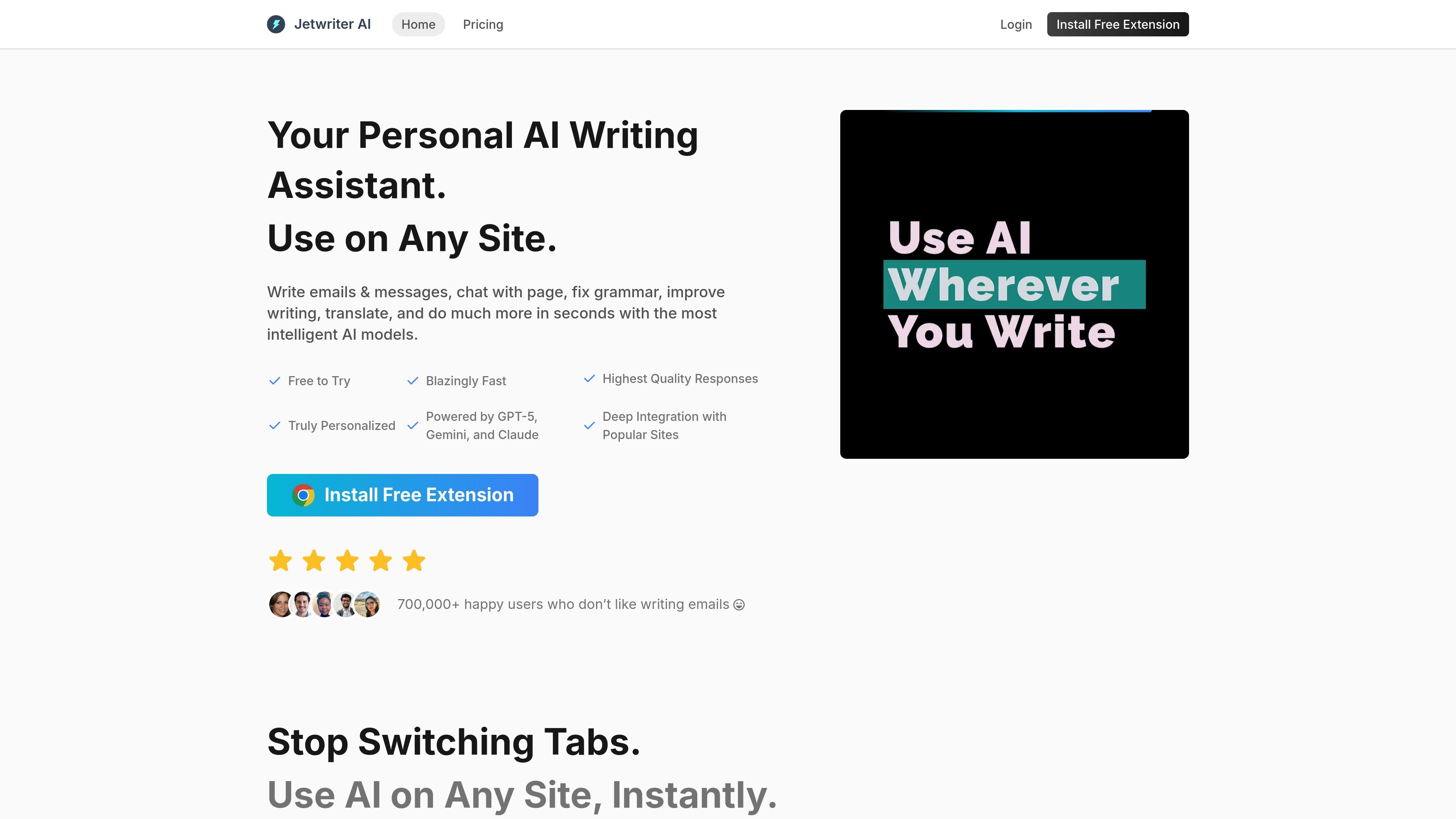
Jetwriter AI is an AI writing assistant for Chrome, desktop, mobile, and the web. It is designed to help people write and edit messages, transform selected text, chat with web pages and documents, and get answers without switching between tools.
The product is positioned around direct in-page workflows: it offers a browser extension for popular sites such as Gmail, WhatsApp Web, LinkedIn, Outlook, Slack, Freshdesk, and Zendesk, plus a web app for mobile and unsupported browsers. The pricing page adds that plans include regular and advanced AI model access, voice input, live web access, file attachments, and priority support.
Create a profile so responses can reflect your preferences and writing context across sessions.
The product says it can learn from past conversations and past emails to produce responses that better match your voice and history.
Switch between ChatGPT, Claude, Gemini, and other listed model families during a chat to choose the response style that fits the task.
Use the extension on a page, on selected text, or inside supported sites to rewrite, summarize, explain, translate, or improve writing without changing tabs.
Ask questions about a page or uploaded document to get summaries, key points, and direct answers, with live web access available for current information.
Use templates, custom actions, response-length controls, voice input, and keyboard shortcuts to speed up repeat writing tasks.
Draft or reply to email messages directly in Gmail or Outlook, using the extension to stay in the inbox instead of switching to a separate chat window.
Select any block of text to fix grammar, improve wording, summarize content, explain a passage, or translate it into another language.
Open a webpage or document and ask for key points, instant answers, or a concise summary when you need to understand content quickly.
Use the product on supported work tools such as Slack, Freshdesk, Zendesk, LinkedIn, or WhatsApp Web when you want inline help in the apps you already use.
Switch AI models, use custom styles, and save prompts for repeated tasks such as formal replies, research prompts, or different tones for different situations.
Jetwriter AI can be used as a browser extension, web app, or mobile experience, so setup appears to start by installing the extension or opening the web app. The source does not provide a step-by-step onboarding flow.
The pricing page distinguishes between Individual and Team plans, which indicates that multiple users are supported. The source does not describe shared workspaces, admin controls, or collaboration permissions.
The pricing page says the plan includes browser extension, web app, voice input, live web access, file attachments, and priority support. It does not list exported file formats or detailed output options.
The homepage says Jetwriter AI works on any site, and the pricing page says it works on all websites. The source also notes the web app for mobile and unsupported browsers, but does not provide a complete list of supported apps beyond Gmail, WhatsApp Web, LinkedIn, Outlook, Zoho, Slack, Freshdesk, and Zendesk shown on the homepage.
The pricing page says usage is based on regular and advanced AI model responses, and that advanced responses are limited on paid plans. It also includes a FAQ about what happens when advanced responses run out, but the source does not publish the rollover or overage rules.