
Face-conditioned text prompting
Generate images conditioned on an uploaded face photo plus a text prompt, letting the prompt define the scene, clothing, or activity.

IP Adapter Face ID generates face-conditioned images from photos and text prompts, with realistic or stylized outputs while preserving identity.
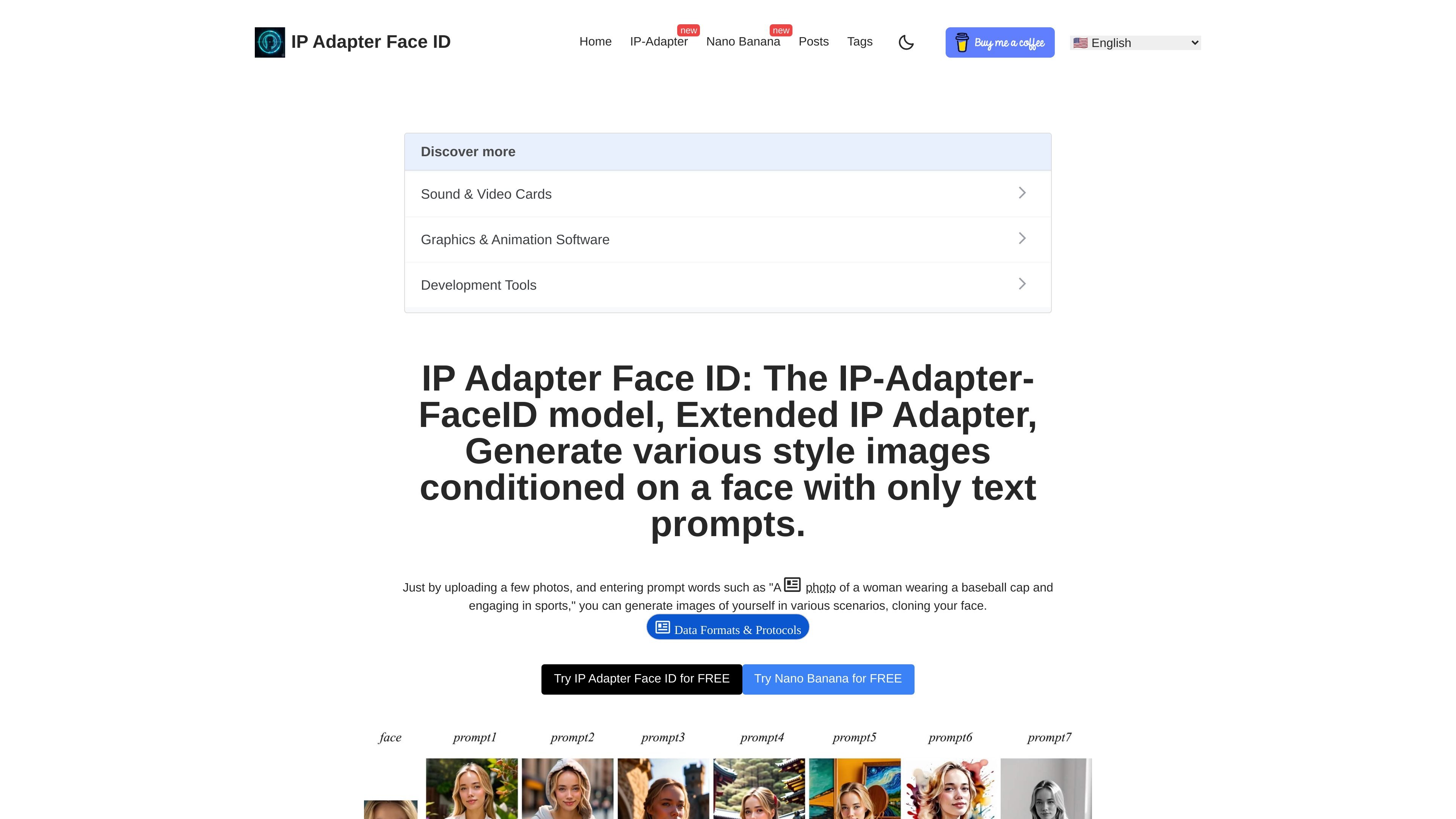
IP Adapter Face ID is an image-generation workflow built around the IP-Adapter-FaceID model. It combines uploaded face photos with text prompts to generate new images that keep a person’s identity while changing the scene, style, or activity.
The site presents it as a way to create face-consistent images from a small photo set, with support for both realistic scene generation and stylized outputs. It also points to use with ComfyUI and Stable Diffusion, and notes that users can fine-tune the result by adjusting generation settings and the face-structure weight.
Generate images conditioned on an uploaded face photo plus a text prompt, letting the prompt define the scene, clothing, or activity.
Reuse the trained adapter on custom models fine-tuned from the same base model, which makes it easier to carry the workflow across model variants.
Works with existing controllable tooling such as ControlNet and T2I-Adapter, so it can fit into broader image-generation pipelines.
Supports image-to-image and inpainting by replacing the text prompt with an image prompt, extending the workflow beyond plain text generation.
Uses a multimodal prompt approach where image and text prompts can be combined in the same generation.
Lets users adjust the weight of the face structure for more or less control over identity preservation.
Upload one or more reference photos and generate a new scene description so the output keeps the same person while changing clothing, setting, or action.
Switch the generation type to Stylized and prompt for watercolor, sketch, or similar aesthetics when the goal is an artistic portrait rather than a photorealistic image.
Use the face-structure weight and advanced configuration when you need more control over how closely the result follows the reference face.
Run the workflow in ComfyUI or Stable Diffusion when you want to incorporate face-conditioned generation into an existing image-production setup.
Apply image prompts for image-to-image or inpainting tasks when the source image should guide the result beyond text-only prompting.
It is designed to generate images from uploaded face photos and text prompts, so it fits users who want to preserve a person’s identity while changing the scene, pose, or style. The source also notes that it can be used with ComfyUI and Stable Diffusion.
The published workflow is: upload one or multiple photos, enter a prompt describing the desired scene or style, choose the generation type, and submit. The site also suggests trying several source photos and using advanced configuration for more control.
Yes. The how-to page says it can generate stylized images by switching the generation type to Stylized and using prompts such as a watercolor painting or sketch.
The limitations page says it does not achieve perfect photorealism or ID consistency, and that generalization is limited by the training data, base model, and face recognition model.
No pricing information is shown on the site’s pricing URL; that page returns a 404 Not Found, so the site does not currently provide public pricing details there.