
Multi-discipline drawing review
Reviews architectural, structural, civil, mechanical, electrical, plumbing, and fire-protection sheets together with specifications and code references to find coordination gaps and compliance issues.

InspectMind AI is a web-based construction plan checker that reviews drawings, specs, and codes to flag issues before permit. Exportable reports included.
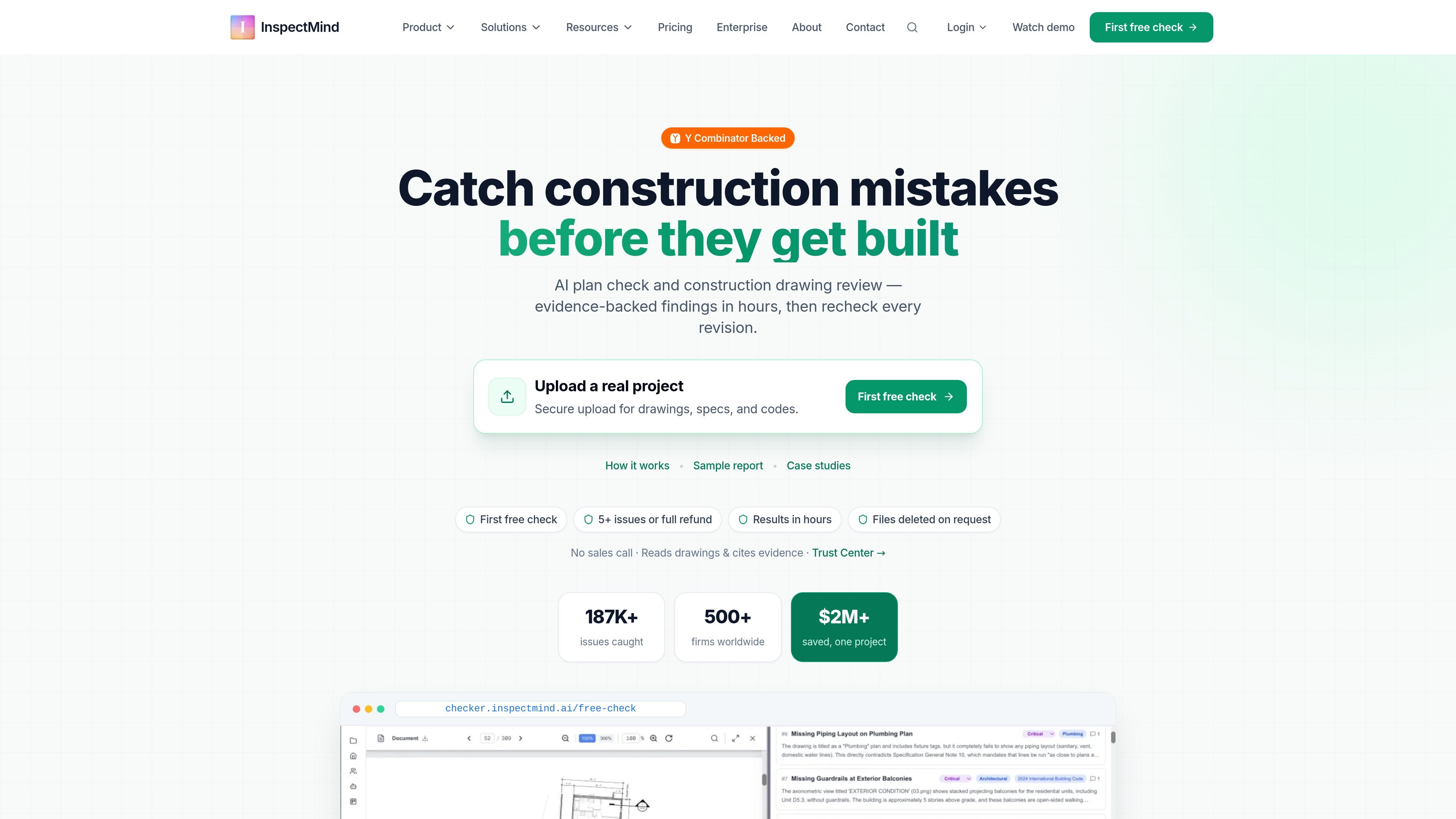
InspectMind AI is an AI plan checker for construction drawings, specifications, and building codes. It is designed to help general contractors, architects, engineers, owners, and plan reviewers catch coordination conflicts, spec mismatches, and code issues before permit or construction.
The workflow is straightforward: upload project PDFs and related documents, choose the relevant disciplines and codes, and receive a prioritized issue report with evidence for each finding. The product is self-serve, starts with a free first check for eligible work-email signups, and then uses pay-per-check pricing rather than seat-based licensing for most teams.
InspectMind emphasizes verification rather than blind automation. Each issue includes a citation or snippet tied to the source drawing, specification, or code, and teams can export the results, share them, and run checks again after revisions. The site positions the service for design QA/QC at DD, CD, IFC, and pre-permit stages.
Reviews architectural, structural, civil, mechanical, electrical, plumbing, and fire-protection sheets together with specifications and code references to find coordination gaps and compliance issues.
Flags issues such as dimension mismatches, spec-versus-drawing conflicts, schedule mismatches, constructability problems, and code violations, with severity labels to help teams triage.
Includes the specific drawing snippet, code section, or specification reference for each finding so reviewers can verify issues quickly.
Supports upload of PDFs, specifications, codes, addenda, and even ZIP packages, then organizes the review automatically.
Lets teams export findings to Excel or PDF, assign issues by discipline, and re-run checks after revisions.
Offers a shared dashboard and email-based sharing so consultants can review the same findings and add comments.
Use the checker before permit submittal to surface code, spec, and coordination issues while changes are still inexpensive.
Run reviews at DD, CD, or IFC milestones to compare revisions and catch problems that slipped through earlier rounds.
Upload multi-discipline packages when a project involves architectural, structural, MEP, civil, and fire-protection coordination.
Share findings with consultants or export them to Excel when a team needs a traceable issue log for follow-up and resolution.
Use the sample-report style workflow to assess whether the service finds enough meaningful issues to justify a broader rollout on real projects.
Eligible work-email signups receive a $100 first-check credit for seven days. After that, pricing is pay per check, with plan checks starting at $50 and larger sets priced by sheet count.
Most projects return results in minutes, and larger drawing sets typically complete within hours. The site says users get evidence for every finding, including the drawing, code section, or specification reference.
Yes. The site says teams can share results with consultants, add comments, mark issues resolved, and export findings to Excel. It also mentions a live dashboard for collaboration.
The site says project files are stored on secure cloud infrastructure, customers can request deletion, and NDA support is available for sensitive projects. It also says authorized staff access data only when needed for support.
The product is positioned for construction drawing review before permit, during design QA, and on progress sets. It reviews PDFs, specifications, and applicable codes rather than replacing professional judgment.
Los datos de tráfico son solo como referencia.
| may | 18297 |
|---|---|
| jun | 19709 |
| jul | 12463 |
Las analíticas de tráfico aún no están disponibles.
Las analíticas de tráfico aún no están disponibles.