
Rich editor with live publishing
Create and publish knowledge base content with a WYSIWYG editor that also supports Markdown. The editor includes quick insertion for images and video, keyboard shortcuts, real-time saving, and publishing.

HelpLook is a no-code knowledge base and help center platform for docs, FAQs, internal knowledge, and AI-assisted support content.
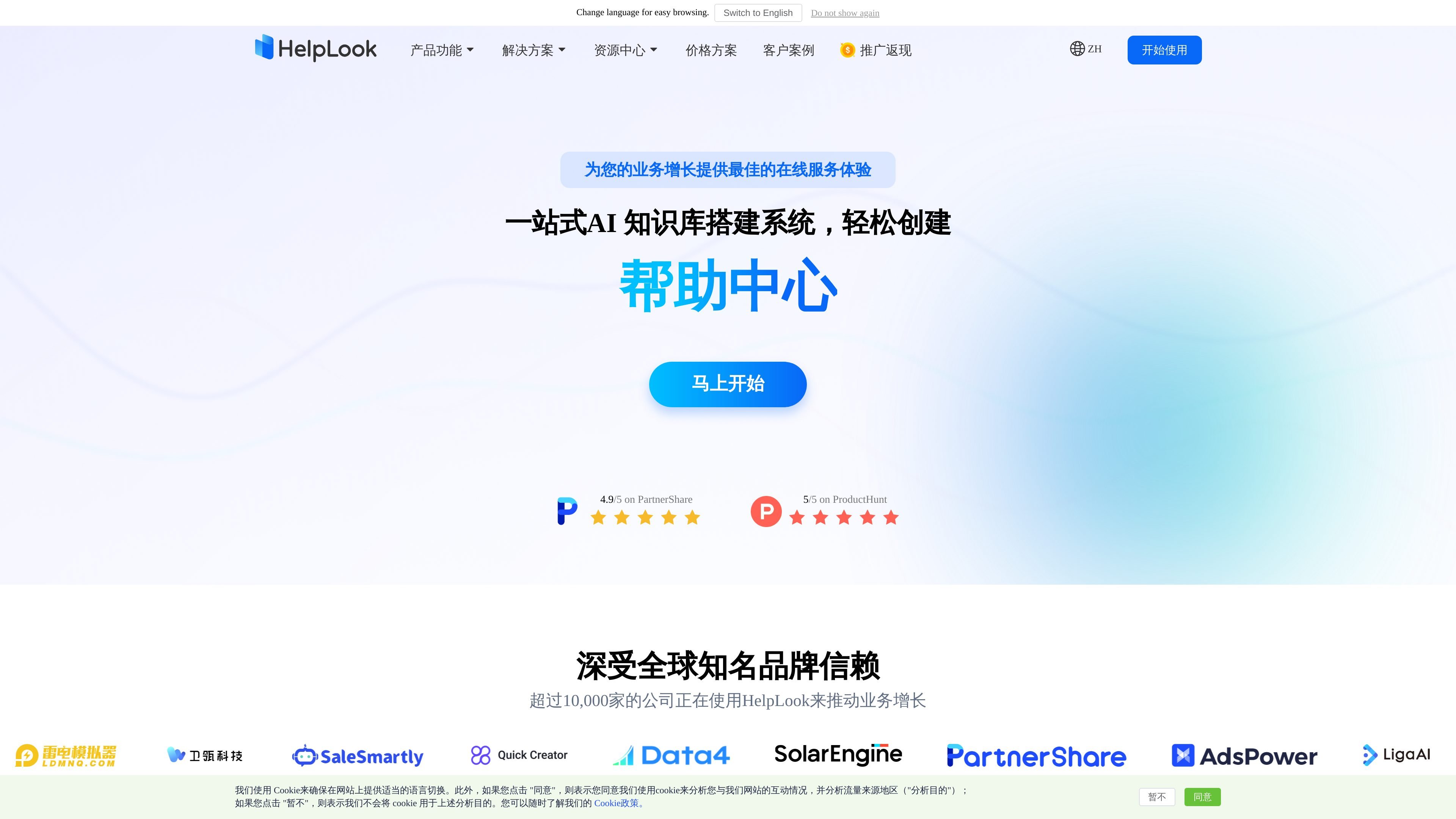
HelpLook is a no-code knowledge base and help center platform for creating product documentation, company blogs, FAQs, guides, troubleshooting content, and internal knowledge resources. The site presents it as a combined content-management and support system that helps teams publish information, organize it, and make it easier for users to find answers.
The product centers on three connected parts: an editing backend for writing and managing articles, a portal for presenting the knowledge base under a branded domain or access model, and HelpLook AI for answering questions from published content. The pricing page shows a free体验版 and paid plans, while the feature pages emphasize publishing, access control, analytics, and site integration.
Create and publish knowledge base content with a WYSIWYG editor that also supports Markdown. The editor includes quick insertion for images and video, keyboard shortcuts, real-time saving, and publishing.
Organize articles with batch actions, drag-and-drop structure changes, nested categories, revision history, search and replace, and tag management. This is aimed at teams that need to manage a large documentation set over time.
Set content or portals to public, private, password-protected, authorized, or mixed access depending on plan. The site portal can also use custom branding, domain names, and navigation layout.
Add HelpLook content, widgets, or HelpLook AI into websites, apps, and mini programs using JavaScript-based integration. The source also notes multi-channel binding for content sites and AI chatbots.
Use HelpLook AI to scan published content, summarize answers, and provide AI-assisted Q&A. The product also supports custom prompts and self-managed API keys on supported plans.
Track search terms, traffic sources, article engagement, and other usage signals through analytics reports. The platform also mentions SEO helpers such as metadata generation, site maps, redirects, and robots.txt on the pricing page.
Build help articles, FAQs, troubleshooting guides, and product documentation in a no-code editor, then publish them through a branded knowledge base portal.
Create an internal knowledge base with controlled access so employees or authorized members can find procedures, reference material, and shared organizational knowledge.
Use AI answers and search to respond to repetitive questions from published content, reducing the need for manual support replies.
Manage multiple knowledge bases or branded sites from a centralized backend, which is useful for teams handling different products, brands, or domains.
Improve content discoverability with SEO settings, site maps, metadata generation, and article optimization tools, especially for public-facing knowledge bases and blogs.
HelpLook provides a no-code way to create a help center or knowledge base, and the site text shows it is designed for content creation, publishing, permissions, and AI-assisted search. The core workflow is to build documents in the editor, organize them in the portal, and optionally connect HelpLook AI or widgets to your site.
The source shows an editor for content creators and operations teams, a knowledge base portal for public or private access, and an AI service assistant that scans published content to answer questions. These parts can be used together or separately depending on the team’s needs.
HelpLook supports a free experience and paid plans. The pricing page lists a free体验版 and paid plans starting from ¥99/month per site, with higher tiers adding more collaboration, access-control, branding, and enterprise features.
The source shows support for rich-text and Markdown editing, public or private access control, multilingual content, data analysis, third-party tool integration, and AI search/chat capabilities. More advanced access and enterprise controls are reserved for higher tiers.
The site mentions integration for websites, apps, and mini programs, plus JS-based embedding for widgets and AI chatbot components. The source also mentions organizational systems such as Tencent WeCom in the editor-backend page, but broader compatibility details are not fully specified.