
Visual website feedback
Collect annotated screenshots, browser context, customer details, console logs, and network requests so website feedback arrives with technical evidence attached.

Gleap is an AI support and self-driving development platform for software teams. It helps teams collect feedback, handle support, prioritize product work, and turn confirmed bugs into pull requests.
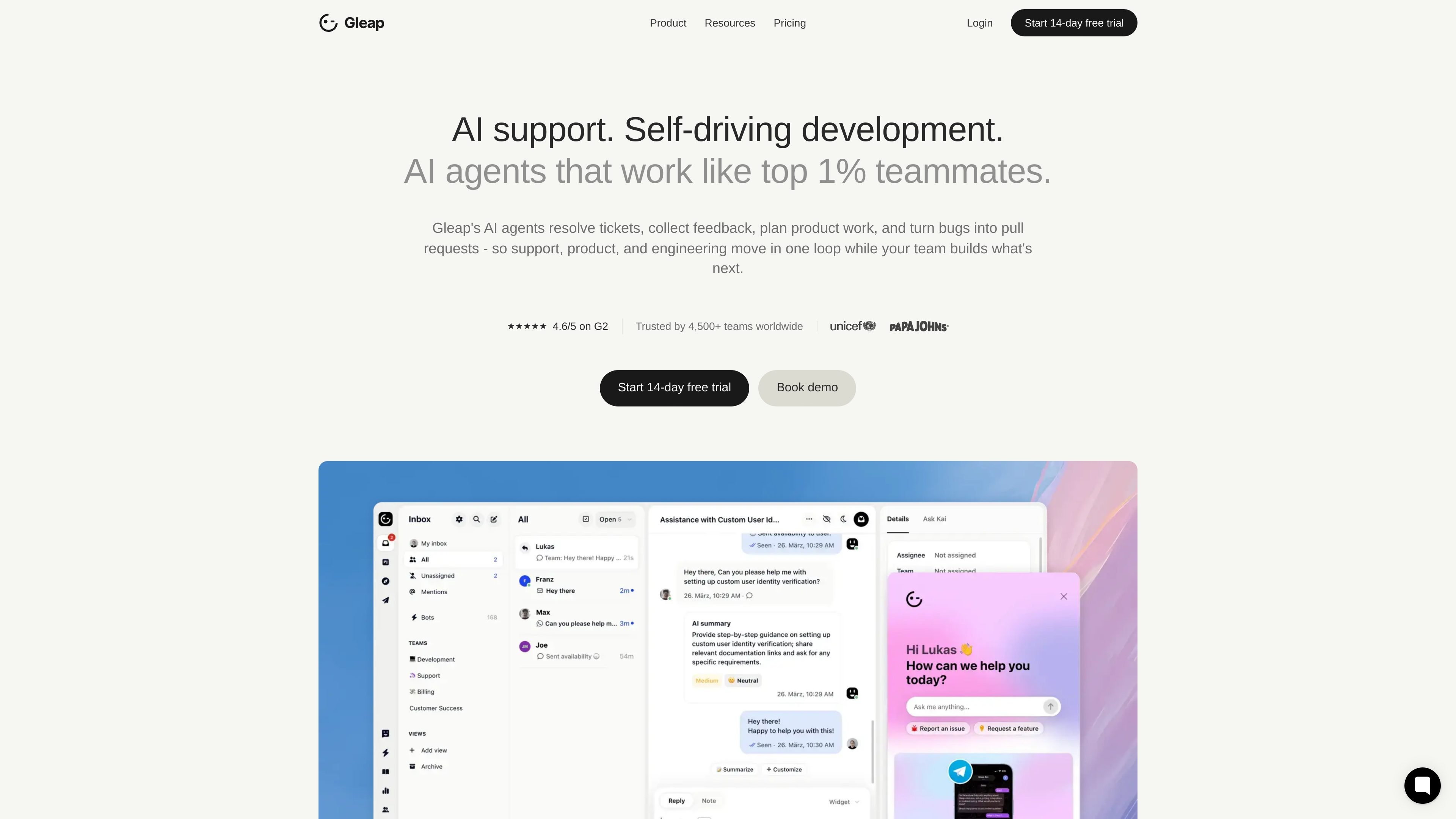
Gleap is an AI support and self-driving development platform for software teams. It combines customer support, website feedback, in-app bug reporting, roadmap planning, and code execution so issues can move through one connected workflow.
The product centers on specialist AI agents. Kai handles routine support, Kai Resolve investigates and routes harder problems, Kai PM turns feedback into prioritized product work, and Kai Code turns confirmed bugs or approved specs into pull requests. The result is a single workspace for support, product, and engineering rather than separate tools for each step.
Collect annotated screenshots, browser context, customer details, console logs, and network requests so website feedback arrives with technical evidence attached.
Use Kai Resolve to investigate complex tickets, categorize issues, route them to the right next step, and hand off safe operational actions or tasks to humans when needed.
Turn confirmed bugs into build work with Kai Code, which can move from plan mode to build mode and create pull requests for approved issues and specs.
Use Kai PM to cluster feature demand from requests, votes, surveys, and support themes, then prioritize roadmap work and notify users when releases ship.
Run support across channels through shared inboxes, live chat, email, and additional channels on higher plans, with AI summaries, AI replies, and copilot tools.
Publish a roadmap and knowledge base, and use reporting, custom domains, outbound messaging, and third-party integrations on Team and higher plans.
Capture annotated screenshots, session replay, console logs, and browser details when testers or customers report a website issue, then pass the report to engineering with the context needed to reproduce it.
Use Kai Resolve to handle routine support conversations, classify incoming issues, and route harder cases to the right human task or downstream AI step.
Collect feature requests, votes, surveys, and support themes in one place, then use Kai PM to cluster demand, prioritize the roadmap, and communicate releases back to users.
Turn confirmed bugs and approved specs into implementation work with Kai Code, which can generate pull requests and keep GitHub, GitLab, or Bitbucket in sync.
Replace a fragmented stack of inbox, bug tracker, feedback tool, and roadmap software with one workspace that keeps support, product, and engineering on the same record.
Gleap combines AI support, feedback collection, roadmap planning, and development workflows in one platform. The source positions it as a system for support, product, and engineering teams to move from user report to resolution without stitching together separate tools.
The pricing page shows a 14-day free trial. Paid plans start with Starter, with Team, Pro, and Enterprise options also listed.
The source describes website feedback, in-app bug reporting, live chat, a shared inbox, support channels, a public roadmap, a knowledge base, and AI agents such as Kai Resolve, Kai PM, and Kai Code. It also says Kai Code can land pull requests in GitHub, GitLab, or Bitbucket.
The website feedback page says reports can include annotated screenshots, session replay, console logs, network requests, browser context, and customer context so engineering has more detail up front.
The source does not provide a full setup guide, but it says Gleap was implemented within minutes for one customer and that contacts and help center articles can be imported quickly. Custom domains and third-party integrations are available on Team and higher plans.