
Text-to-image and text-to-video generation
Generate images and videos from text input, which positions the product as a prompt-based creation tool for visual content.

GenXi is a web-based AI tool for generating images and videos from text prompts. It also includes an AI chatbot for prompt ideas, quick answers, and lightweight creative guidance.
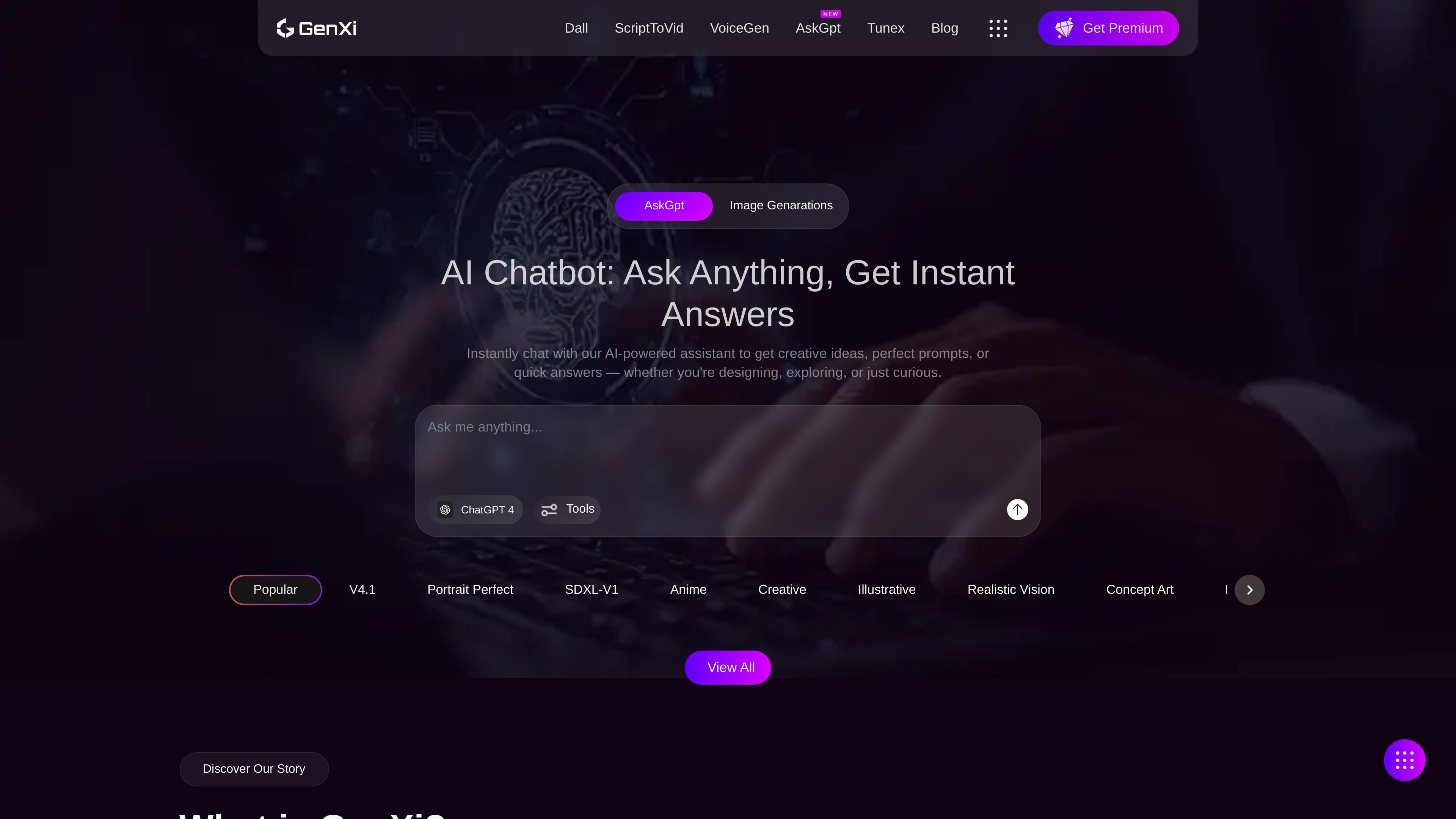
GenXi is a web product for creating images and videos from text prompts. Its homepage positions the tool as a simple way to generate visual content with AI, and also highlights an AI chatbot for quick answers, prompt ideas, and creative support.
The source material shows GenXi as a lightweight creation interface rather than a full editing suite. The core workflow is prompt-driven: users enter text, generate visual output, and can use the chatbot to refine ideas or get help along the way.
Generate images and videos from text input, which positions the product as a prompt-based creation tool for visual content.
The homepage indicates the product is built around AI output generation rather than manual editing workflows.
An AI chatbot is included for asking questions, generating ideas, and refining prompts before creating content.
The page references ChatGPT 4, suggesting the assistant component is based on a ChatGPT-style experience.
The homepage includes an opening call to use the Dall app, implying a quick path from the landing page into image generation.
Create visual concepts from a written prompt when you want to move quickly from an idea to an AI-generated asset.
Generate short-form video ideas or visual snippets from text when you need AI-assisted motion content.
Use the chatbot to brainstorm prompts, clarify an idea, or ask a quick product-related question before generating content.
Open the site and start generating without a documented setup process, which suits users who want a simple first step into AI creation.
GenXi presents itself as a web-based AI product for generating images and videos from text prompts. The homepage also mentions an AI chatbot for getting ideas, prompts, and quick answers.
The source does not describe a detailed setup flow or account requirements. The homepage wording suggests the tool is accessible on the web and includes a free-to-try message, but no sign-up steps are provided in the collected text.
The homepage highlights text-to-image and text-to-video generation, plus an AI chatbot for prompt help and quick answers. The collected sources do not describe export formats, resolution settings, or editing controls.
The public pricing URL returned a 404 page in the collected evidence, so no pricing or plan details could be verified from the source material.