
Browser fingerprint regeneration
Genlogin uses browser fingerprint regeneration based on real user data and says devices are continuously updated 24/7.

Genlogin is an anti-detect browser and automation browser for managing multiple profiles and automating browser tasks across platforms.
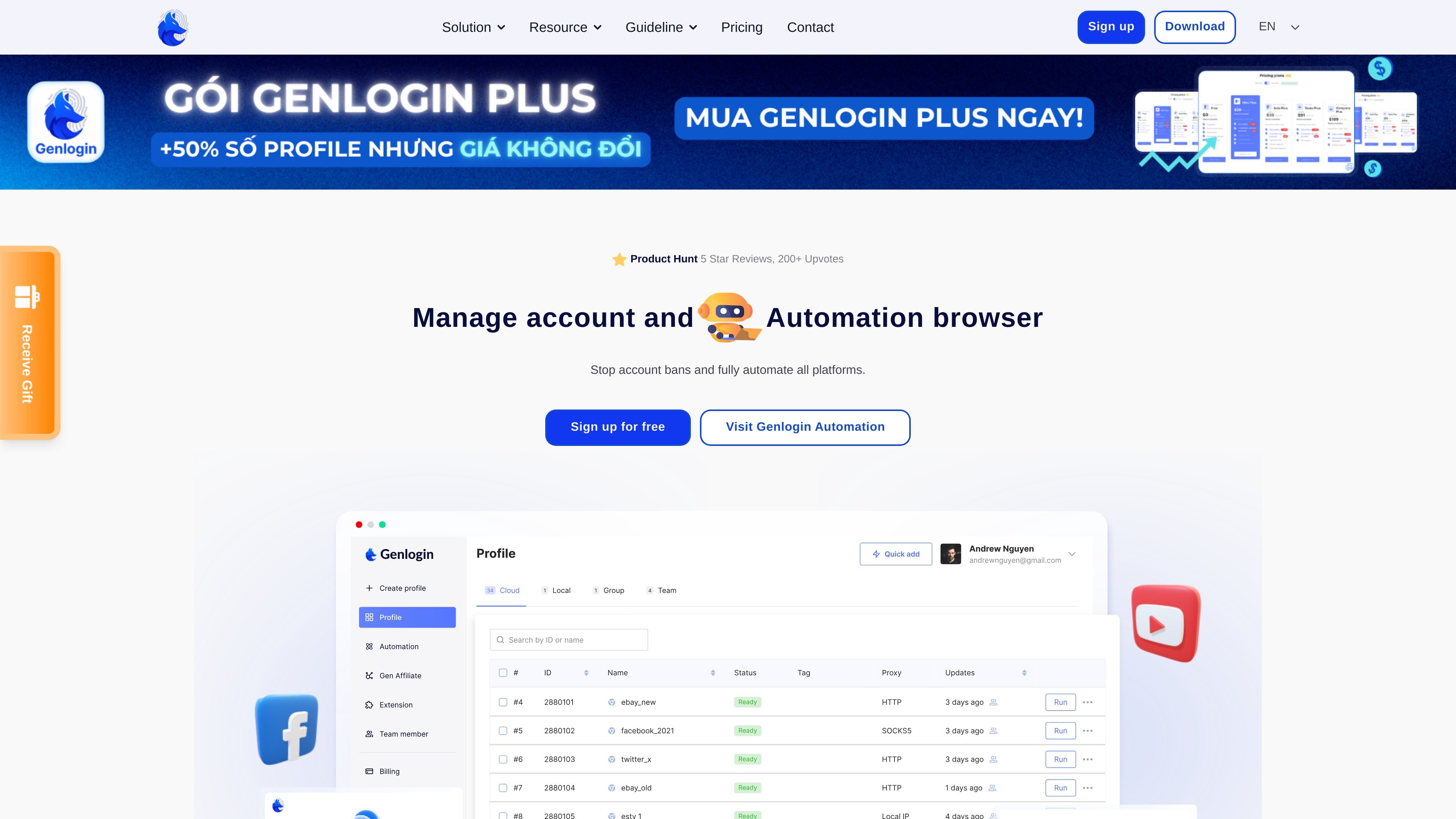
Genlogin is an anti-detect browser and automation browser designed to help users manage multiple accounts, reduce account lockouts, and run browser-based workflows across platforms. The homepage presents it as a tool for account management, privacy, and automation rather than a single-purpose browser extension or scraping utility.
The product combines profile-based browsing, fingerprint changes, proxy support, synchronization, and no-code automation. The site also positions Genlogin for ecommerce, retail, digital marketing, affiliate work, traffic arbitration, seeding, account management, and data scraping use cases.
Genlogin uses browser fingerprint regeneration based on real user data and says devices are continuously updated 24/7.
Manage multiple accounts with profile sharing, online profiles without installation, and utilities for sharing and automating operations.
Titan Browser is described as an exclusive feature that simulates human behavior online to improve account authenticity and security.
Gen-proxy integration lets each profile use a different desktop address at a lower cost, according to the site.
Synchronizer Action runs browser actions across profiles in real time so workflows can be mirrored across sessions.
Automation provides a drag-and-drop interface and ready-to-use templates for no-code workflow building.
Create and organize separate browser profiles to handle multiple accounts with less manual switching, especially when account separation matters.
Build browser workflows without coding using drag-and-drop automation and templates for repeated tasks across platforms.
Use the product’s ecommerce-focused pages to support product uploads, customer review collection, and platform-specific account nurturing.
Apply profile management, automation, and synchronization to social media account work such as posting, commenting, and engagement tasks.
Use browser-based collection workflows to gather website or marketplace data for research and scraping tasks without relying on a separate scraper stack.
Genlogin is an anti-detect browser and automation browser for managing multiple profiles and automating browser actions across platforms. The site describes it as a tool for account management, privacy, and no-code automation.
The site says Genlogin supports Windows 10 64-bit and also has a version for macOS.
Yes. The homepage says Genlogin can be used on multiple devices, but only one profile can run on one machine at a time.
The pricing page shows a Free plan, plus paid plans including Mini Plus, Solo Plus, Team Plus, and Company Plus. The site also notes that no credit card is required to start for free.
The source shows team-oriented plans with member and sub-account limits, plus team member management features for roles and access. It is positioned for individuals, small teams, and organizations.