
Photo to coloring page conversion
Turn a photo into a coloring page with clean line art. The site describes photo uploads, background removal, and print-ready output as part of this workflow.

GenColor AI turns photos or text prompts into printable coloring pages. Free no-login trials, plus paid plans with more controls and commercial use.
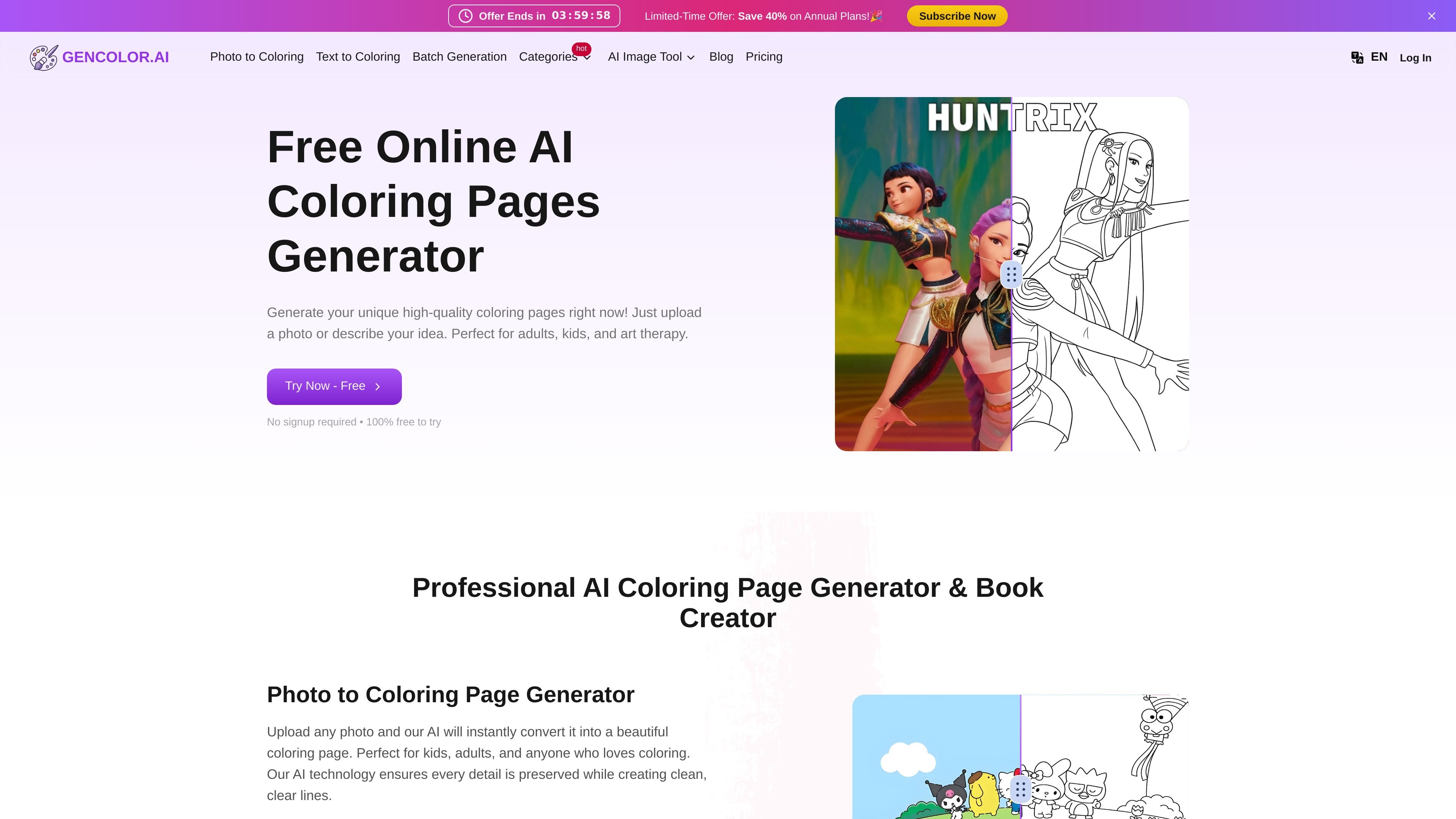
GenColor AI is an online AI coloring page generator that turns photos or text descriptions into printable coloring pages. The home page positions it as a free-to-try tool with no login required, aimed at quick creation for adults, kids, art therapy, classroom use, and custom projects.
The product workflow is straightforward: upload a photo or enter a prompt, generate a coloring page, and download the result in printable formats. The site also presents options for background removal, resolution enhancement, watermark removal, and private generation on paid plans.
Turn a photo into a coloring page with clean line art. The site describes photo uploads, background removal, and print-ready output as part of this workflow.
Create coloring pages from a text prompt instead of an image. The home page says the tool can transform a text description into a detailed drawing ready to color.
Each generation produces two unique variations, which gives users more than one option from the same input.
Export results in PNG and PDF formats for printing or digital use. The site describes both high-resolution PDF and print-ready PNG output.
Adjust the image before generation with options such as background removal, upscale, no watermark, private generation, and batch generation. The photo-to-coloring page also lists aspect ratio choices and create-quantity settings.
Plans include support for personal use, commercial use on higher tiers, and different support levels depending on the plan.
Upload a clear portrait, pet photo, or family snapshot and convert it into a printable coloring page for home use, gifts, or classroom activities.
Describe a scene, character, or object in text and generate a custom coloring sheet when you do not have an image to upload.
Use the printable PNG or PDF output for school projects, art therapy sessions, or other activities that need easy printing.
Choose paid plans when you need extra controls such as background removal, watermark removal, batch generation, or private generation for repeated production work.
Select Studio or Enterprise when you need commercial use rights for selling or distributing the finished coloring pages.
GenColor AI provides free, login-free trials for generating coloring pages, and it also offers paid subscription plans for additional features and higher usage.
Yes. The pricing page states that Studio and Enterprise plans include commercial usage rights, while Basic and Plus are for personal use only.
The site says it accepts common image formats such as JPEG, JPG, and PNG for photo-to-coloring workflows, and it recommends clear, high-resolution photos under 5 MB for better results.
No account is required to try the product. The home page says you can start creating without signup, and the site also says there is no login required.
The website says generated coloring pages can be downloaded in PNG and PDF formats, and the photo-to-coloring page also emphasizes print-ready output.