
Photo-to-output generation
Turn uploaded photos into downloadable coloring pages, printed coloring books, or digital paintings using the site's image-processing flow.

FotoMedley turns uploaded photos into coloring pages, coloring books, digital paintings, and activity sheets for download or print.
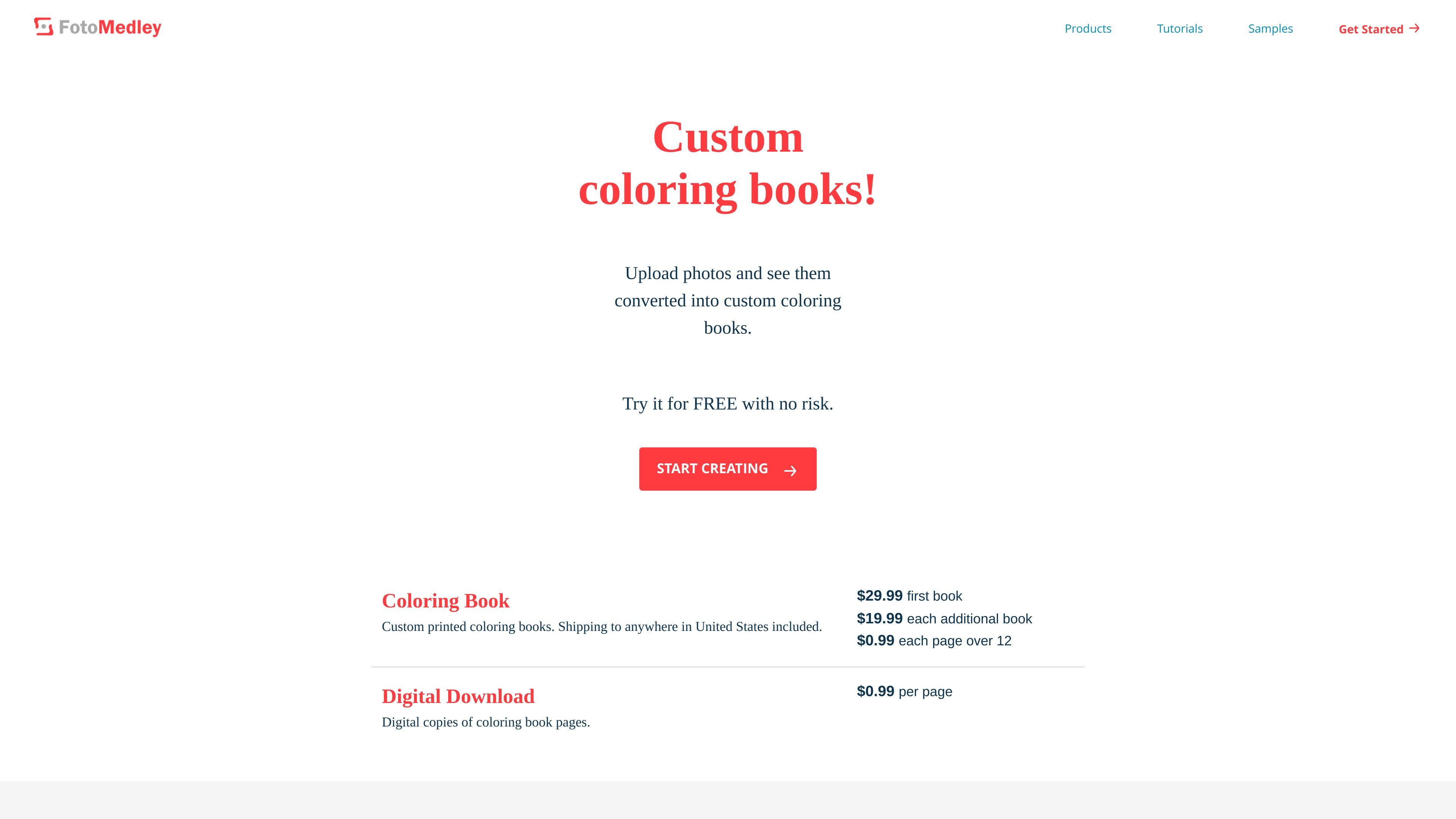
FotoMedley is a photo-to-activity-page and photo-to-art website that turns uploaded images into coloring pages, activity sheets, coloring books, and digital paintings. The site presents its tools as a way to convert personal photos into printable or downloadable outputs in just a few clicks.
The product covers both single-page downloads and printed formats. Users can generate individual pages such as mazes, dot-to-dot sheets, sketches, comics, or background-removed images, then either download the file for home printing or order a printed coloring book or canvas print.
Turn uploaded photos into downloadable coloring pages, printed coloring books, or digital paintings using the site's image-processing flow.
Choose from several output styles, including coloring, rough, soft, by number, maze, dot-to-dot, sharpie, pencil, colored pencil, cartoon, comic, and background removal.
Create printed coloring books with saddle stitch binding, 8.5" x 11" pages, customizable front and back covers, and photo thumbnails on the back cover.
Order digital downloads for at-home printing or receive printed products, depending on the selected output and format.
Adjust the result with features such as alternate layouts, text, borders, backgrounds, and automatic background removal where supported.
Use the preview flow to compare generated results before downloading or completing a book order.
Parents or caregivers can turn family photos into custom coloring pages or books for children, including pages that use bold outlines or color-by-number styles.
People making gifts can assemble photo-based coloring books for birthdays, weddings, anniversaries, holidays, or keepsake albums.
Artists and hobbyists can create digital paintings, sketches, comics, or other stylized renderings from their own photos for sharing or display.
Users who want printable sheets for home use can download individual pages such as mazes, dot-to-dot sheets, and coloring pages sized for standard letter paper.
Users who need a cutout subject or cleaner source image can use background removal as a utility step before other creative work.
Yes. FotoMedley offers free previews for its products, and the site says you can try it for free with no risk before purchasing downloads or printed books.
The site supports downloading individual pages or receiving printed books and canvas prints. For coloring pages, the source says downloaded pages are generated for standard 8.5" x 11" paper, and printed coloring books are mailed after checkout.
FotoMedley uses artificial intelligence to analyze uploaded photos and generate outputs such as coloring pages, coloring books, digital paintings, sketches, mazes, dot-to-dot sheets, and background removal results.
The site recommends high-resolution images with good focus, lighting, color, and contrast. For digital paintings, it also notes that the process is aimed at the overall appearance of the image rather than tiny details.
The product pages describe previews and multiple processing styles so you can compare results and discard images you do not want before finalizing a book order.