
Meeting capture and transcription
Fathom can record meetings with either bot-free capture or bot capture, and it stores recordings with unlimited transcription and call downloads.

Fathom is an AI meeting notetaker that records, transcribes, and summarizes calls for individuals and teams. It also supports searchable meeting history, collaboration, and workflow integrations across common business tools.
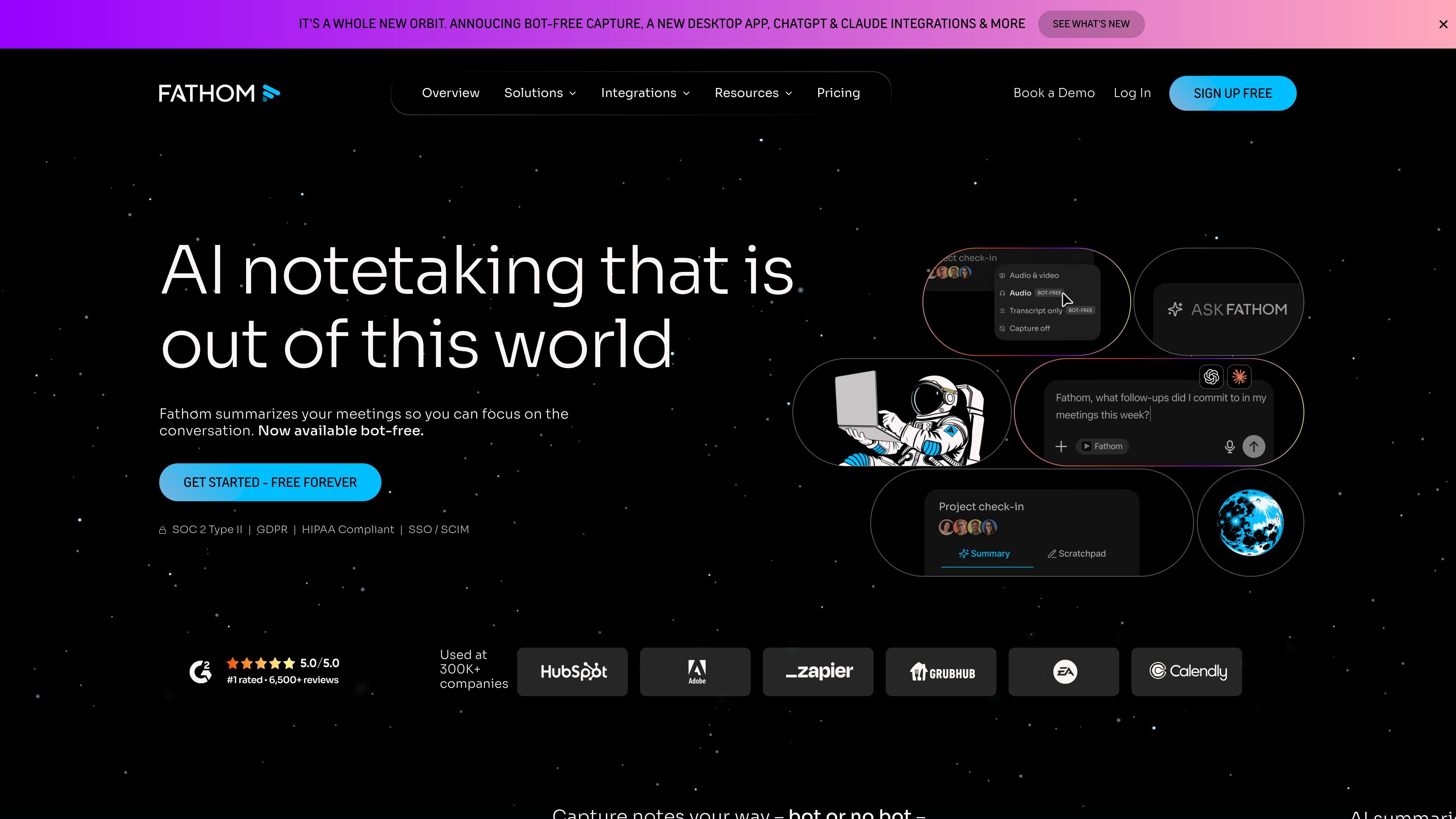
Fathom is an AI notetaker and meeting partner that records meetings, transcribes conversations, and generates summaries so users can focus on the discussion instead of taking notes. The product is available for individuals and teams, with a free tier and paid plans that add shared search, collaboration, and admin features.
The site says Fathom can capture meetings bot-free or with a bot, and it surfaces AI summaries, action items, searchable transcripts, and follow-up insights after calls. It also positions Ask Fathom as a way to search across past conversations and retrieve context from earlier meetings.
For teams, Fathom is presented as a shared source of truth for customer conversations, internal syncs, and strategy calls. The website highlights workflows for sales, customer success, operations, recruiting, product, and marketing, along with integrations that move notes and insights into tools such as Slack, Salesforce, HubSpot, Notion, Asana, Google Meet, Zoom, Gmail, and Microsoft Teams.
Fathom can record meetings with either bot-free capture or bot capture, and it stores recordings with unlimited transcription and call downloads.
The product generates instant summaries and action items after calls, with options for chronological summaries and advanced summary templates for different workflows.
Users can search within meetings and across shared team calls, and Ask Fathom provides a chat-like way to query past conversations.
Teams can create playlists, share clips and highlights, add comments, mention teammates, and organize recordings into folders.
Business and team plans add CRM field sync, deal views, coaching metrics, AI scorecards, and custom data retention policies.
The site lists integrations with collaboration and work tools including Slack, Salesforce, HubSpot, Notion, Asana, Google Meet, Zoom, Gmail, and Microsoft Teams.
Record calls, get summaries and action items automatically, and review the transcript after the meeting without taking notes by hand.
Share recordings, comments, playlists, and search across team calls so customer-facing teams can keep context visible across handoffs.
Use CRM field sync, deal views, and coaching metrics to keep sales notes current and turn call insights into pipeline follow-up.
Track risks, opportunities, onboarding context, and renewal history across customer conversations so customer success teams can stay aligned over time.
Capture feedback, feature requests, and internal discussion from product, marketing, recruiting, or operations meetings and search them later when decisions need context.
Fathom records, transcribes, and summarizes meetings automatically. The site also describes an option for bot-free capture, with bot capture available as well.
The site shows plans for individuals and teams, plus a business tier. Individual users can start free, while team plans add shared search, collaboration, SSO, and CRM-related workflow features.
Fathom can generate instant AI summaries, action items, searchable transcripts, and customizable meeting summaries. The overview also mentions Ask Fathom for querying past conversations.
The pricing and overview pages mention integrations and workflow connections with tools such as Slack, Salesforce, HubSpot, Notion, Asana, Zapier, Make, Google Meet, Zoom, Gmail, and Microsoft Teams.
Fathom’s site states it is SOC 2 Type II, GDPR, and HIPAA compliant, with SSO and SCIM mentioned on the home page. The customer success page also notes custom data retention and sharing policies.