
Photo face swap
Swap faces in uploaded photos by providing a source image and a target face, then running the swap process online.

Face Swapper Online is a browser-based AI tool for swapping faces in photos and videos. Upload and swap faces online in a simple workflow.
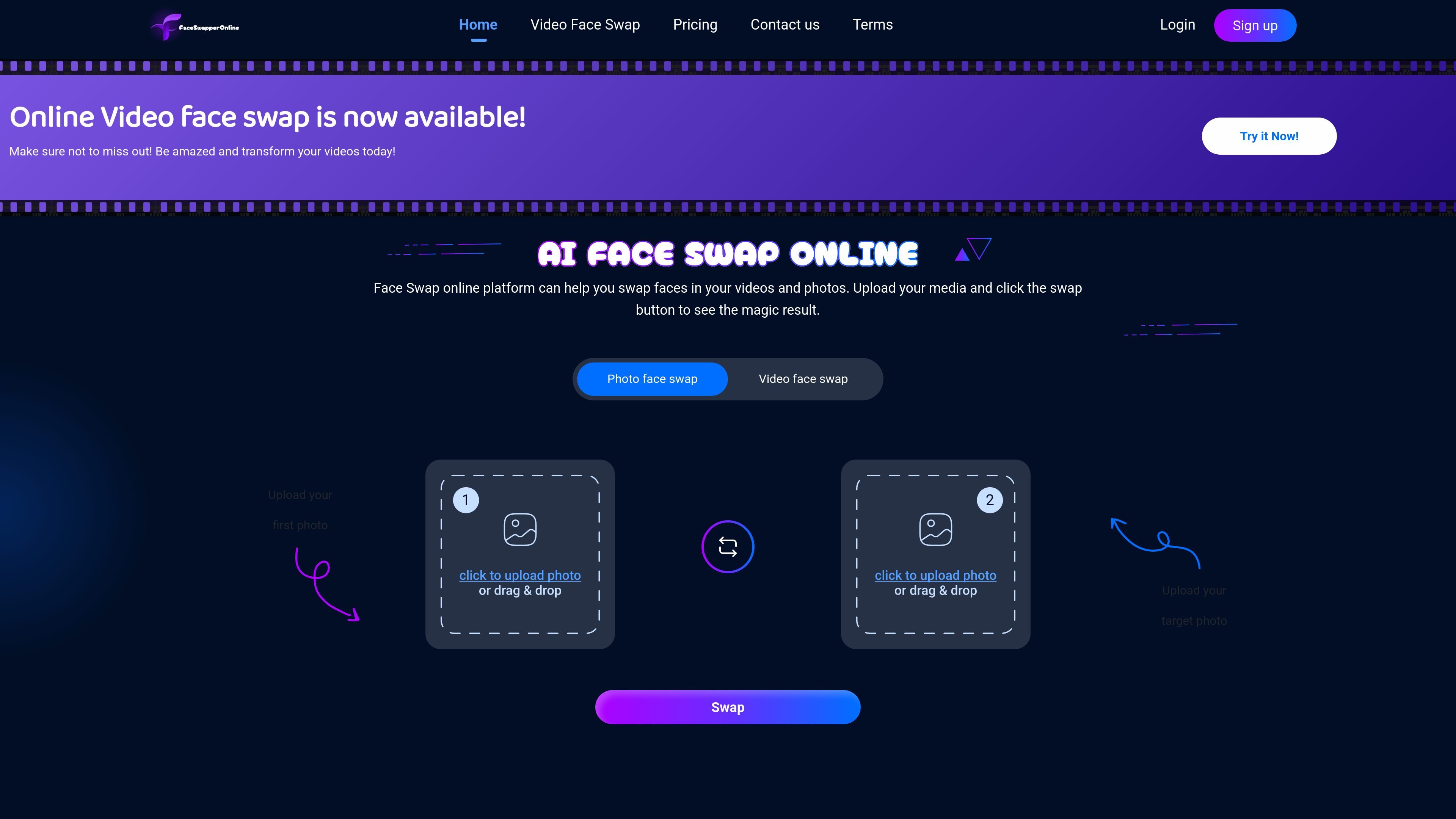
Face Swapper Online is a browser-based AI face swap tool for photos and videos. The site presents it as an online platform where users upload media, choose a face to replace, and generate a new image or video result.
Its main purpose is to make face swapping accessible without specialized editing software. The source emphasizes quick use, realistic output, and support for both photo and video workflows, with guidance that clearer source media improves the final result.
Swap faces in uploaded photos by providing a source image and a target face, then running the swap process online.
Create face-swapped videos from uploaded media using the site’s video face swap workflow.
Use the service directly in the browser without installing desktop software, which makes it accessible from any device.
Follow a short upload-and-swap flow that is presented as simple enough for quick creative experiments.
Rely on AI processing aimed at producing realistic output while preserving image integrity.
See guidance that better source quality leads to better outcomes, including clear, well-lit media without masks or noise.
Use the photo workflow to replace a face in a still image for personal projects, social posts, or creative edits.
Generate swapped faces in videos for short clips, experiments, or shareable transformations.
Try the tool from a browser on different devices when you need a quick, online workflow without installing software.
Use the product’s guidance on clear, well-lit source images when you want to improve the chance of a cleaner result.
Yes. The home page says the product supports face swaps in both photos and videos, and the video page is dedicated to video face swap online.
The source describes a simple workflow: upload media, upload or choose the target face, then click swap and review the result.
The site says higher-quality, well-lit images and videos improve results, and it recommends avoiding noise and facial coverings like masks.
The product page says all data is encrypted and processed securely on the video face swap page.
A pricing URL is listed on the site, but the page currently returns a not found message, so the available source does not confirm current plans or pricing.