
End-to-end coding tasks
Codex is positioned to complete engineering tasks end to end, including building features, complex refactors, migrations, routine pull requests, and other work powered by OpenAI’s coding models.
Codex is OpenAI’s AI coding agent for teams that need help planning, building, reviewing, and shipping software across app, editor, and terminal.
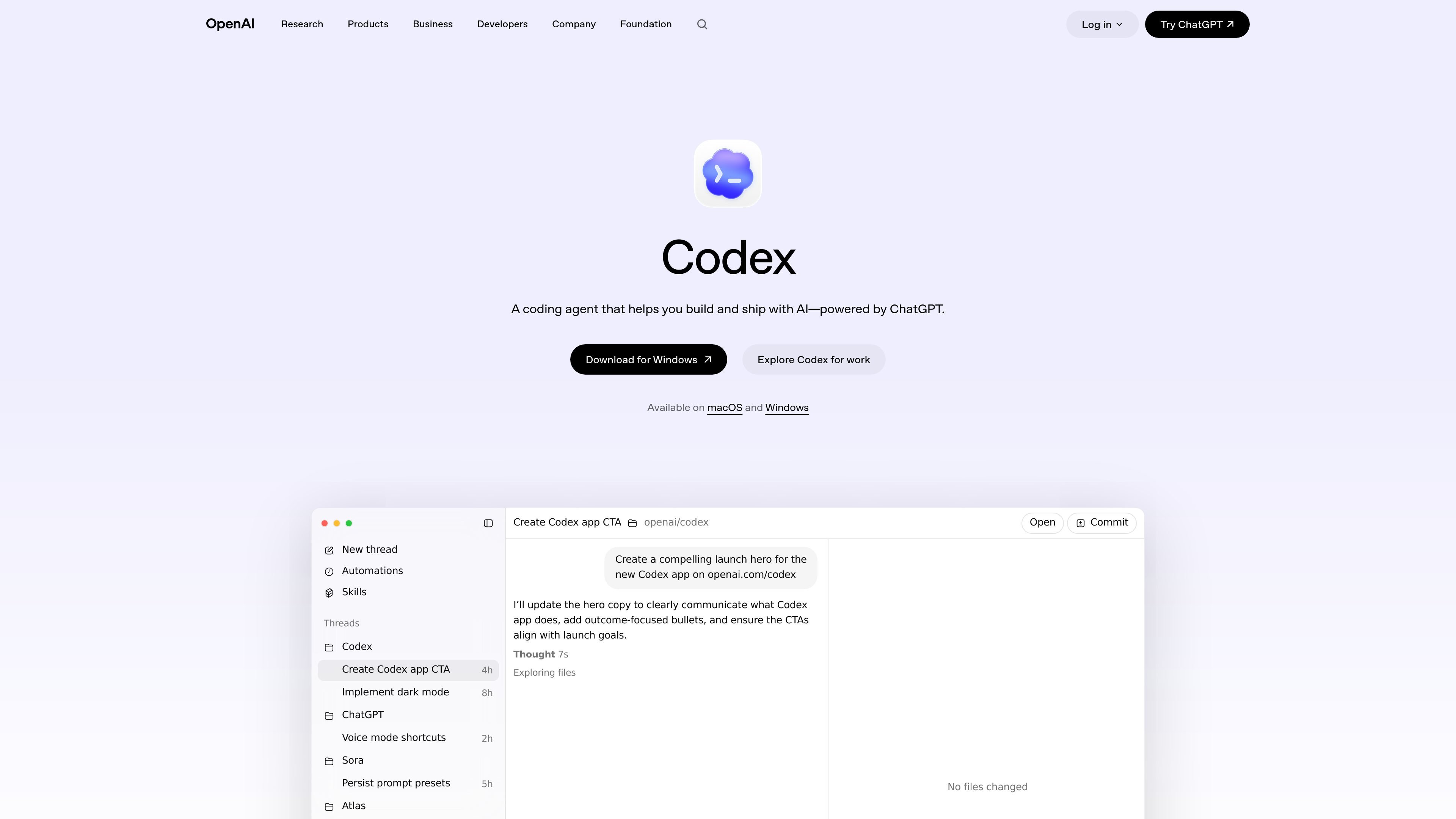
Codex is OpenAI’s AI coding partner for teams that want agentic assistance across the software development lifecycle. The product page describes it as a coding agent that helps you build and ship with AI, with support for planning, feature work, refactors, reviews, and releases.
The home page emphasizes that Codex is built for real engineering work rather than isolated snippets. It can complete tasks end to end, operate in parallel through worktrees and cloud environments, and move with a team from the Codex app into an editor or terminal, all tied together through a ChatGPT account.
Codex is positioned to complete engineering tasks end to end, including building features, complex refactors, migrations, routine pull requests, and other work powered by OpenAI’s coding models.
The app is described as a command center for agentic coding, with built-in worktrees and cloud environments that let agents run in parallel across projects.
With Skills, Codex can contribute to work beyond code writing, including code understanding, prototyping, and documentation aligned with team standards.
With Automations, Codex can pick up unprompted background work such as issue triage, alert monitoring, and CI/CD-related tasks.
Codex is presented as improving the quality of outputs through more thorough designs, comprehensive testing, and higher-signal code review.
The product is intended to work across the Codex app, your editor, and the terminal, giving teams a consistent agent across common development surfaces.
Use Codex when a team needs help turning a planned feature into working code, especially if the task spans multiple files or requires coordinated changes.
Use Codex for large codebase changes such as refactors and migrations, where end-to-end task completion and testing matter.
Use Codex to support code review and quality checks, including catching issues earlier and improving confidence before shipping.
Use Codex for ongoing operational work like issue triage, alert monitoring, and CI/CD follow-up that can be handled in the background.
Use Codex across the app, editor, and terminal when a team wants one agentic workflow that can move between surfaces as work progresses.
Codex is an AI coding agent from OpenAI that helps teams build and ship software with ChatGPT-powered assistance.
The source says Codex is available on macOS and Windows, and it works across multiple surfaces connected by a ChatGPT account.
Codex is presented as working across the Codex app, your editor, and the terminal, with built-in worktrees and cloud environments in the app.
The source does not provide verified pricing or plan details, and the pricing page was unavailable at the time of collection.
Los datos de tráfico son solo como referencia.
| mar | 203740797 |
|---|---|
| abr | 195737812 |
| may | 203086642 |