
Multi-channel automation
Build automated replies and flows for Instagram, Facebook, and WhatsApp, with templates available to speed up setup.

Chatfuel is a social media automation platform for managing customer messages, sales workflows, and bookings across Instagram, WhatsApp, Facebook, and TikTok.
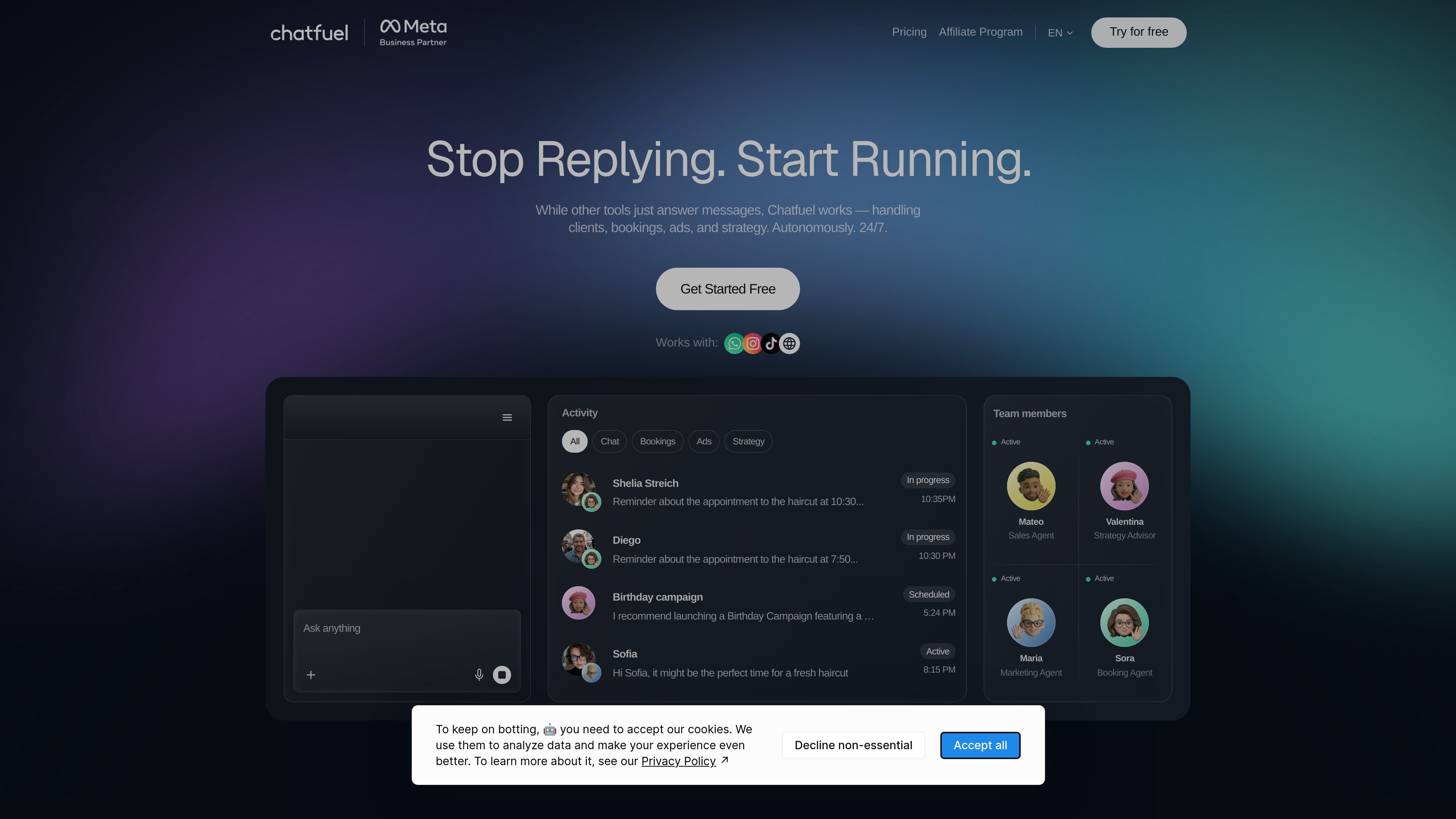
Chatfuel is a social media automation platform for businesses that want to manage sales and customer conversations across Instagram, WhatsApp, Facebook, and TikTok. The site describes it as a tool that goes beyond simple auto-replies by helping teams handle messages, bookings, ads, and strategy from one place.
The pricing page shows a free starting option and a paid AI Pro plan, while the homepage emphasizes setup without credit card entry and support for teams that need both automation and human follow-up. Chatfuel also presents itself as an official Meta Business Partner and WhatsApp Business Solution Provider.
Build automated replies and flows for Instagram, Facebook, and WhatsApp, with templates available to speed up setup.
Manage live customer conversations from a shared inbox so automation can hand off to a person when needed.
Organize customer data with contact management and segmentation to keep follow-up messages more targeted.
Use the AI sales manager, AI knowledge base, and AI-powered automations to support sales and customer response workflows.
Create broadcasts, re-engagement flows, and lead-qualification funnels for ongoing outreach and qualification.
Connect external tools such as Google Sheets, Zapier, Stripe, and the Chatfuel API.
Automate replies to incoming DMs, comments, and story replies, then route complex conversations to a human through the inbox when needed.
Qualify inbound leads and move them into funnels that support follow-up, booking, or sales handoff.
Manage appointments and reminders with automated booking workflows and follow-up messages.
Run broadcasts and re-engagement campaigns for customers who need follow-up after the first interaction.
Set up click-to-chat campaigns and other ad-related workflows directly from the AI interface.
Yes. The pricing page says you can start for free and later upgrade to a paid plan if you need more automation features.
Yes. The pricing page says team members can handle live conversations in the shared inbox, including cases where automation needs a human follow-up.
The pricing page says you can cancel a paid plan at any time from billing settings.
The pricing page says you can connect tools like Google Sheets, Zapier, Stripe, and the Chatfuel API.
The site says most teams can publish a first automation in minutes and improve it over time.