
Text, image, and 3D generation
Generate images from text prompts, uploaded images, or 3D models, giving you multiple input paths for different creative workflows.

CGDream is a browser-based AI image generator and editor for creating visuals from text, photos and 3D models, with inpainting, upscaling and filters.
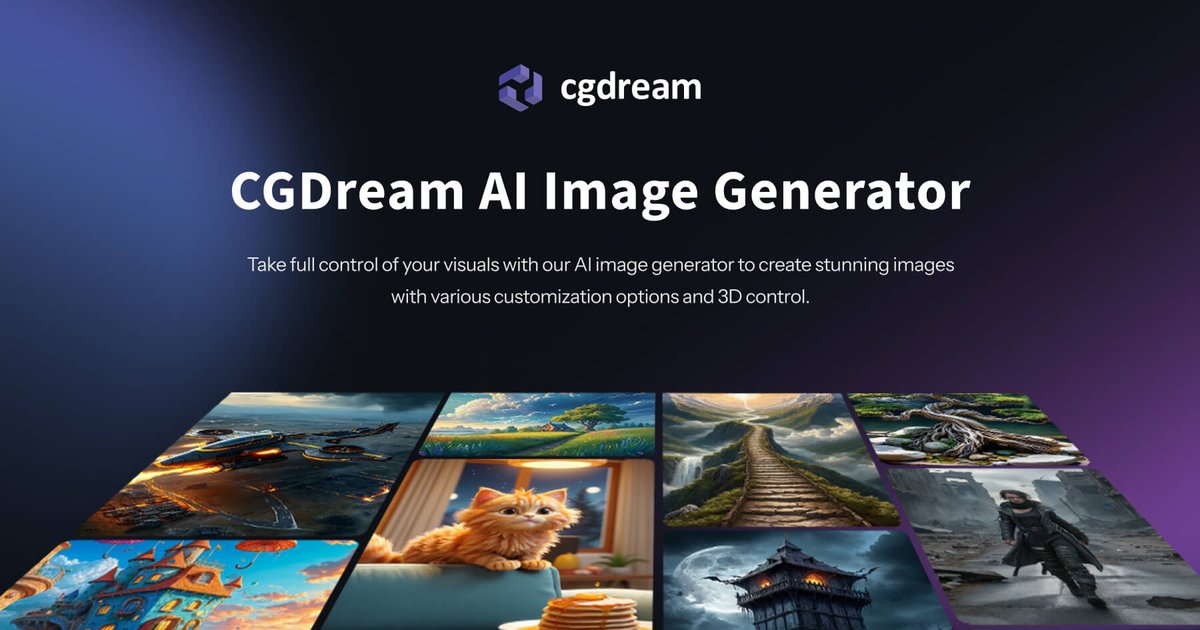
CGDream is a browser-based AI image generation and editing product for creating visuals from text, photos, and 3D models. The site presents it as a free AI image generator with additional tools for photo editing, inpainting, upscaling, style transfer, and 3D-focused workflows.
Its core purpose is to help users produce and refine images without switching between separate tools. The product combines text-to-image generation, image-to-image editing, image-to-3D conversion, and 3D rendering controls in one web app, with paid plans adding higher credit allowances and extra account features such as private mode and commercial use.
Generate images from text prompts, uploaded images, or 3D models, giving you multiple input paths for different creative workflows.
Adjust visual details with a 3D viewer and 3D controls, including perspective, size, and related generation settings on supported workflows.
Turn photos into editable or model-ready outputs, including image-to-image-style transformations and image-to-3D generation.
Apply inpainting to modify part of an image, correct imperfections, or replace specific areas without rebuilding the entire visual.
Use image upscaling and a large filter library to increase detail and apply stylistic effects to generated or uploaded images.
Use plan-based options such as private mode, commercial use, concurrent generations, and relaxed or slow generation depending on your subscription.
Start from a prompt when you want a fast concept image, social visual, or marketing asset generated directly in the browser.
Upload a photo or image to change its style, adjust details, or refine a specific area with inpainting.
Convert an image or text prompt into a 3D model when you need a model for design, animation, or asset exploration.
Render 3D models into images from different angles when the goal is to present a product, object, or scene with controlled perspective.
Use paid-plan controls such as private mode, commercial use, and higher concurrency when working on recurring creative production tasks.
CGDream uses credits to generate images and access premium features. Free users receive daily credits, while paid plans add larger monthly credit pools and additional capabilities such as private mode and commercial use.
Yes. The site says free users receive 100 daily credits, but the free plan has limits, including no commercial use, no private mode, limited history and browsing, and no deleting images.
Yes, but the feature set depends on the plan. The pricing page shows commercial use is allowed on paid plans, while the free plan does not allow commercial use.
The pricing page says premium users can still generate images in slow generation mode after credits are used up, while free users must wait for daily credits to replenish or upgrade.
The home page and feature pages describe browser-based tools for text-to-image, photo editing, 3D rendering, and image-to-3D workflows. The source does not provide detailed platform or export-format documentation beyond the web app surface.