
Photo + prompt generation
Upload a face photo and combine it with prompt text to guide the caricature result. The site says this supports styles such as playful, exaggerated, artistic, and minimal.

Caricaturer is a free AI caricature maker that turns face photos into playful portraits from an uploaded image and prompt—fast, no skills needed.
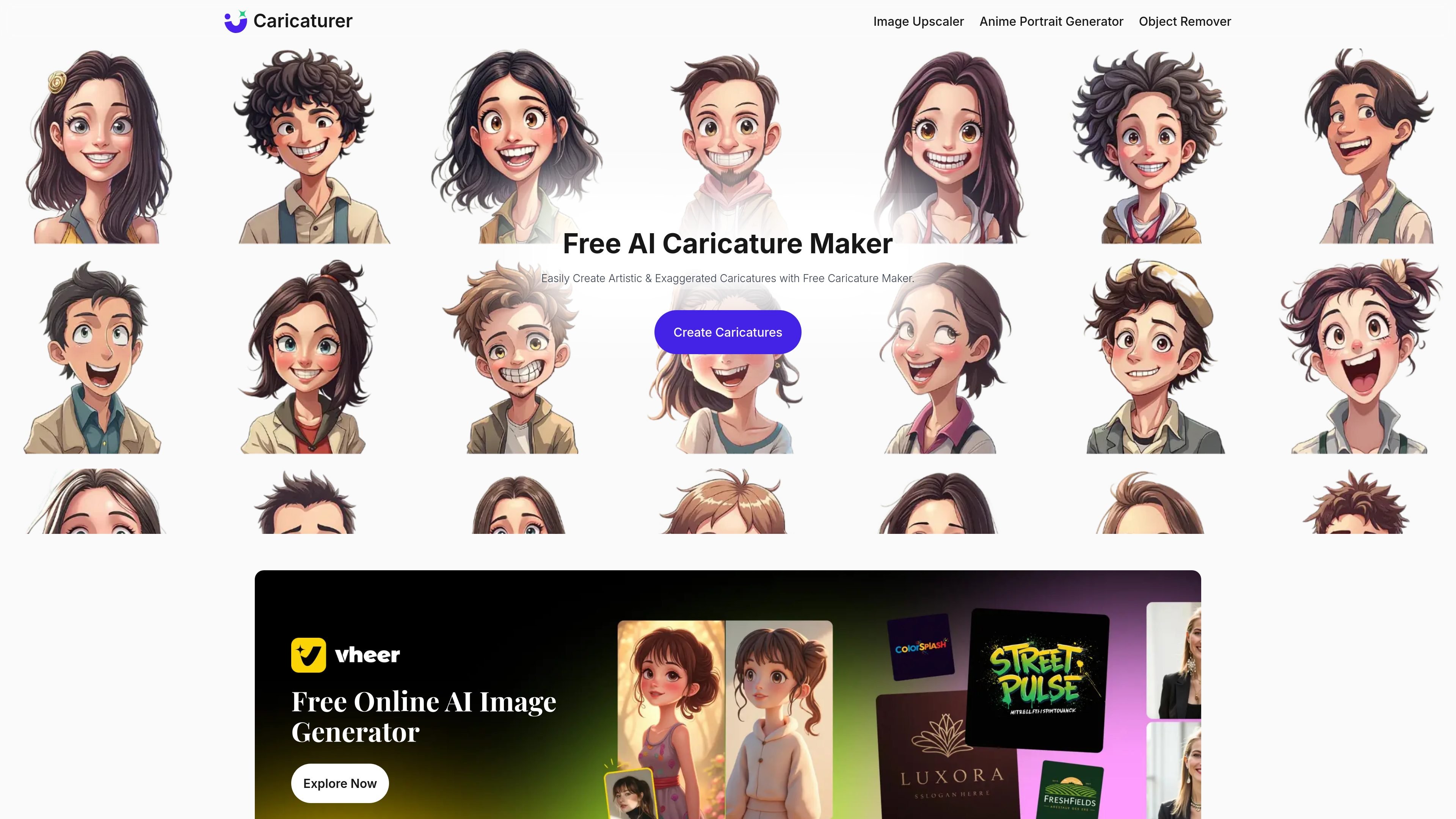
Caricaturer is an online AI caricature maker for turning face photos into caricature portraits and images. The homepage presents it as a free tool that uses prompt-based image generation to create humorous, artistic, exaggerated, or minimal caricatures from an uploaded photo.
Users upload a face photo, describe the desired expression, pose, clothing, hairstyle, background, or style, and then generate a result in a few seconds. The site says the output can be previewed and downloaded, and that the service is available without registration or subscriptions.
Upload a face photo and combine it with prompt text to guide the caricature result. The site says this supports styles such as playful, exaggerated, artistic, and minimal.
The workflow accepts JPEG, PNG, and WebP images up to 10MB, with guidance to use a clear, well-lit face photo for better results.
The page outlines a simple four-step flow: upload, describe the style, generate, then preview and download.
Generated caricatures can be previewed and downloaded directly to your device after creation.
The site says the tool produces high-quality, watermark-free caricatures and that they are free to download and use for commercial purposes.
The privacy policy says the service is processed directly in the browser and the terms state there is no account system in the latest version.
Create a playful avatar or profile image from a real photo, using prompt text to steer the expression, style, and background.
Make a personalized caricature for birthdays, anniversaries, weddings, or other celebrations where a humorous portrait can serve as a gift or poster.
Generate themed caricatures for holidays, sports, fantasy, or cartoon-style visuals when you want a more specific look than a generic portrait edit.
Produce a memorable caricature for a brand, logo concept, or promotional visual when a playful identity fits the context.
Caricaturer lets you upload a face photo and describe the style you want with text prompts, then it generates a caricature from that input.
The site says you can upload JPEG, PNG, or WebP images, with a maximum file size of 10MB.
The site describes the tool as free to use and says there are no registration or subscription requirements.
The site says the caricatures are processed directly in your browser and can be accessed from any device.
The product page focuses on caricature portraits and images created from photos and prompts, but it does not describe a public API or third-party integrations.