
Instant callback widget
Let website visitors request a callback from the widget and get connected to the first available rep in seconds. The site says the callback experience can happen in under 28 seconds.

CallPage is a call conversion platform that turns website visitors into sales calls, callbacks, or meetings with AI Voice Agent, call tracking, and CRM integrations.
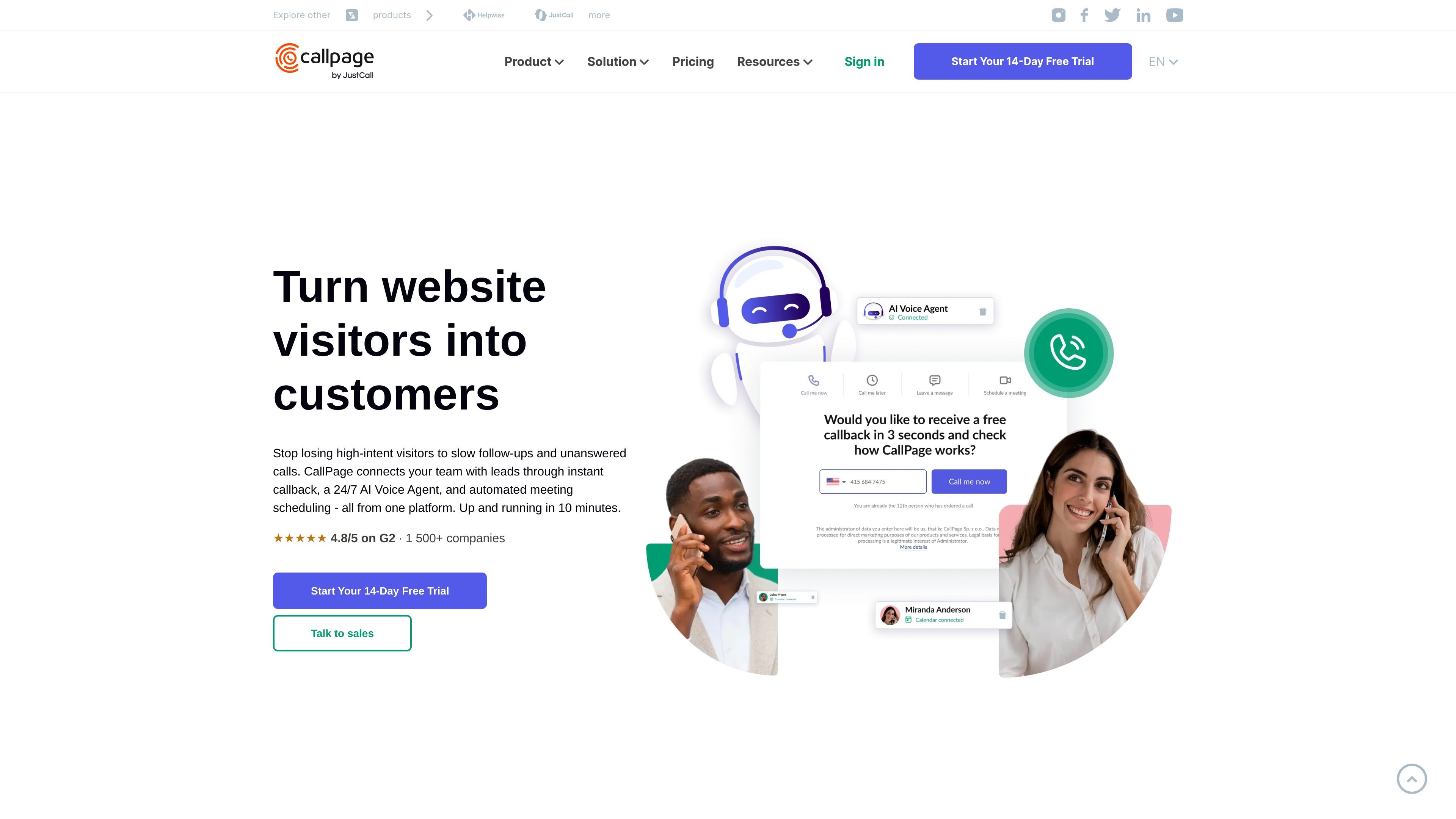
CallPage is a call conversion platform for turning website visits into sales conversations. It combines an instant callback widget, automated meeting scheduling, call management, and an AI Voice Agent so visitors can connect with a sales rep or self-book a next step while their intent is still high.
The product is positioned for teams that rely on phone-led sales or support. CallPage says it can go live in about 10 minutes, offers a 14-day free trial, and supports native integrations with major CRMs plus Zapier-based automation.
Let website visitors request a callback from the widget and get connected to the first available rep in seconds. The site says the callback experience can happen in under 28 seconds.
Use display rules to show the widget at the right time, such as after time on page, on scroll depth, on specific pages, or on exit intent. The callback can also launch from buttons or forms already on the site.
Offer visitors a choice between an instant callback, the AI Voice Agent, or a scheduled meeting. The platform routes contact requests based on availability and call distribution rules.
Handle inbound calls outside business hours, qualify leads, answer common questions, route hot prospects, and book meetings with the AI Voice Agent. The site says it works in 40+ languages.
Store call routing, recordings, call history, team analytics, lead source, and UTM data in one dashboard. The site also mentions automatic saving of contact details and AI notes.
Connect with native integrations for HubSpot, Salesforce, Pipedrive, and Zendesk, or use Zapier to connect with 5,000+ other tools.
Capture high-intent visitors before they leave by showing a callback prompt at the right moment. This fits pages where prospects are ready to talk and speed to lead matters.
Let the AI Voice Agent answer after-hours calls, qualify questions, and route only the most relevant leads to a person. This is useful for teams that cannot staff phones around the clock.
Let visitors book online or offline meetings directly from the widget, form, or link. This reduces back-and-forth email for teams that need appointments rather than immediate calls.
Use call routing, recordings, history, and analytics to monitor how the team handles inbound conversations. This suits sales and support groups that need visibility into response quality and lead source.
Connect lead capture and call events to CRM and automation tools so records and follow-up actions move into existing workflows. This is useful for teams already operating in HubSpot, Salesforce, Pipedrive, or Zendesk.
CallPage is designed to turn website visitors into sales calls, callbacks, or scheduled meetings. The site also shows an AI Voice Agent option for handling calls when the team is unavailable.
The site says CallPage can be up and running in about 10 minutes, and its pricing page describes a 14-day free trial with no credit card required.
The pricing page shows Starter, Pro, and Enterprise plans. Starter is for small teams, Pro adds more advanced capabilities, and Enterprise is custom priced for larger companies.
CallPage integrates natively with HubSpot, Salesforce, Pipedrive, and Zendesk, and also connects through Zapier to 5,000+ tools.
The site says the AI Voice Agent works in 40+ languages and can answer calls, qualify leads, handle FAQs, route prospects, or book meetings.