
Stealth browser infrastructure
Run automation in remote stealth browsers designed to look like ordinary browsers, with sub-second cold starts, residential proxies, and CAPTCHA solving.

Browser Use is a browser automation platform for AI agents on real websites, with stealth browsers, hosted web agents, custom models, and a dedicated box.
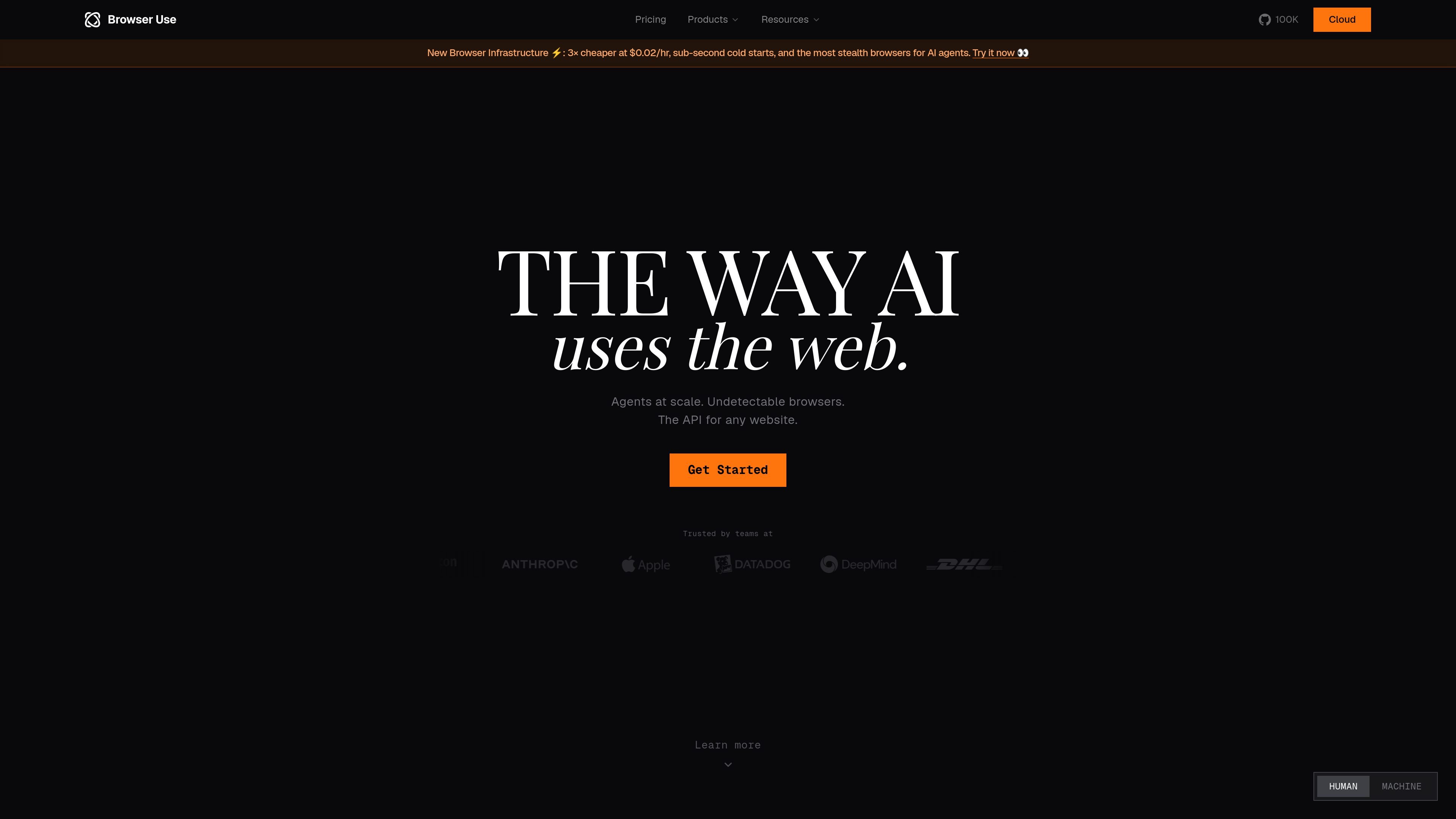
Browser Use is a browser automation platform built for AI agents that need to work on real websites. The site positions it as the way AI uses the internet, with open-source browser tooling, cloud infrastructure, hosted web agents, and model options for browser-specific tasks.
The platform covers several layers of the stack: stealth browsers for anti-detection and proxies, fully hosted web agents for scaled execution, custom models tuned for browser automation, and Browser Use Box for a dedicated agent environment. The overall focus is on helping teams run web workflows such as extraction, automation, QA, and monitoring without building the browser stack themselves.
Run automation in remote stealth browsers designed to look like ordinary browsers, with sub-second cold starts, residential proxies, and CAPTCHA solving.
Use hosted web agents to run browser automation at scale, with each session isolated and able to produce structured outputs.
Get clean JSON, CSV, or webhook callbacks from web agent runs by defining the schema up front.
Use browser-tuned models that are described as faster and cheaper than general-purpose frontier models for browser tasks.
Choose between open-source harness usage, cloud APIs, and Browser Use Box depending on how much infrastructure you want to manage.
Run a dedicated Browser Use Box for a personal agent workflow, with remote access options such as Telegram, the web, or SSH.
Use hosted web agents to extract structured records from websites and return them as JSON, CSV, or webhook payloads for downstream processing.
Run browser-based QA flows against live websites, using an agent to follow instructions and report results from real browser sessions.
Set up prompt-driven monitoring to detect page changes without maintaining custom scrapers or diff logic.
Use stealth browsers when sites are likely to flag automated traffic, especially for workflows that depend on ordinary browser fingerprints and proxies.
Operate a dedicated Browser Use Box when you want a personal agent environment that can be driven from the web, Telegram, or SSH.
Browser Use provides cloud and hosted browser automation for AI agents, so teams can run web tasks without managing their own browser infrastructure.
The site shows Browser Use Cloud, Browser Harness, Stealth Browsers, Web Agents, Custom Models, and Browser Use Box, which can be combined depending on whether you need infrastructure, hosted execution, or model support.
The pricing page shows a free starting tier and paid plans for higher concurrency and usage, with enterprise pricing available by email.
The product pages mention structured outputs such as JSON, CSV, and webhook callbacks for web agents, which suggests it is suited to extraction and monitoring workflows.
The sources describe Browser Use as a browser automation platform, but they do not provide a complete public integration matrix or exhaustive setup details for every workflow.