
Upload or import source video
Upload your own videos or bring in content from YouTube into Bitesyzed Creative Studio before repurposing it.

BiteSyzed is an AI-powered video repurposing tool that turns long videos into short clips. Upload or import from YouTube, add subtitles, and export clip-ready metadata.
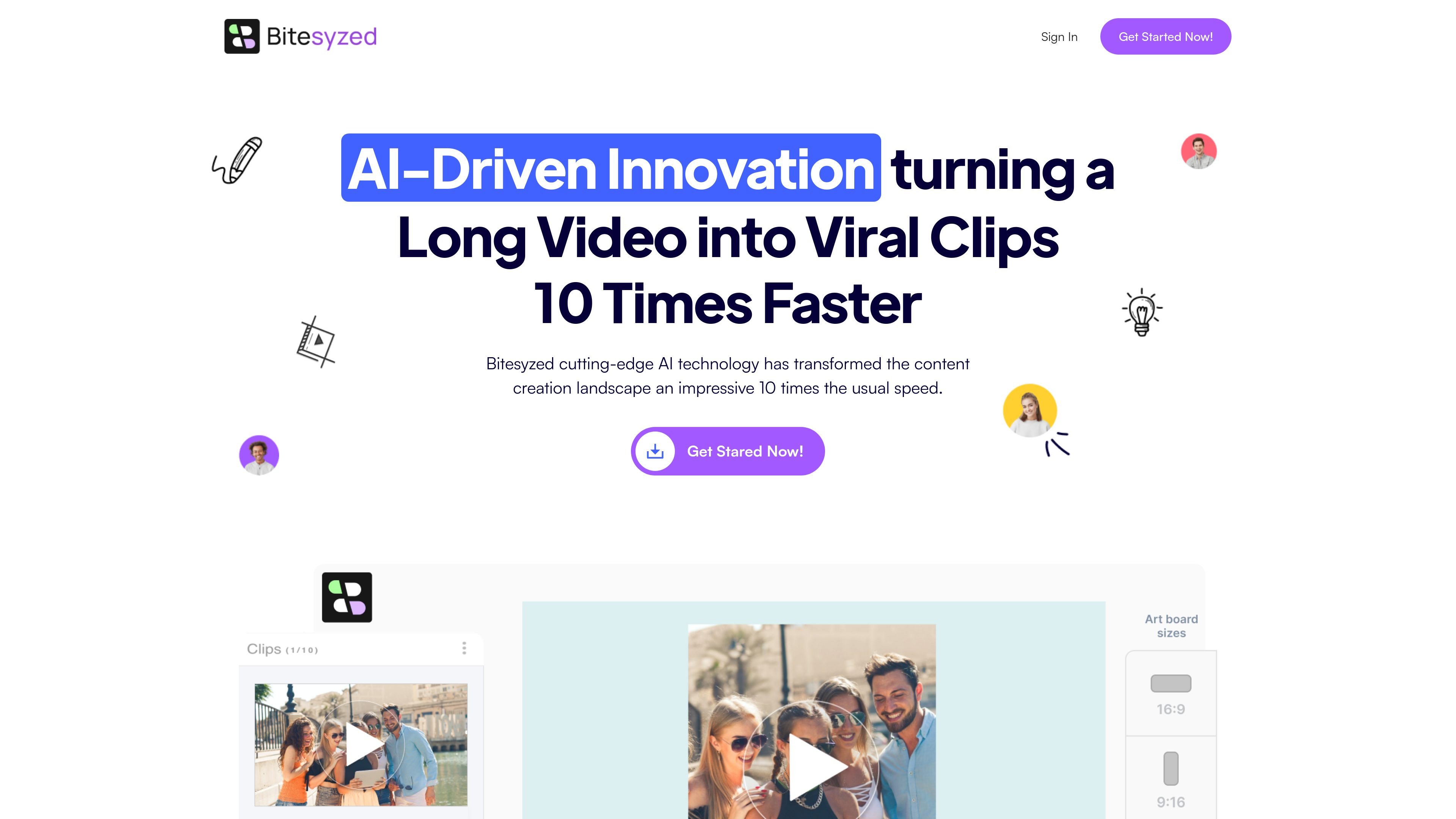
BiteSyzed is an AI-powered video repurposing tool that turns longer videos into shorter clips. The site positions it as a way to extract useful or “viral” moments from raw footage with minimal manual editing.
The published pages describe a workflow centered on uploading a video, letting the AI analyze and segment the content, and exporting clips for sharing. Supported outputs include shorter video segments, subtitles or captions, multiple aspect ratios, and AI-generated descriptions and hashtags.
Upload your own videos or bring in content from YouTube into Bitesyzed Creative Studio before repurposing it.
The platform uses AI analysis to identify and assemble clips from raw footage automatically.
Generate shorter segments from a long video so the output is easier to publish and reuse.
Produce subtitles or captions in different languages for the generated clips.
Export clips in different aspect ratios for use on social media platforms.
Add AI-generated descriptions and hashtags when exporting clips.
Take a long recording and turn it into shorter clips for social channels without manual cutting, slicing, and merging.
Prepare content for different platforms by exporting clips in the aspect ratio that fits the destination format.
Create captioned clips for viewers who need subtitles or for markets where different languages are useful.
Generate clip descriptions and hashtags at export time to speed up publishing workflows.
Use YouTube videos as source material by downloading them into the creative studio before editing.
BiteSyzed is presented as an AI-powered video repurposing tool that turns long videos into shorter clips. The source materials do not show a separate onboarding guide, so the main workflow appears to be uploading a video, repurposing it with AI, and exporting the clips.
The homepage says you can upload your videos or download from YouTube into Bitesyzed Creative Studio, then repurpose the footage and export clips in different aspect ratios for sharing.
The source text says BiteSyzed can generate subtitles or captions in different languages and create AI-generated descriptions and hashtags for exported clips.
The pages mention exporting clips in different aspect ratios for social media platforms, but they do not list specific integrations or publishing destinations.
A pricing page exists, but the captured page content only shows a verification screen, so the source does not provide pricing details.