
Essential photo editing
Crop, resize, balance exposure, and apply other basic edits through a simple web-based editor built for quick changes and more detailed adjustments.
BeFunky is an online photo editor, collage maker, and graphic design platform for users who want to edit images, build collages, and create simple designs in one browser-based workflow. It offers free tools alongside Plus and Pro subscriptions for premium features and advanced batch editing.
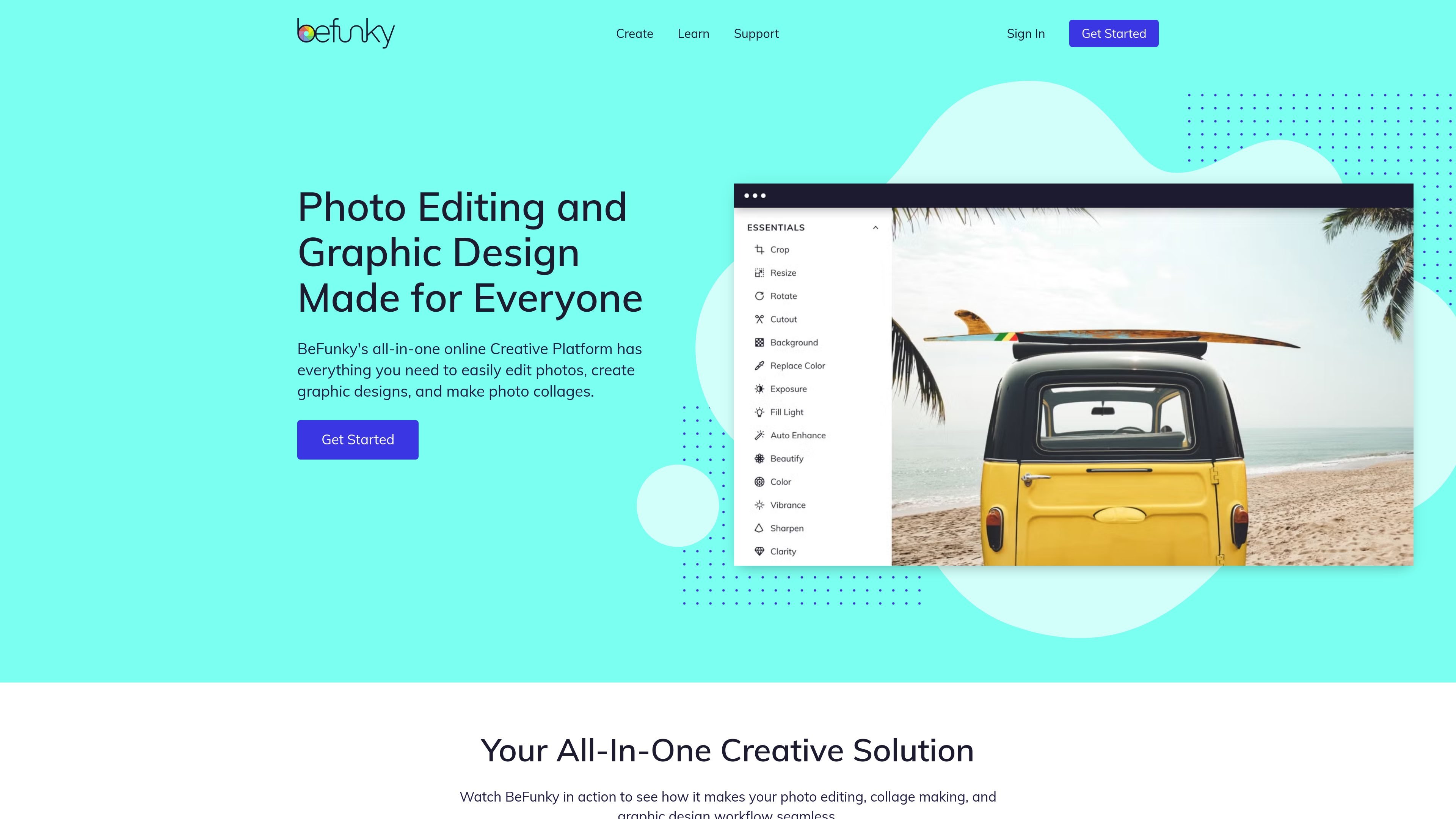
BeFunky is an online photo editor, collage maker, and graphic design platform. It brings photo editing, collage creation, and template-based design into a single browser app, with additional access through mobile apps on iOS and Android.
The product focuses on making common creative tasks straightforward: users can crop, resize, enhance, retouch, remove backgrounds, turn photos into art, and build collages or graphic designs without needing desktop software. A free tier is available for many tools, while Plus and Pro subscriptions unlock premium features and advanced batch workflows.
Crop, resize, balance exposure, and apply other basic edits through a simple web-based editor built for quick changes and more detailed adjustments.
Use AI-powered tools to remove backgrounds, expand borders, upscale images, restore old photos, and enhance underexposed shots with fewer manual steps.
Convert photos into stylized artwork with effects such as Cartoonizer, oil painting, sketch, and watercolor, plus other artistic filters.
Create collages with drag-and-drop layouts or the Collage Wizard, which can build a layout automatically from uploaded photos.
Design graphics with professionally made templates, vector graphics, icons, fonts, and drag-and-drop editing for projects like social posts, invitations, and flyers.
Batch edit multiple images in one workflow, with Pro adding batch AI editing and batch background removal for larger jobs.
Make fast photo adjustments such as cropping, resizing, exposure correction, and retouching before publishing or sharing images.
Build social posts, invitations, posters, or flyers from templates and customizable design elements without starting from scratch.
Assemble travel recaps, event highlights, mood boards, or vision boards using grid layouts or the Collage Wizard.
Process multiple images together in a repeatable workflow, especially when resizing or applying the same edits across a batch.
Create product images, portraits, or stylized visuals by removing backgrounds, adding text, or converting photos into art.
Yes. BeFunky’s pricing page says many tools are free to use or preview for free, while premium features require a subscription.
BeFunky says Plus is a good fit for everyday photo editing and design, while Pro is intended for more advanced workflows such as batch AI editing and batch background removal.
BeFunky can be used on smartphone, computer, and tablet. The pricing page says subscriptions work across supported devices when you are signed in.
The photo editor is browser-based and the site also offers a mobile app for iOS and Android, so users can edit online or on a supported mobile device.
BeFunky says you can cancel a Plus subscription at any time, and access to premium features continues until the end of the current billing cycle.