
Cross-device content monitoring
Monitor texts, email, YouTube, social media, web searches, and saved photos and videos so parents can review potentially concerning activity across common kid devices and services.

Bark App is a parental controls app for families that want to monitor kids' online activity and manage screen time, app access, and location from one parent dashboard. It supports iPhone, Android, Chromebook, computer, and Fire tablet devices.
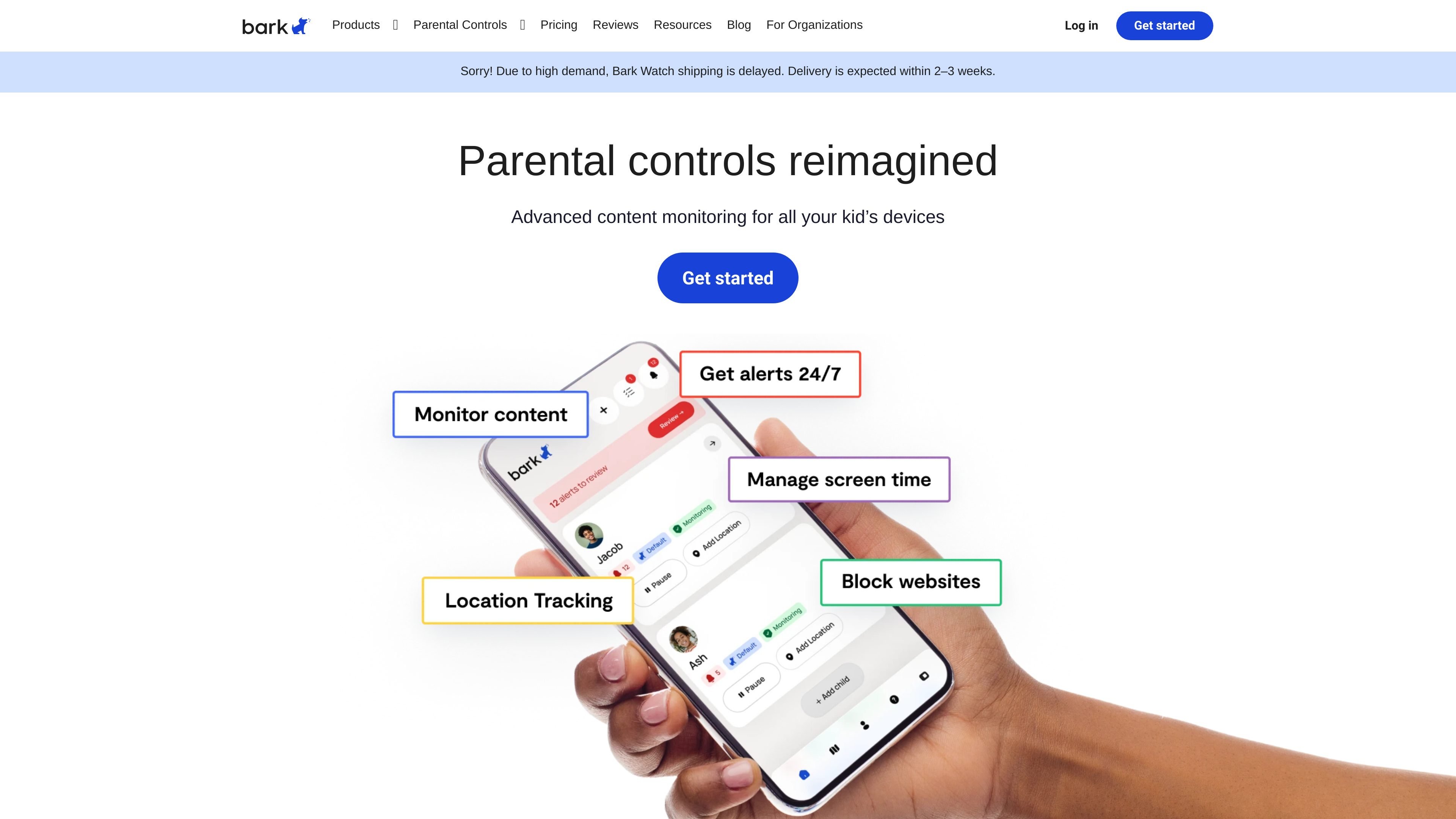
Bark App is a parental controls app that helps families monitor a child's digital activity and manage access to devices and online content. It is positioned for iPhones, Android phones and tablets, Chromebooks, laptops, computers, and Amazon Fire tablets, with the parent managing settings from a separate parent app.
The product focuses on alerts and controls rather than full-time remote management. Bark says it scans texts, email, YouTube, web searches, social media, and photos and videos for potential dangers, then lets parents block apps or websites, set screen time schedules, and track location from one dashboard.
Monitor texts, email, YouTube, social media, web searches, and saved photos and videos so parents can review potentially concerning activity across common kid devices and services.
Send alerts for dangers such as cyberbullying, online predators, suicidal ideation, violence, and sexual content using Bark's AI-based scanning and context awareness.
Track a child's location in real time, with location alerts and check-ins to help parents know where their child is and how they are getting there.
Block websites and apps, set screen time schedules, and pause the internet from the parent app to manage access and routines.
Manage settings from the Bark parent app, including one-tap changes through the Bark Assistant, so parents can adjust rules without juggling separate tools.
Cover multiple children and devices under one subscription, with the product page stating there is no limit on accounts, devices, or kids.
Use Bark App to watch for concerning messages, searches, or social posts while giving a child access to everyday devices at home or school.
Use the location tools to see where a child is and receive alerts or check-ins when they are traveling, walking, biking, or driving.
Use screen time schedules and app or website blocking to pause distracting apps during school hours or at bedtime.
Use the family subscription to manage several children and devices from one parent account without splitting tools across households.
Use the setup workflow when you want to install monitoring on a child device, connect the account, and then adjust controls from the parent app.
The Bark app works on iPhones, iPads, Android phones, Android tablets, laptops, computers, Chromebooks, and Amazon Fire tablets. The pricing page also notes that the app adds monitoring and parental controls to iPhones, Androids, tablets, and more.
The Bark app uses a single subscription for the family, with no limit on accounts, devices, or kids. The pricing page lists Android at $14/month or $99/year and iOS at $20/month or $148/year, with Bark Sync included for iPhone and iPad monitoring.
The setup flow shown on the product page is: install the child app, connect accounts, and then customize controls from the parent app. Bark says you may need password information for app monitoring.
Bark scans texts, email, YouTube, 30+ apps and platforms, web searches, and saved photos and videos. It sends alerts for issues such as cyberbullying, online predators, suicidal ideation, and other dangerous content.
The product page describes live GPS tracking, location alerts, and check-ins, plus screen time management and website/app blocking from the parent app.