
Photo-based color matching
Find the closest matching color from your set when you click a point on a reference photo, or get step-by-step guidance for mixing it using atomic or optical mixing.

ArtistAssistApp is a browser-based painting and drawing assistant for reference photos, with color matching, outlines, grids, tonal studies, limited palettes, and photo adjustments.
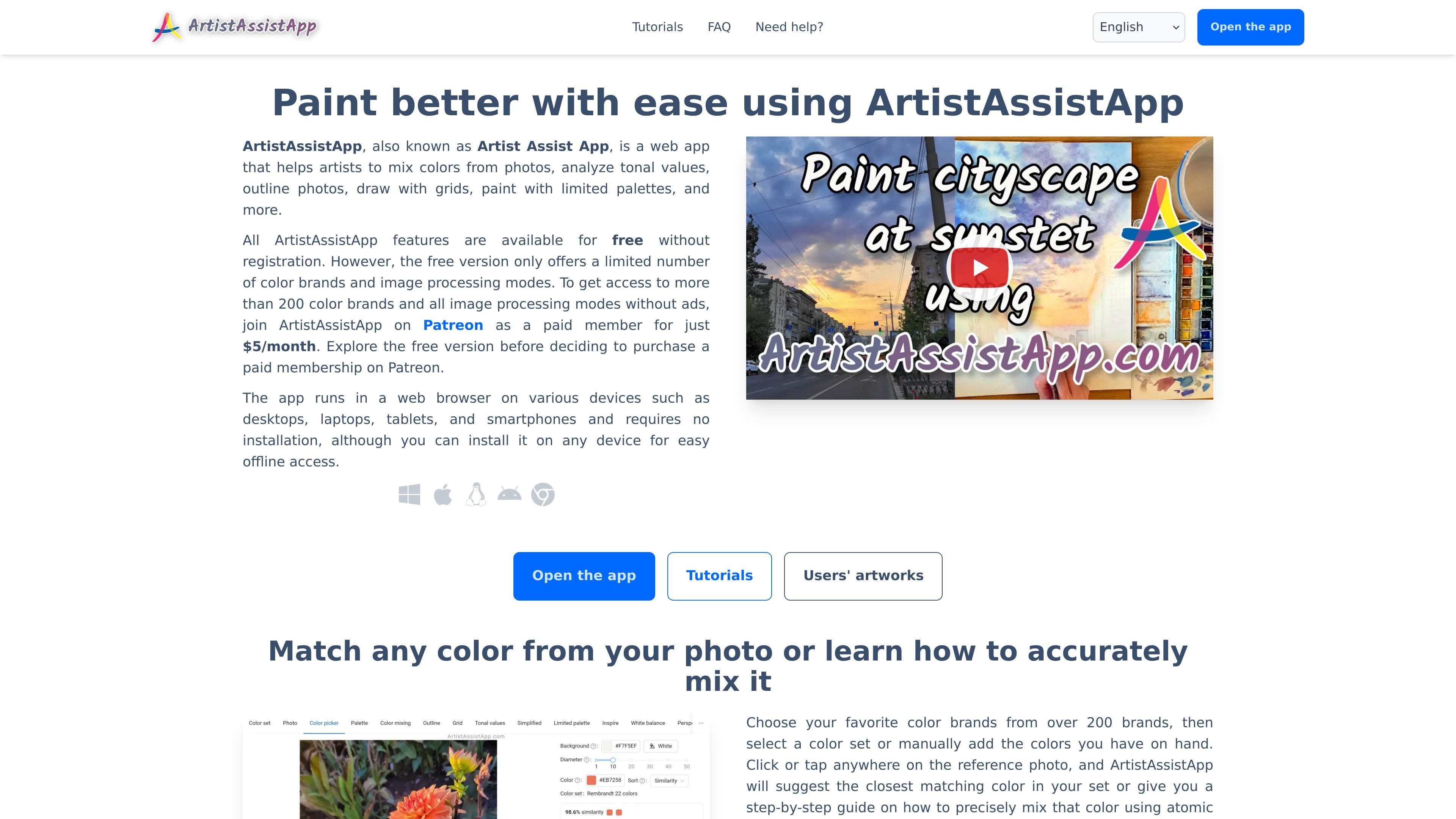
ArtistAssistApp is a web app for painters and drawing students that combines color matching, color mixing, photo simplification, outline generation, grid drawing, tonal value analysis, and image adjustment tools in one browser-based workspace.
It is designed to help artists work from reference photos more accurately and efficiently, whether they are matching a color, tracing an image, planning a limited palette painting, or preparing a painting photo for sharing.
Find the closest matching color from your set when you click a point on a reference photo, or get step-by-step guidance for mixing it using atomic or optical mixing.
Compare and mix colors from specific brands in chosen proportions, with support for dilution and tinting to simulate real paint behavior.
Save favorite mixtures in palettes, name them, and keep track of the photo point where each color was sampled.
Convert reference photos into printable outlines or grid layouts for tracing and accurate redrawing.
Create tonal value sketches, smooth photo details, and preview limited-palette versions to study light, shadow, and simplification.
Apply artistic styles, adjust white balance and color, remove backgrounds, and compare photos in pairs for workflow support.
Sample colors from a photo, match them against your chosen paint brands, or get a guided mixing recipe before you start painting.
Trace an outline or draw a grid over a reference image, then print it for use in a studio or classroom setup.
Study light and shadow by generating tonal value sketches or smoothing away detail to focus on large shapes and proportions.
Preview a reference photo with a limited palette or artistic style transfer to explore atmosphere and color relationships before painting.
Adjust white balance, saturation, and color settings on photos of finished artwork before posting or sharing them.
ArtistAssistApp is a web app that helps artists with color matching and mixing, tonal value studies, photo outlining, grid drawing, limited palettes, image style transfer, white balance adjustment, background removal, and photo comparison.
Yes. The free version is available without registration, but it includes only a limited number of color brands and image processing modes. The full version is available through Patreon for $5/month.
ArtistAssistApp runs in a web browser on desktops, laptops, tablets, and smartphones. It can also be installed on any device for offline access.
The app supports watercolor, gouache, acrylic paint, oil paint, colored pencils, watercolor pencils, soft pastel, hard pastel, pastel pencils, oil pastel, acrylic markers, and acrylic gouache.
You can use it without registration for the free version. Access to the full version requires logging in through Patreon, and paid members can cancel through Patreon at any time.