
Multi-model AI chat
Access a range of models from one interface, including ChatGPT, Claude, Grok, DeepSeek, Qwen, Llama, Gemma, and others. This is positioned as a single place to switch between models for different tasks.

AmigoChat is a multi-model AI assistant for text, image, music and video tasks across browser, desktop, mobile and Telegram, with encryption and deletion controls.
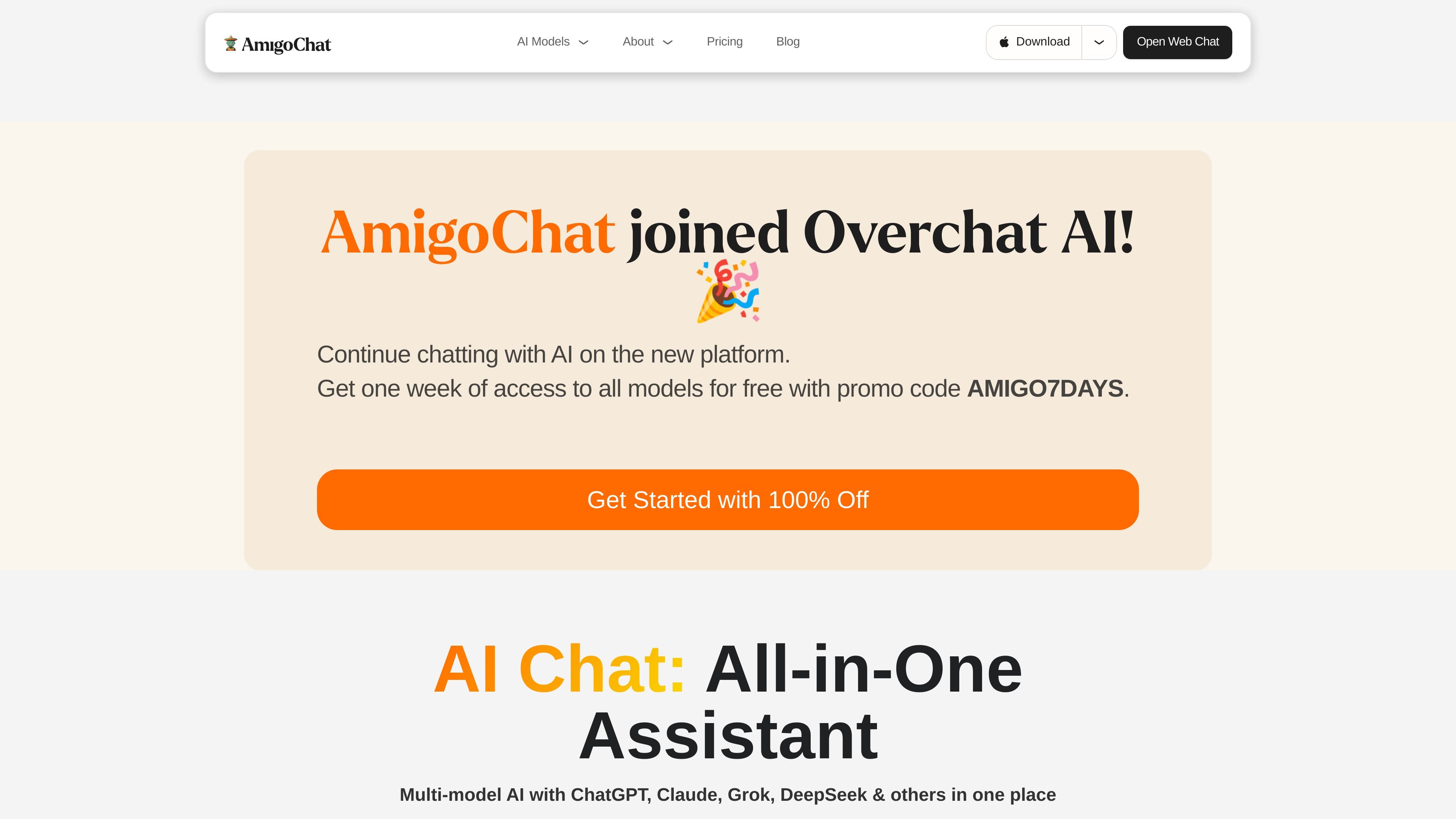
AmigoChat is a multi-model AI chat product that brings several AI systems into one interface for everyday tasks. The homepage frames it as an all-in-one assistant for text, images, code, music, and video, with model choices that include ChatGPT, Claude, Grok, DeepSeek, Qwen, Llama, Gemini, and others.
The site presents AmigoChat as usable in the browser and through downloadable apps for desktop and mobile platforms. It also highlights privacy-oriented messaging, including end-to-end encryption, no training on customer data, and the ability to delete conversations and data.
Access a range of models from one interface, including ChatGPT, Claude, Grok, DeepSeek, Qwen, Llama, Gemma, and others. This is positioned as a single place to switch between models for different tasks.
Generate text for common writing tasks such as emails, names, books, lyrics, captions, stories, words, and sentences. The site presents these as preset creation paths rather than a blank prompt only.
Create images in several styles, including anime, cartoon, realistic, cyberpunk, poster, Pixar-style, photorealistic, and 3D. The homepage groups these styles under an image generator.
Use music-related generators for songs, rap, singing, celebrity voice, voice, background music, and text-to-audio output. The site also includes music-cover generation as part of the same area.
Generate video formats such as text-to-video, image-to-video, avatars, GIFs, travel videos, reels, TikToks, and Shorts. This points to short-form social video support rather than only general video generation.
Use the app on multiple platforms, with download options shown for Windows, macOS, Linux, Android, and iOS, plus browser-based chat and a Telegram entry point.
Use the chat interface for drafting emails, rewriting text, brainstorming names, or asking general questions when you want access to several models from one place.
Choose the image tools when you need styled visual output such as anime art, posters, photorealistic images, or concept-style illustrations.
Use the code-oriented model options for coding help, debugging, or script generation, especially when you want to compare responses from different models.
Create short-form social content such as reels, TikToks, Shorts, GIFs, or travel videos from prompts or images when the goal is quick content production.
Use the platform on mobile, desktop, or in Telegram when you want AI assistance across devices instead of staying in a single web session.
AmigoChat is presented as a multi-model AI assistant for chat-based tasks. The source says it can help with text generation, image generation, coding, marketing, and other everyday workflows.
The source indicates that no registration is required to start using the AI chat, but the visible subscription page is a separate ChatGPT/Overchat AI page and does not provide AmigoChat pricing details.
AmigoChat can be used in a browser through the open web chat, and the site also promotes downloads for Windows, macOS, Linux, iOS, and Android.
The homepage lists text, image, music, and video generators, plus a broad set of models including ChatGPT, Claude, Grok, DeepSeek, Qwen, Llama, and Gemini variants.
The site says conversations are end-to-end encrypted, that customer data is not used to train AI models, and that users can delete conversations and data.