
Automatic size cropping
Upload a photo and let the tool automatically crop it to the document size required for the selected photo type.

AiPassportPhotos formats passport and visa photos online for U.S. passport, U.S. visa, and baby passport needs with digital and printable downloads.
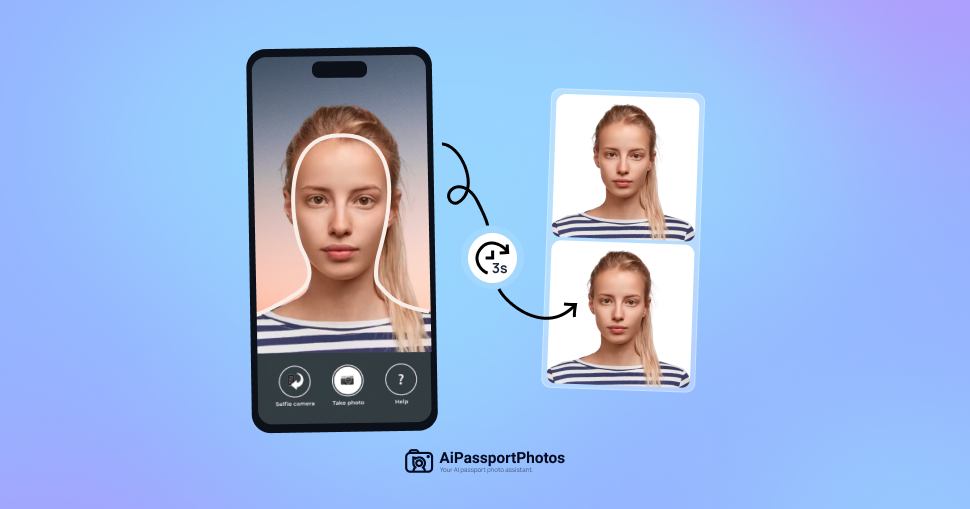
AiPassportPhotos is an online passport photo maker focused on helping people prepare passport and visa photos from home. The site says it automatically resizes and formats uploaded images to match official requirements for supported document types.
The product page positions the tool around three main tasks: uploading a photo, adjusting it to the selected document specification, and downloading a digital or printable result. The rendered pages also show support for U.S. passport photos, U.S. visa photos, baby passport photos, and a larger set of country- and document-specific photo formats.
For U.S. passport photos, the source includes specification details such as a 2 x 2 inch size, 301 dpi resolution, printable output, and a workflow designed to reduce manual editing. The site also describes the service as suitable for users who want to prepare compliant photos without visiting a studio.
Upload a photo and let the tool automatically crop it to the document size required for the selected photo type.
The source says the tool adjusts the background, centers the face, and formats the photo to match official requirements.
For U.S. passport photos, the site provides specification details such as 2 x 2 inch size, 301 dpi resolution, and printable output.
After processing, the site says you can download digital passport photos and printable templates free of charge.
The homepage lists many document and country photo types, including U.S. passport, U.S. visa, baby passport, green card, and multiple international formats.
The site presents a step-by-step workflow: upload an image, crop size automatically, save the printable template, then cut it out and use it.
A traveler can upload a recent photo, choose the U.S. passport option, and have the image formatted to the documented size and resolution requirements before downloading it.
Someone applying for a visa can use the U.S. visa photo option or another supported country/document format to match the required dimensions without manual editing.
Parents can use the baby passport photo workflow to format a child’s image for passport use from home rather than booking a photo appointment.
Users who need a printed result can download the processed image and use the printable template to get the photo printed elsewhere.
People who want a quick home workflow can take a photo with a phone, upload it, and let the site crop and format it automatically.
Yes. The source describes AiPassportPhotos as an online passport photo maker that uploads an image, crops it to the required size automatically, saves a printable template, and lets you download digital passport photos in the required format.
The source says the tool automatically corrects, adjusts, and resizes photos to create compliant passport-size images. For U.S. passport photos, it also lists size and image-definition requirements such as 2 x 2 inches and 301 dpi on the product page.
The site says you can take a photo with a cellphone rear camera, upload it to the site, select the document type, and then download the processed photo after it is formatted.
The source supports U.S. passport photos, U.S. visa photos, baby passport photos, and a broad list of other document photo types and country formats shown on the homepage.
The pricing page is present, but the rendered text provided here does not include any specific prices or plan limits, so those details cannot be confirmed from the source.