
Unlimited timeline editing
Upload clips or generate new scenes, then arrange them on an unlimited-length timeline with frame-by-frame control.

Story.com’s AI Video Editor is a timeline-based editor for filmmakers and creators, combining uploaded footage, AI-generated scenes, and editing assistance.
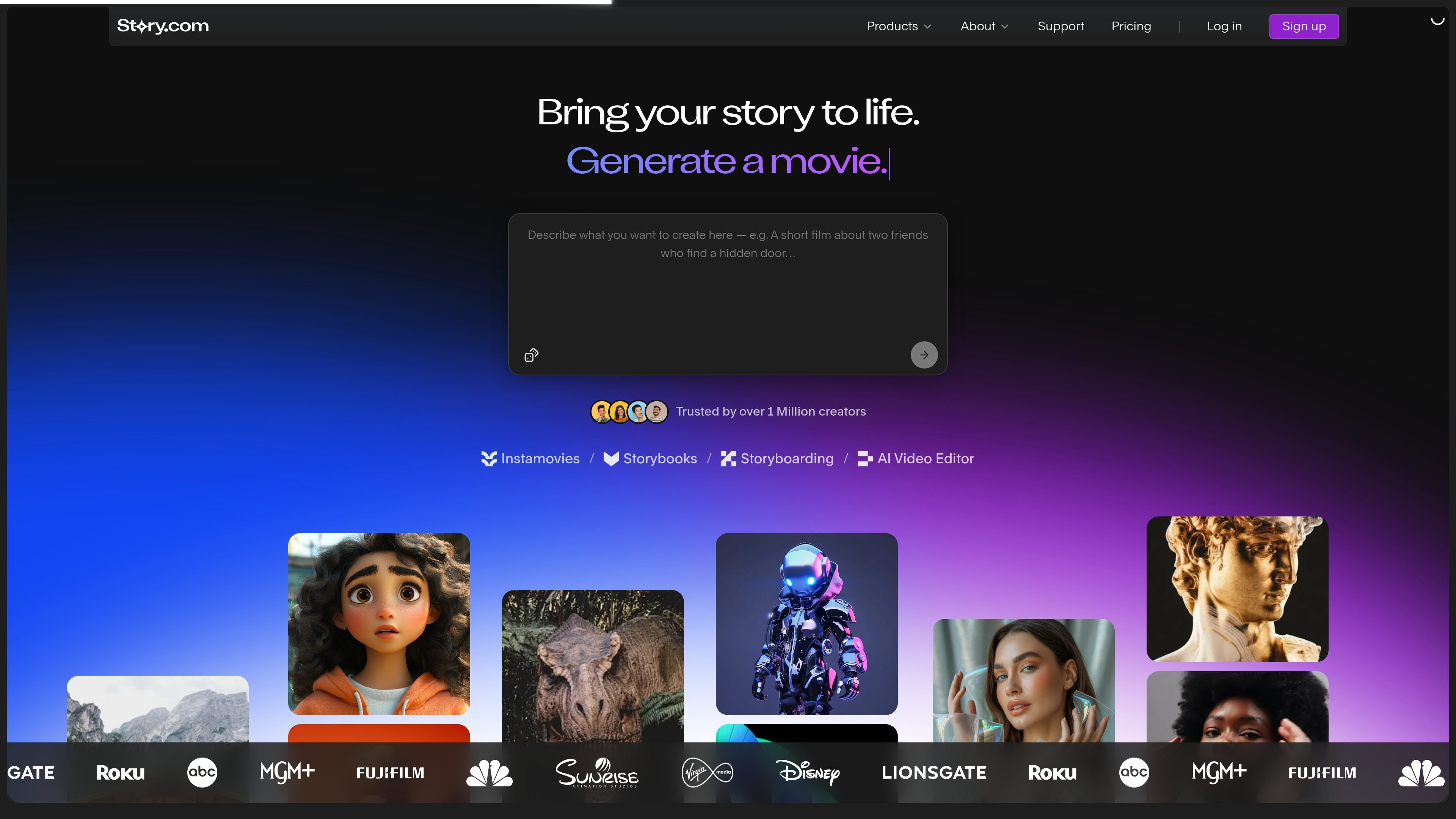
AI Video Editor is Story.com’s timeline-based editing product for filmmakers and creators who want to combine traditional editing controls with AI assistance. It supports projects of varying length, from short social clips to feature-length films, and is presented as a tool for people who want to edit without needing deep prior experience.
The editor lets you upload footage or generate scenes, then work on an unlimited timeline with frame-level control. Story.com also describes an integrated movie agent that suggests edits while you keep control over the final cut, along with tools for voiceovers, subtitles, and other finishing steps.
Upload clips or generate new scenes, then arrange them on an unlimited-length timeline with frame-by-frame control.
Use the integrated movie agent for edit suggestions such as trimming scenes, adding transitions, and refining dialogue emphasis.
Add or generate narration, dialogue, voiceovers, music, and sound effects inside the editor.
Import your own video, image, and audio files and mix them with AI-generated scenes in one project.
Supported file formats listed on the product page include MP4, MOV, AVI, JPG, PNG, MP3, and WAV.
The editor is positioned for projects from short clips to feature-length films, including documentaries and narrative work.
Build documentaries or longer narrative projects that need detailed timeline control, scene sequencing, and iterative refinement.
Combine generated scenes with uploaded footage when a project needs both original assets and AI-assisted visuals.
Add voiceovers, subtitles, and audio mixing to rough cuts without moving into a separate toolchain.
Start editing with little prior experience while relying on the movie agent for suggestions and workflow guidance.
Refine social clips, explainers, or commercial edits when the goal is quick turnaround with more control than a basic auto-editor.
Story.com uses pay-per-use billing. You add funds to a wallet first, and costs are deducted as you generate content. There are no subscriptions or monthly fees, and different products are billed differently.
The wallet balance is your available generation credit. The site says balances do not expire, so you can use the funds whenever you need them.
You can top up through the pricing page using major credit cards via Stripe. Funds are added to your account instantly.
Story.com accepts major credit cards and secure online payments via Stripe. The site also says users can pay in their local currency.
The platform is organized around four products: Instamovies, Storybook Publisher, AI Video Editor, and Storyboarding. The FAQ text says each product has its own billing method and cost structure.
Los datos de tráfico son solo como referencia.
| abr | 234016 |
|---|---|
| may | 278545 |
| jun | 218122 |