
Text scanning
Paste text into the detector and run a scan on up to 5,000 words at a time. The homepage also promotes unlimited-word AI checking as a core positioning statement.

Free AI Checker Tool for pasted text, files, and URLs. Get sentence-level scores and downloadable reports to review AI-generated patterns.
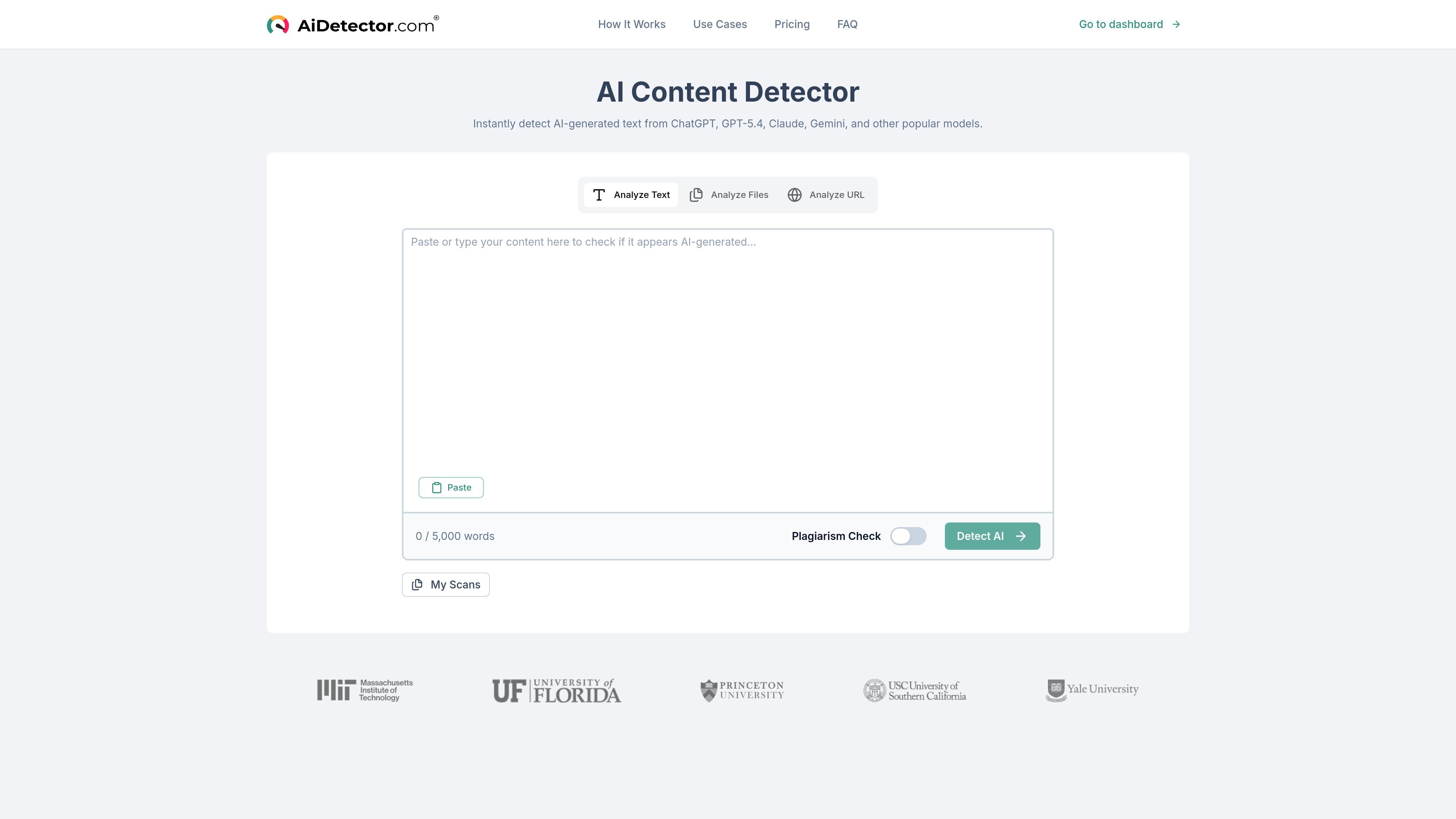
AI Checker Tool is a web-based AI detector that checks whether text appears human-written or AI-generated. The homepage positions it as a free checker with unlimited words and says it can analyze pasted text, files, and URLs.
The product highlights sentence-by-sentence analysis, overall probability scores, and color-coded results. It also says the detector can recognize text from ChatGPT, GPT-4, Claude, Gemini, and other popular models, and that free scans do not require a credit card.
Paste text into the detector and run a scan on up to 5,000 words at a time. The homepage also promotes unlimited-word AI checking as a core positioning statement.
Submit a file for analysis instead of copying text manually. The site explicitly lists file analysis as a supported workflow.
Check content through a URL-based workflow when the text lives on a webpage. This supports review of published or web-hosted content.
Review results at the sentence level with color-coded labels, overall AI probability, and confidence scores. The page shows example outputs such as likely AI, mixed, and likely human.
Export detailed PDF reports for documentation and compliance use cases. The homepage describes these reports as downloadable.
Review scans in a personal area labeled 'My Scans'. The page shows this as part of the workflow for returning to past checks.
Check essays, assignments, or submissions for AI-like patterns before grading or review. The page specifically calls out teachers, educators, and academic integrity.
Review drafts, articles, and other written assets before publishing. The site positions the detector for content writers who want to verify originality.
Scan marketing copy and external communications for a human-readable style before distribution. The business section frames the tool around authenticity and compliance reporting.
Compare a URL or uploaded document against AI-detection results when the text is already published or stored elsewhere. The site lists both URL and file analysis as supported workflows.
Run a self-check on your own writing before submission or handoff. The page explicitly says students can check work before submitting and mentions unlimited self-checks.
The page says the detector can analyze pasted text, uploaded files, and URLs. It also presents sentence-by-sentence analysis, confidence scores, and exportable reports.
The site says it can detect AI-generated text from ChatGPT, GPT-4, Claude, Gemini, and other popular models. The homepage also references GPT-5.4 in the on-page text.
The homepage states that free scans require no credit card. The pricing page was not available, so any paid-plan details are not evidenced here.
The product presents sentence-level probability analysis with overall and per-sentence scores, a color-coded heatmap, and downloadable PDF reports.
The homepage is positioned for education, content creation, and business use, including teachers, students, writers, and companies. It does not provide enough evidence to confirm formal team controls beyond the features listed on the page.