
Messaging, calls, conferences, and files
Wire supports messaging, calls, conferencing, and file sharing in a single collaboration app, so teams can keep day-to-day communication in one place.

Wire is a secure messaging and collaboration platform for organizations, with encrypted chat, calls, conferencing, file sharing, and deployment options.
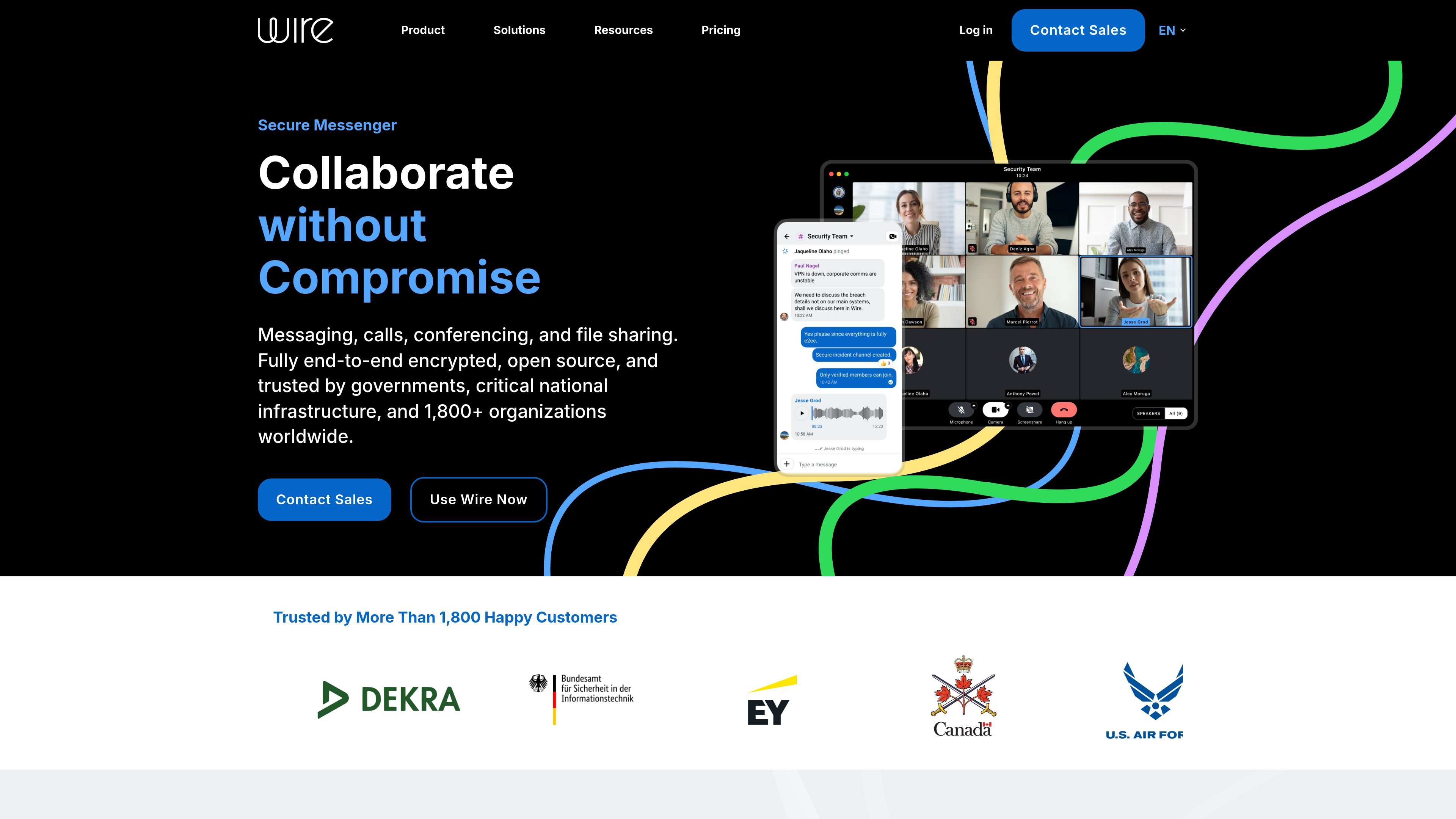
Wire is a secure messenger and collaboration platform for organizations that need encrypted communication across messaging, voice, video, and files. The product positions itself as a single app for teams, businesses, enterprises, and public-sector organizations that want to collaborate while keeping data protected.
The site emphasizes end-to-end encryption that is always on, with support for cloud deployment or self-hosting depending on plan and environment. Wire also highlights controls for identity, administration, guest access, and deployment, including SSO, SCIM, federated environments, and on-premises support for larger or more regulated organizations.
Wire supports messaging, calls, conferencing, and file sharing in a single collaboration app, so teams can keep day-to-day communication in one place.
Wire uses end-to-end encryption by default across chats, calls, and file sharing, with messaging-layer security described as open source and auditable.
Enterprise users get SAML-based single sign-on and SCIM support, plus administrative controls for managing users and configuration.
Wire supports collaboration with guests and external parties, including guest rooms, externals, and password-protected guest links for sensitive conversations.
The platform supports video conferences with up to 150 participants on SMB and up to 2,000 participants on Enterprise, with screen sharing and moderation features.
Wire is available on up to 8 devices and supports use of up to 3 accounts on one device, which helps people separate contexts without repeated logins.
Keep project communication, file exchange, and meeting coordination in one encrypted workspace instead of splitting work across separate tools.
Handle client conversations, legal work, financial exchanges, and other sensitive interactions with guest and external access controls.
Coordinate private discussions such as mergers and acquisitions, board communications, security operations, and sensitive negotiations.
Run encrypted video meetings for larger groups, using conferencing, screen sharing, and moderation features for live collaboration.
Use the Enterprise and government-oriented deployment options when the organization needs on-premises support, federation, or data-sovereignty controls.
Wire offers a free plan for small teams, SMB pricing for teams up to 100 people, and custom Enterprise and Partner plans. The pricing page also says Wire On-Premises is available by contacting sales.
The pricing page says Wire for Free includes collaboration essentials on all platforms and supports up to 8 devices. SMB and Enterprise plans add more administrative and deployment capabilities.
Wire for SMB adds video conferences, SSO and SCIM, administrative controls, feature configurations, and external and guest roles. The Enterprise page adds federation with Wire Cloud, ID Shield, full deployment support, data sovereignty, and multi-tenancy.
Wire can be deployed in the cloud or self-hosted, and the Enterprise page says it can even be deployed inside air-gapped environments.
Yes. The pricing page says teams can upgrade to Wire for Enterprise from their team account, and contact sales is available for custom plans and on-premises discussions.