
Multi-format import
Import EPUB, PDF, and Word files so notes can live alongside reading materials instead of in separate apps.

StarNote note-taking app for lifelong learners: import EPUB, PDF and Word files, highlight, annotate, tag, write and plan in one place.
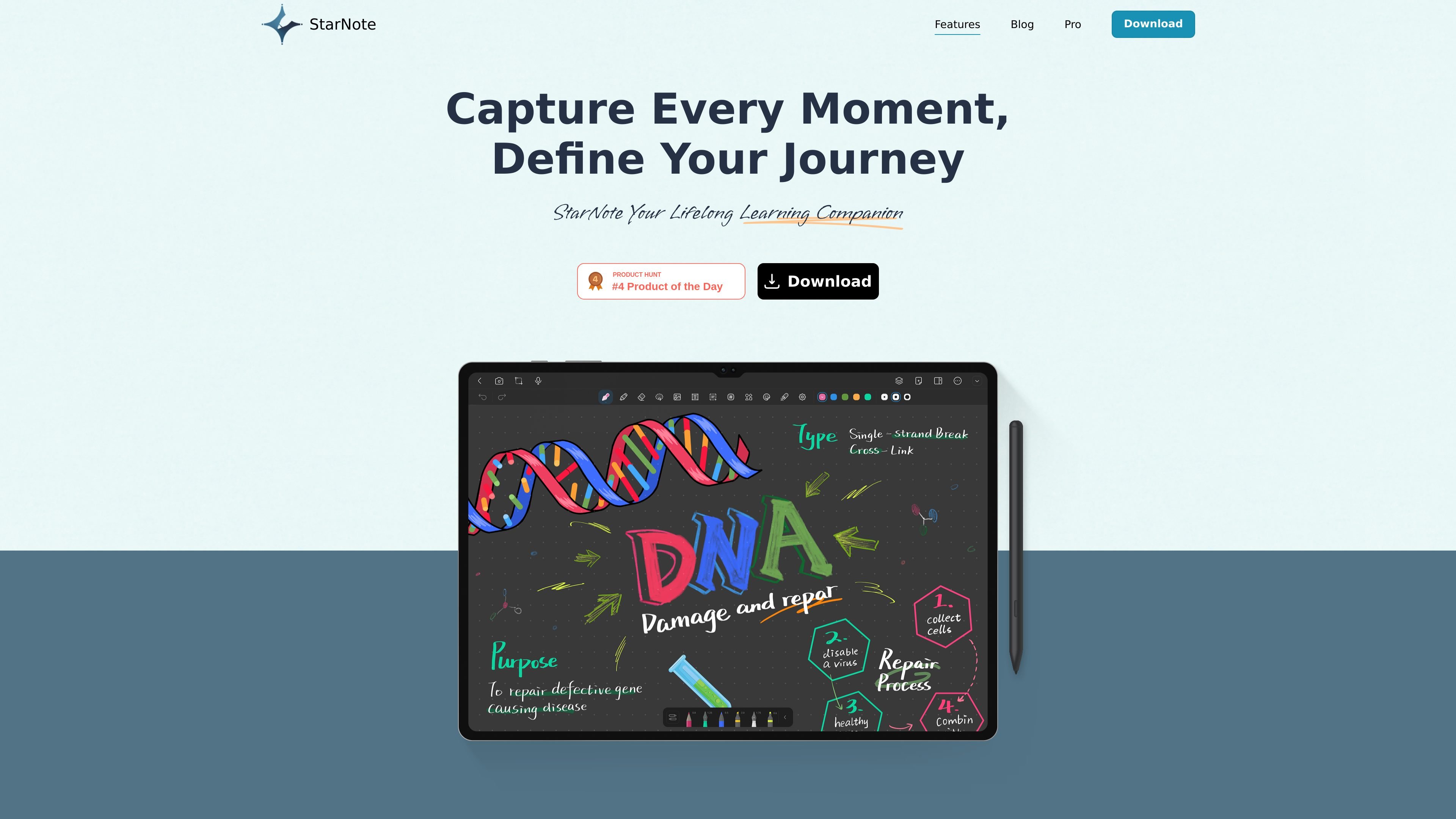
StarNote is a note-taking app positioned for lifelong learners who want to capture reading, writing, and planning in one place. The public site describes it as a tool for importing EPUB, PDF, and Word files, then highlighting, annotating, and tagging content during study or review.
The homepage also emphasizes smooth writing, expanded record space, and daily planner templates. Together, those details suggest a workflow centered on mixing reading notes, freeform writing, and lightweight planning inside a single app.
Import EPUB, PDF, and Word files so notes can live alongside reading materials instead of in separate apps.
Highlight, annotate, and tag content to organize reading notes and make later retrieval easier.
Expand the record space and write freely, giving more room for longer notes and open-ended drafts.
Daily planner templates provide a structured place to plan tasks and organize routines inside the same app.
Pro features include unlimited notebooks and unlimited recording duration, aimed at capturing and organizing more material without the site-defined limits shown in the public copy.
Pro also advertises handwriting recognition upgrade, scribble-to-erase, a material center, and custom themes for a more personalized note-taking workflow.
Import reading material into StarNote, then highlight and annotate passages while keeping tags for later review.
Use the expanded writing area to draft longer personal notes, outlines, or reflections without being constrained to a small page view.
Plan daily tasks in the built-in templates while keeping notes and reference material in the same workspace.
For users interested in Pro, store more notebooks and record more material as the public site describes unlimited notebooks and unlimited recording duration.
Switch to handwriting-focused workflows with handwriting recognition upgrade and scribble-to-erase where those Pro features are available.
StarNote is positioned as a note-taking app for lifelong learners. The site highlights importing EPUB, PDF, and Word files, plus highlighting, annotation, tagging, and daily planner templates.
The public site does not list a full platform matrix. The download page indicates there is a downloadable app, but supported operating systems are not stated in the provided text.
The source does not provide a pricing table. A pricing page path exists, but it returns a 404 in the collected evidence, so pricing details are not available here.
The site surfaces Pro-related features such as unlimited notebooks, unlimited recording duration, handwriting recognition upgrade, scribble-to-erase, a material center, and custom themes. The evidence does not show full team, collaboration, or admin features.